Features
Everything the book needs, in one place
Plan the story, write it, and turn it into finished files, without moving it between tools. Each feature below says which plan it is on.
An editor built for a book, not a document
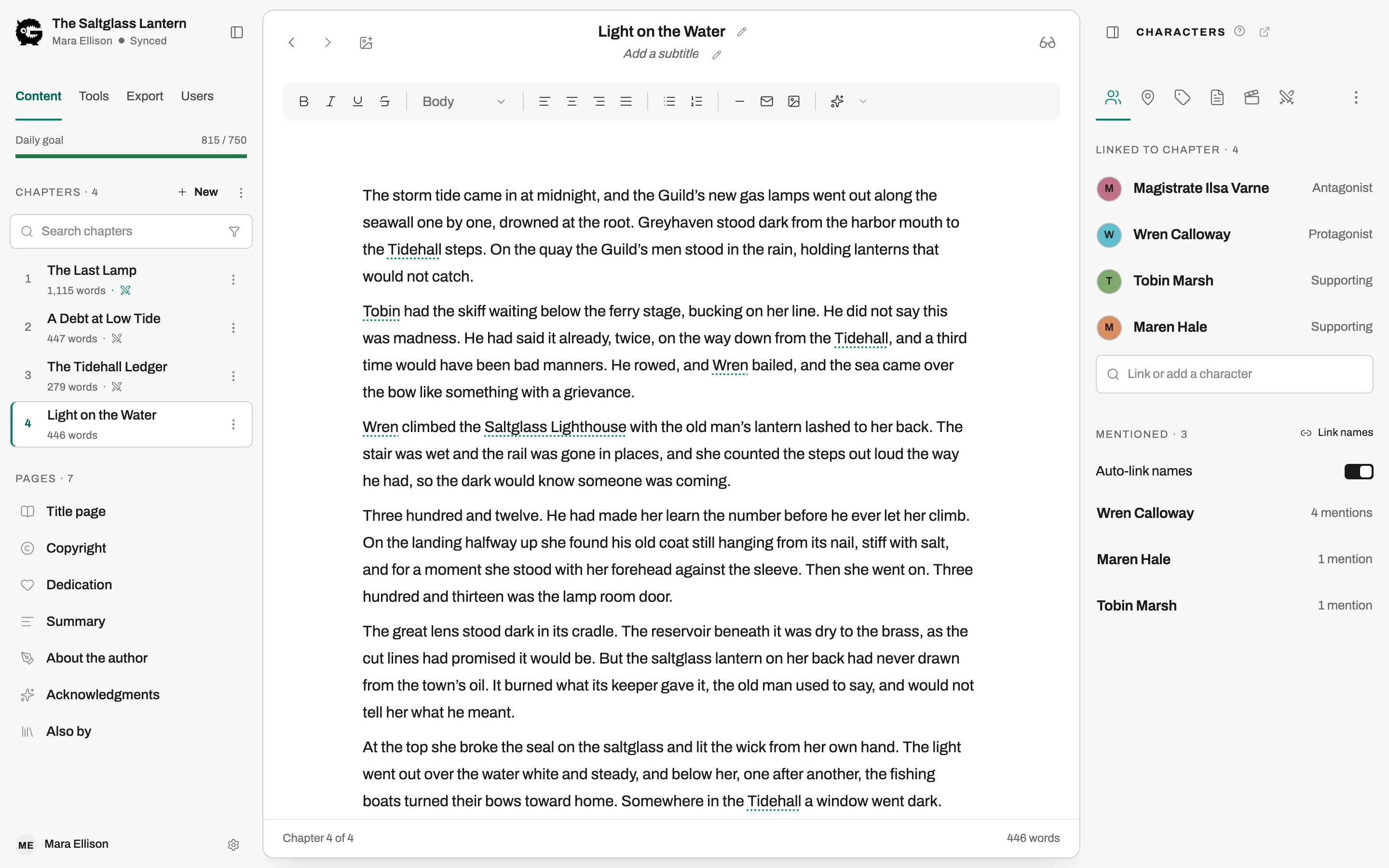
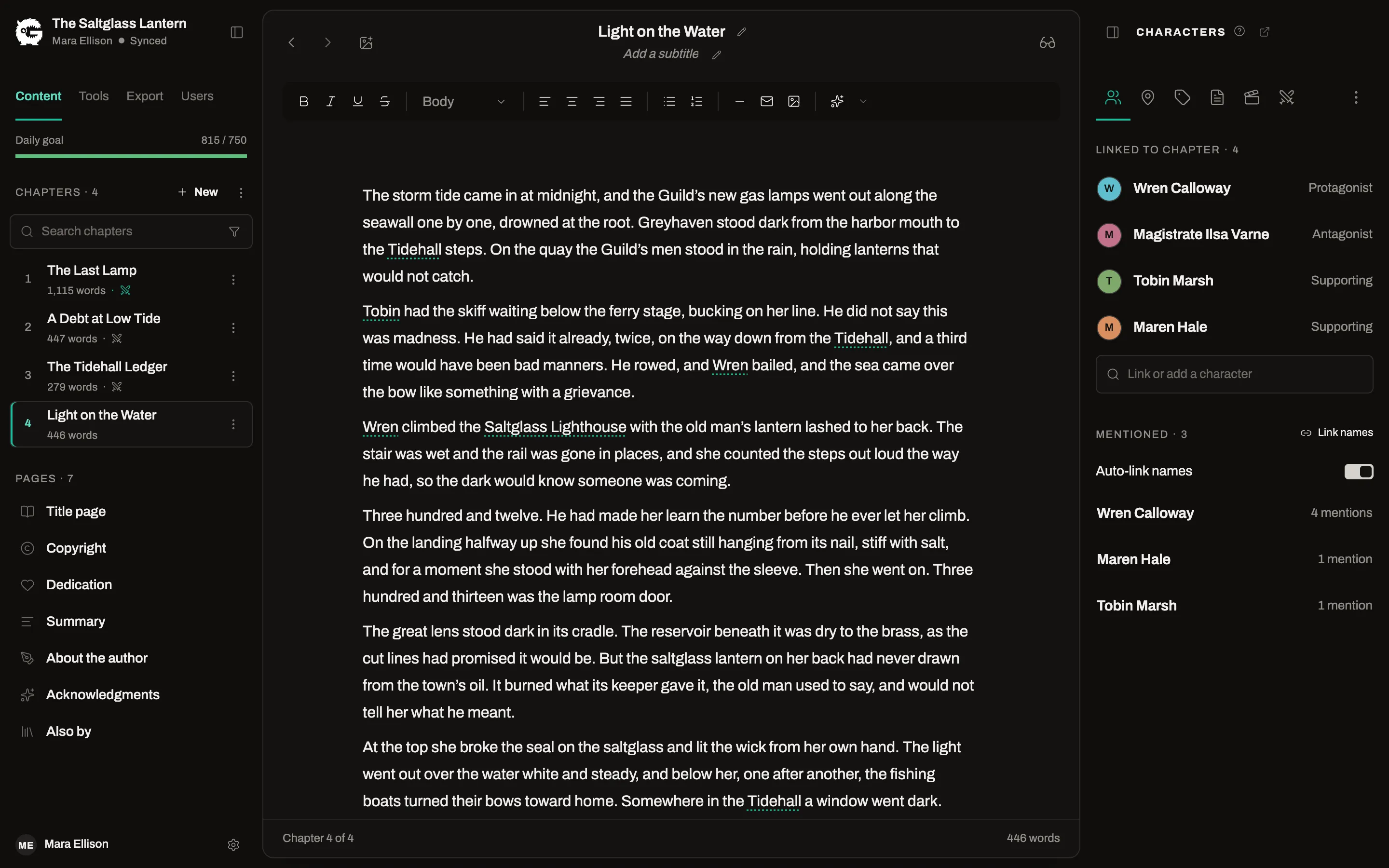
Chapters, parts, and front and back matter are separate things that know what they are, so you write in order and the export knows how to typeset each one.
Chapter editor
Free and ProWrite in a clean rich-text editor. Add, rename and reorder chapters, group them into parts, and give a chapter a subtitle or a heading image.
Focus mode
Free and ProHide the chapter list and the side panels and leave only the page you are writing.
Revisions
Free and ProSave a version of a chapter, compare any two word by word, and restore the one you want.
Notes, tags and chapter search
Free and ProKeep notes beside the chapter they belong to, tag chapters, and filter a long book down to the chapters you need.
Writing goals
Free and ProSet a daily word target and a deadline for a book. The dashboard shows your streak and activity, and each book shows whether you are on pace.
Letters and messages
Free and ProSet an in-world letter or message apart from the prose. Giving those blocks their own font and background is Pro.
Images in the text
ProPlace images inside a chapter, or add a full-page image or a two-page spread between chapters.
Write on a tablet
Free and ProOn a tablet or a phone the app switches to a touch-sized layout for drafting. Planning and export tools stay on the desktop.
Plan the story where you write it
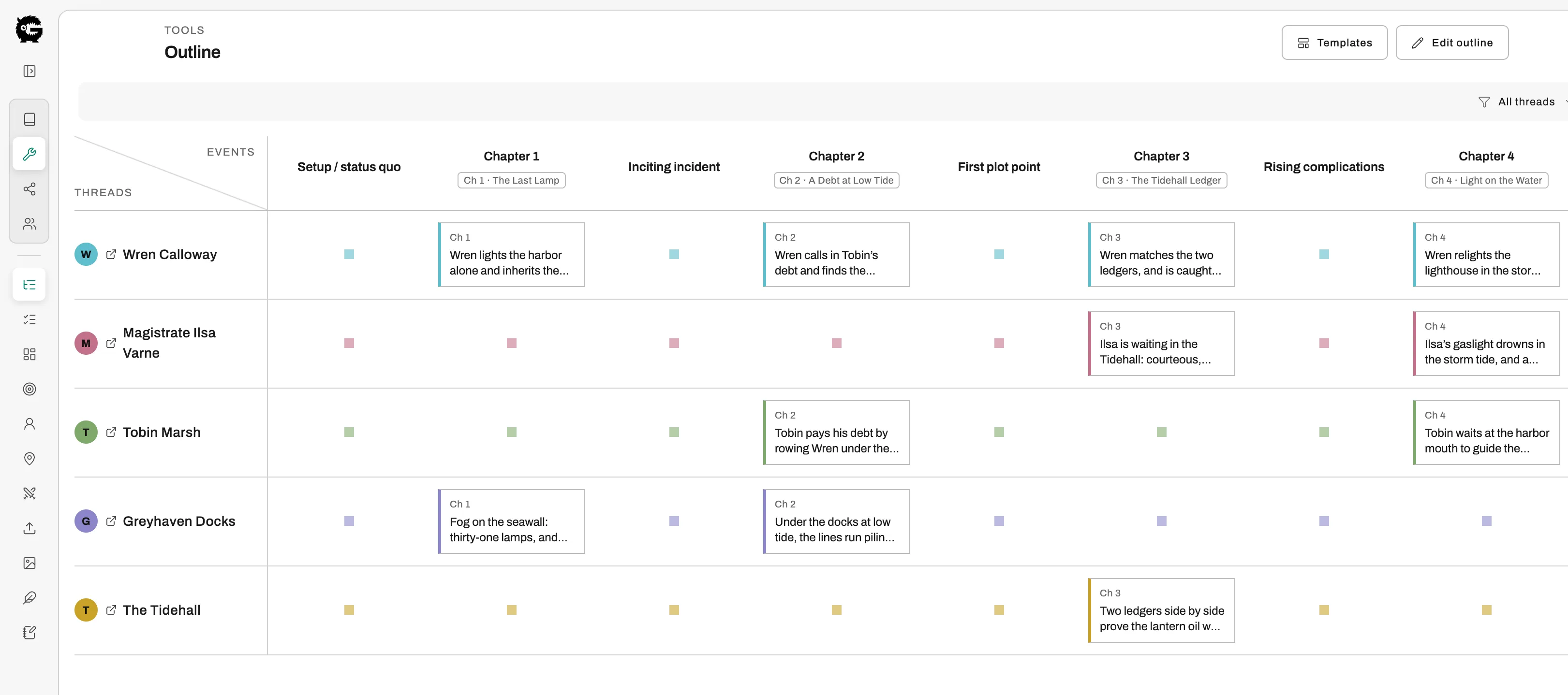
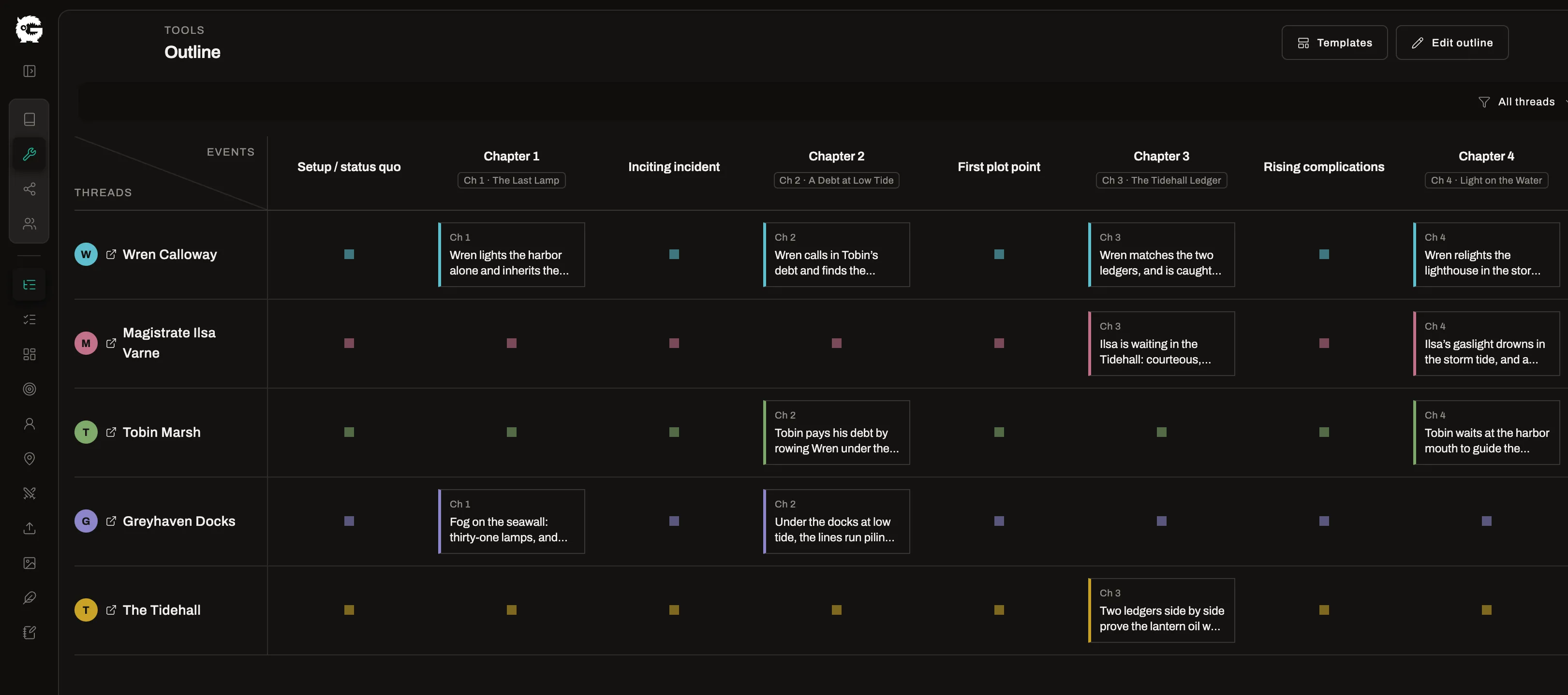
The outline, the beats and the board all link to the same chapters and characters, so the plan stays next to the manuscript.
Outline
Free and ProLay out story threads against events in a grid, and link each thread to a character or location and each event to a chapter.
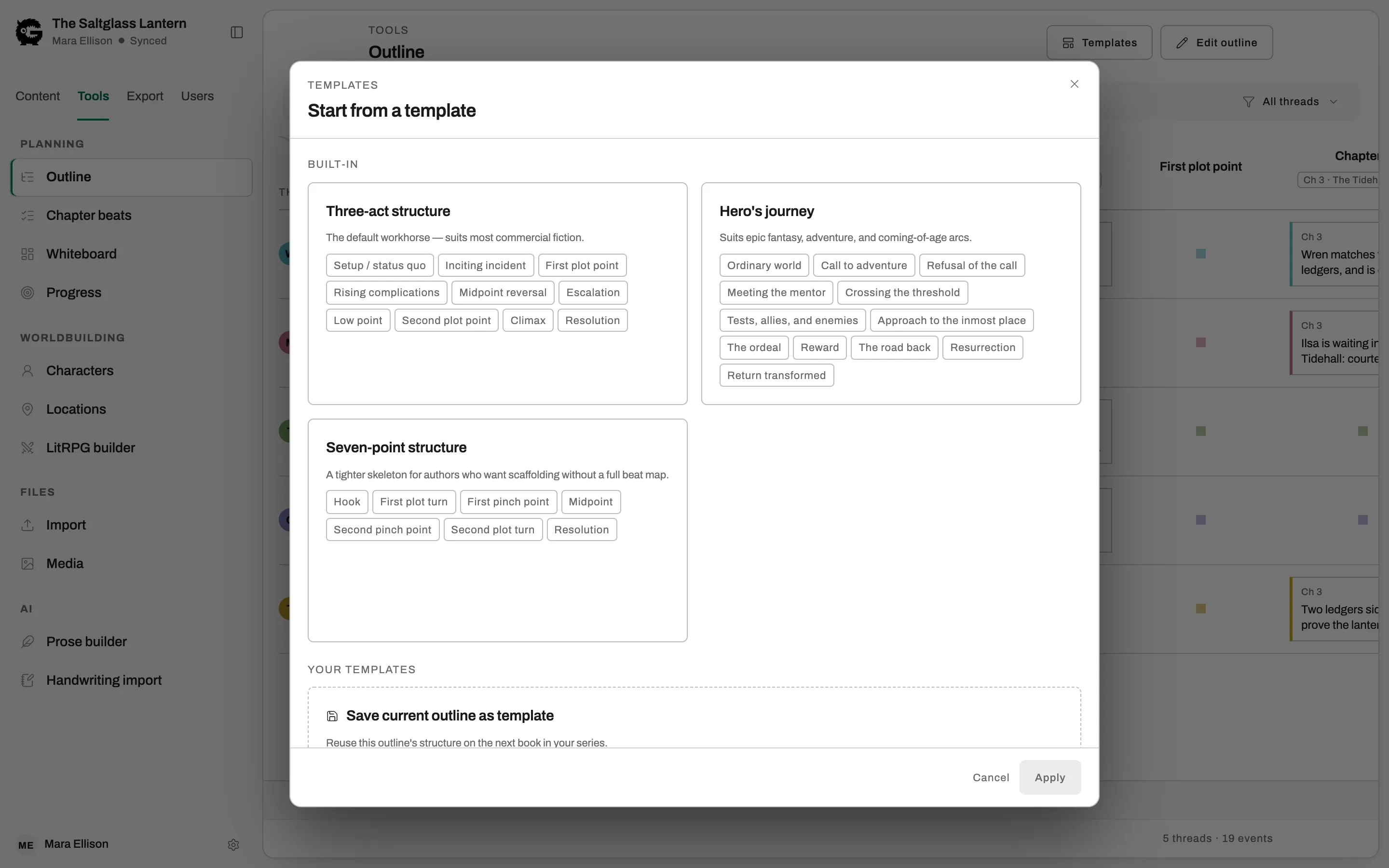
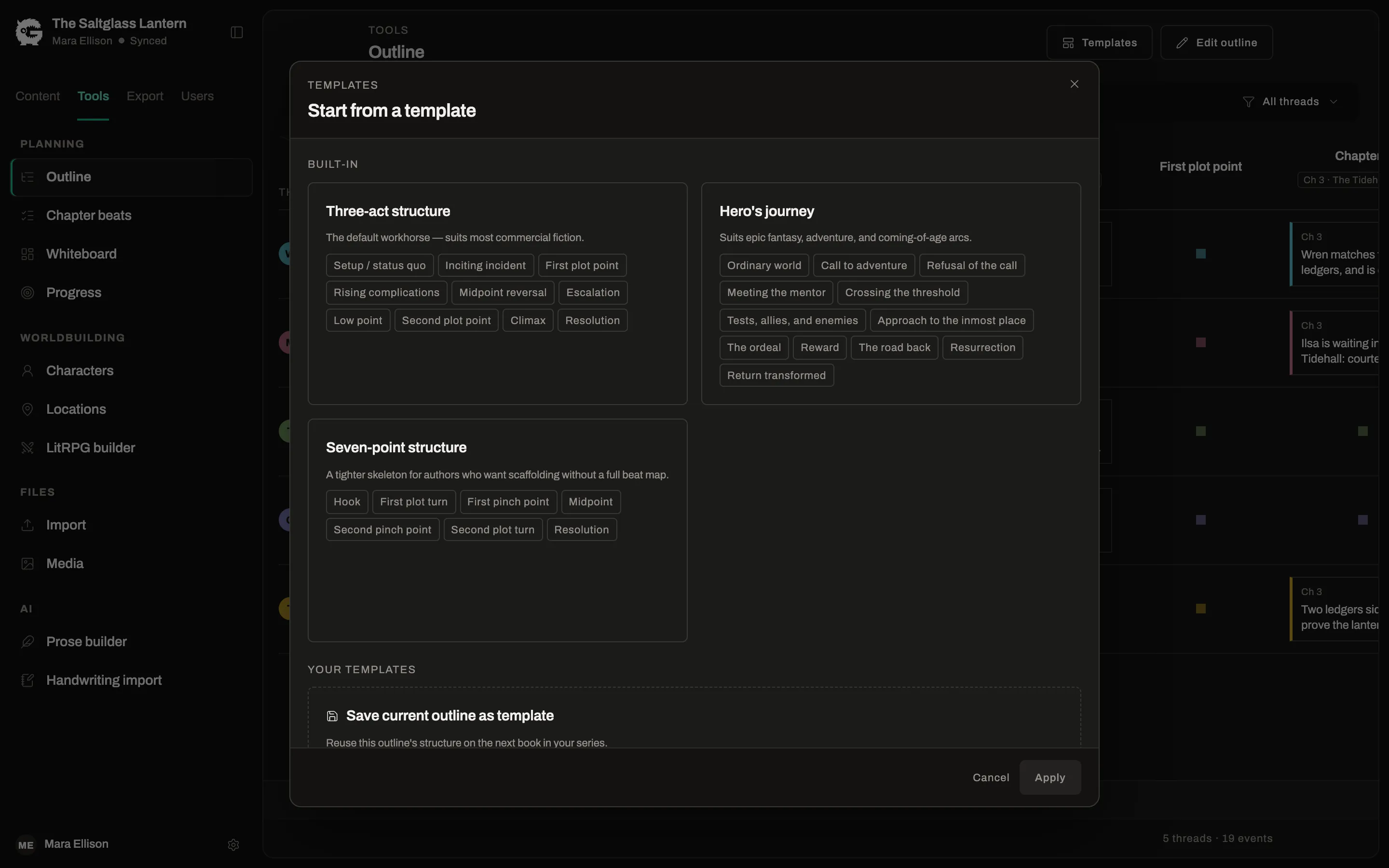
Beat-sheet templates
Free and ProStart from Three-Act, Hero’s Journey or Seven-Point structure. Saving and reusing your own templates is Pro.
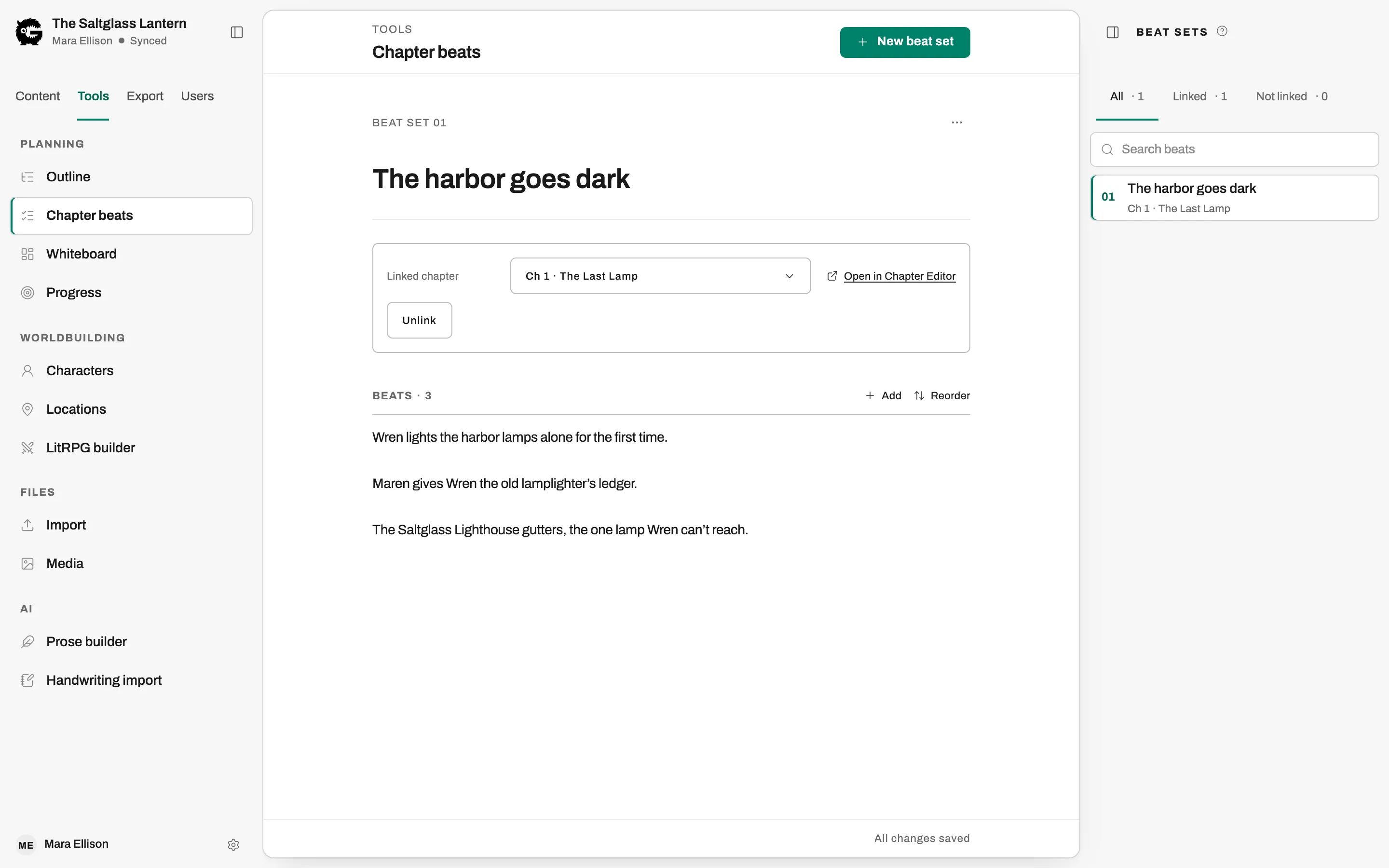
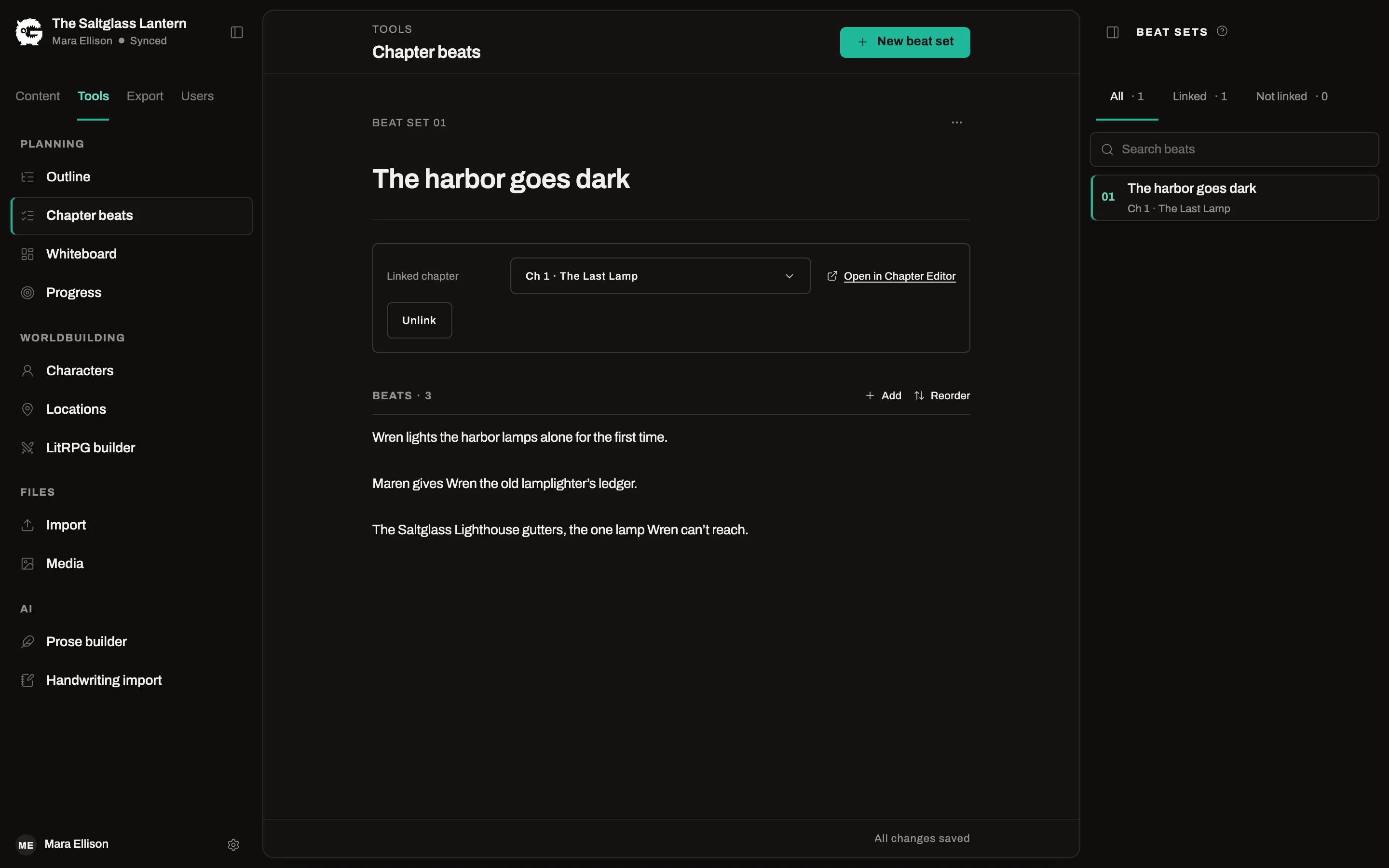
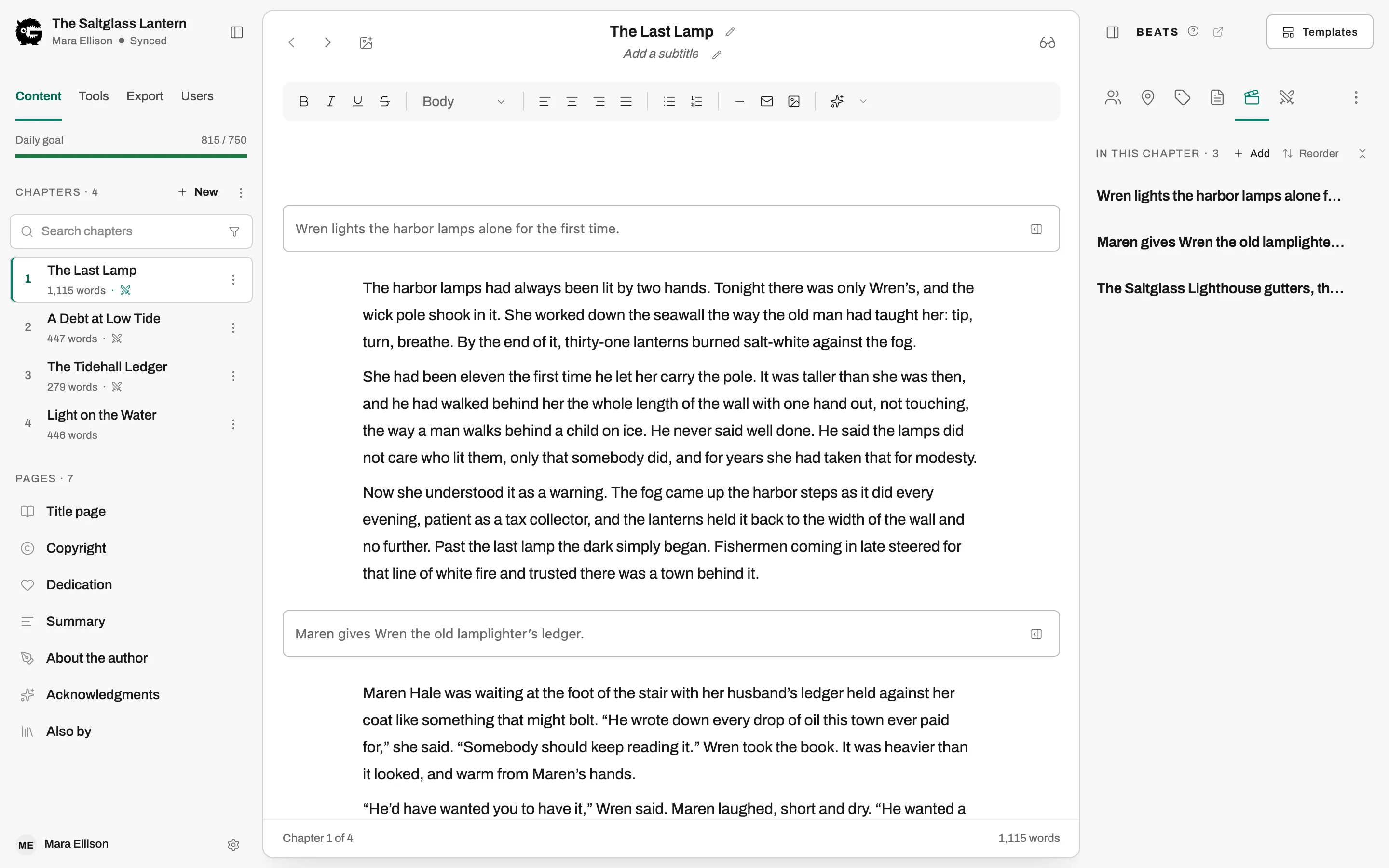
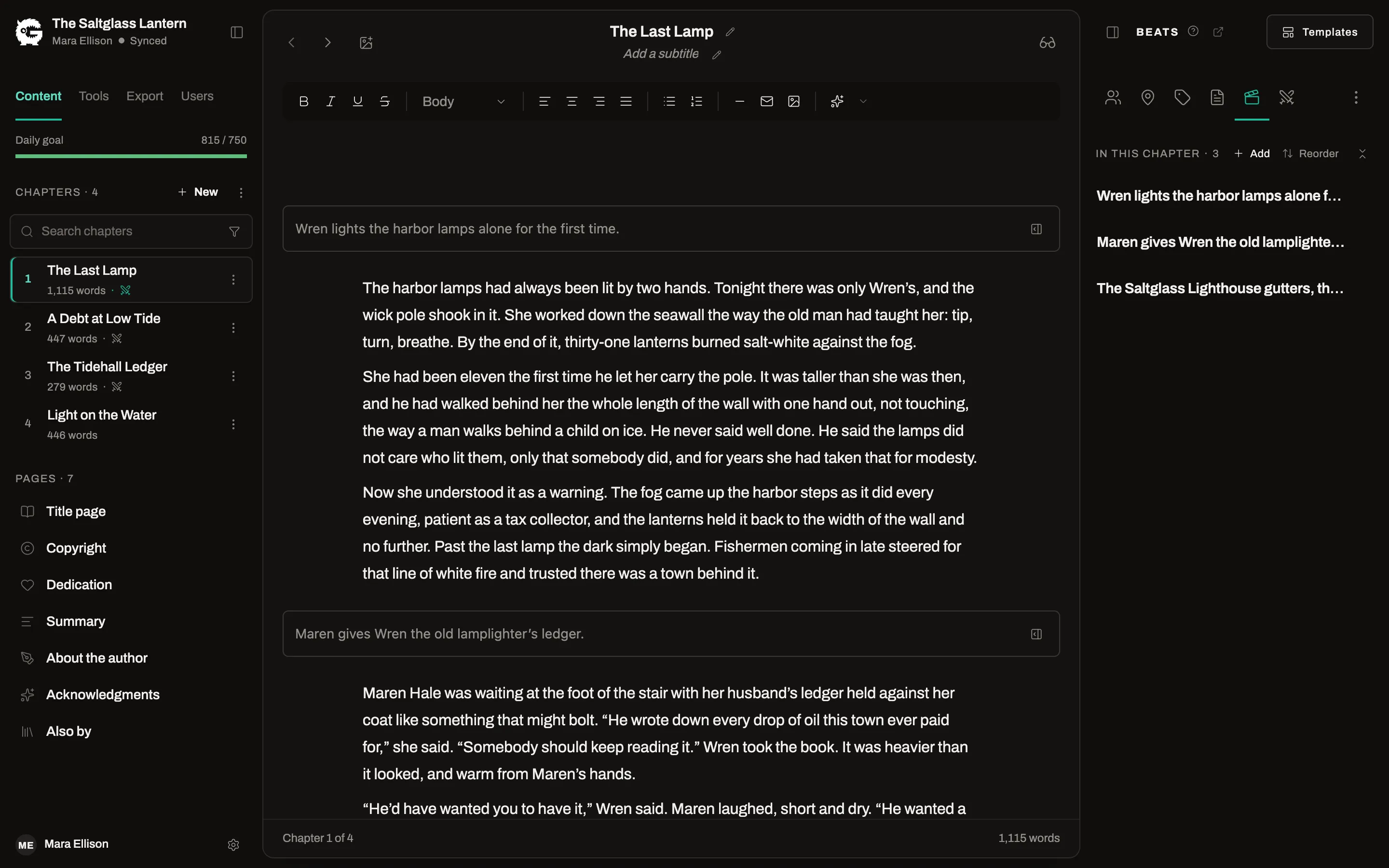
Chapter beats
Free and ProBreak a chapter into beats before you draft it, keep them in a panel beside the text, and see every chapter’s beats on one page.
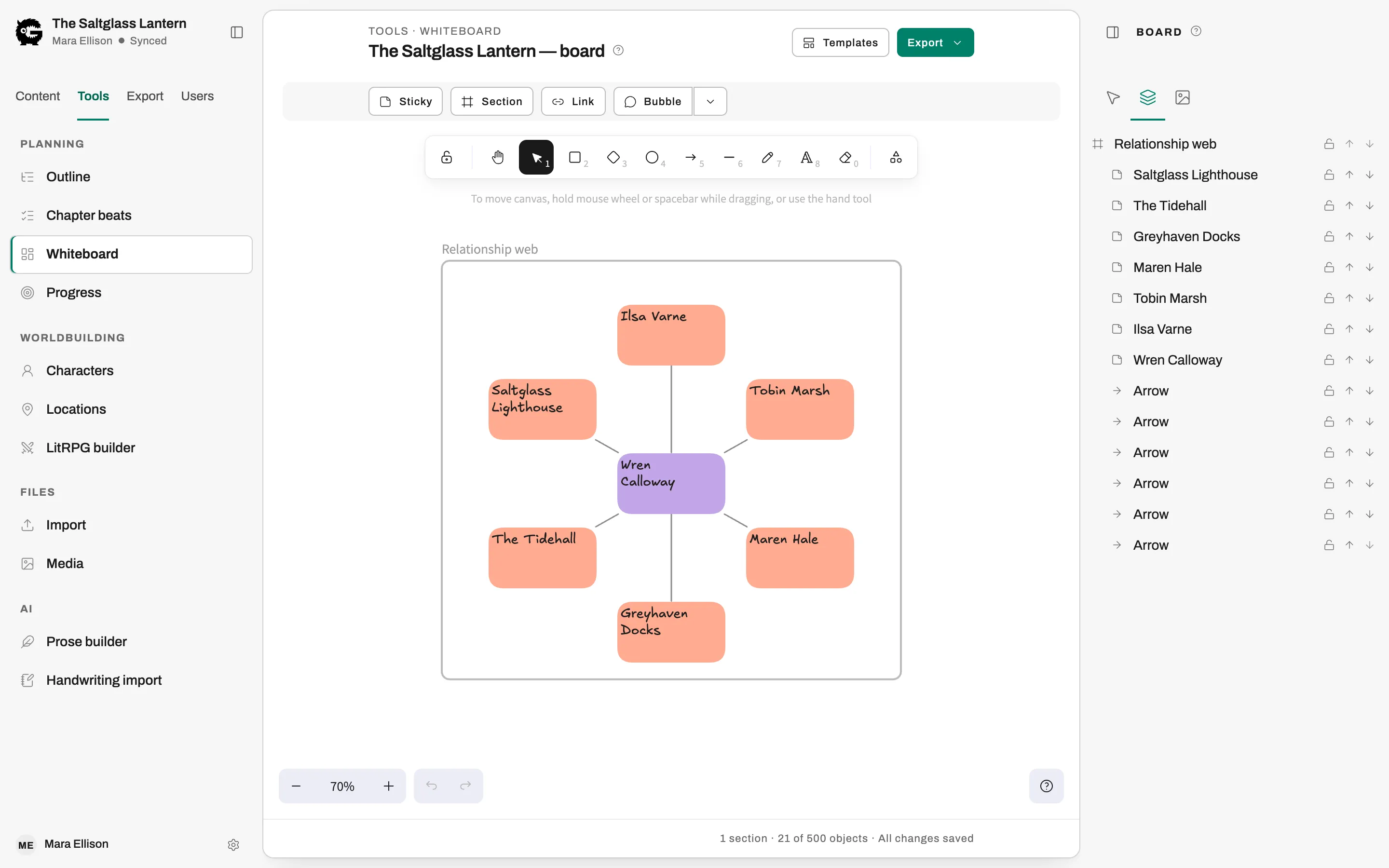
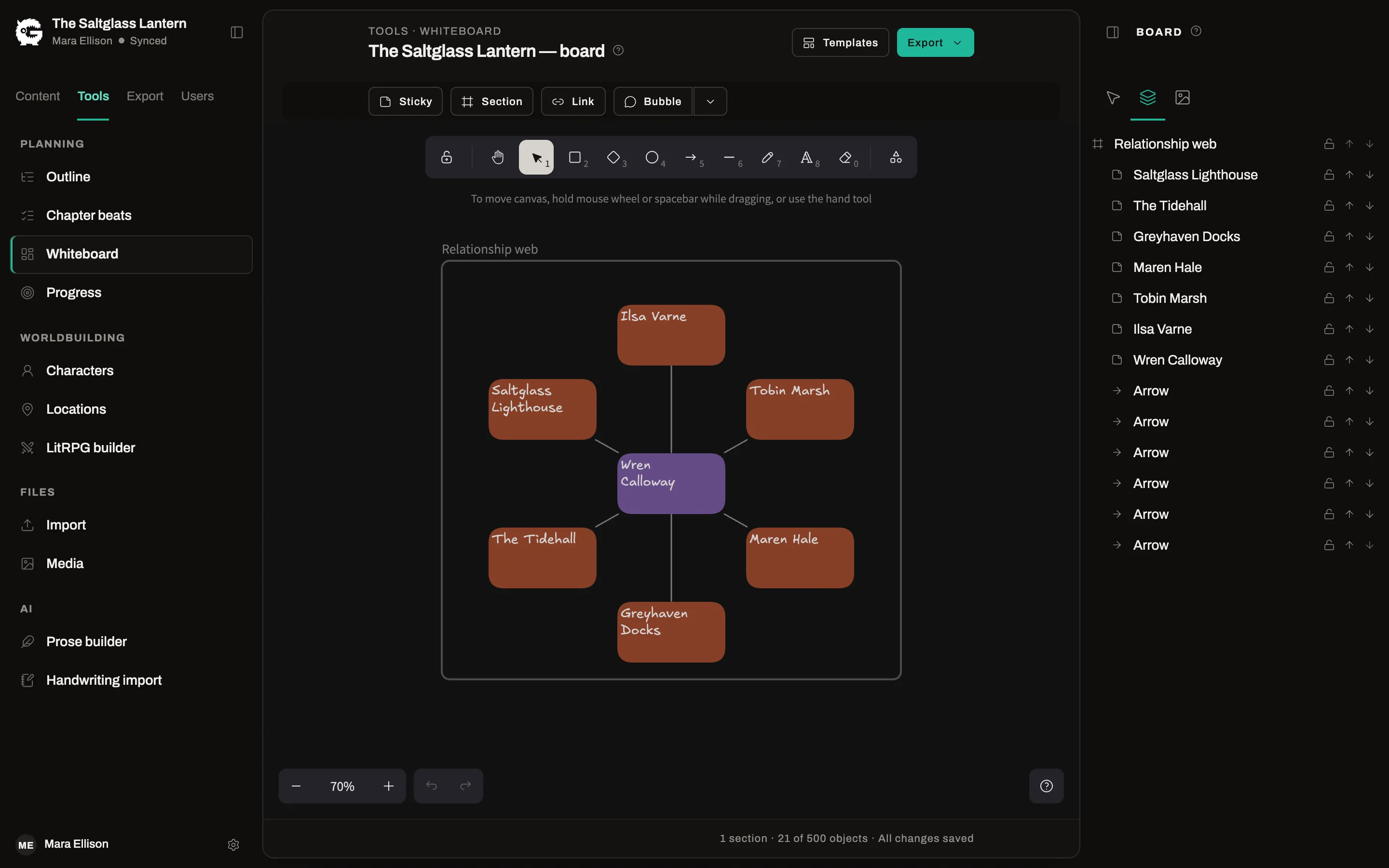
Whiteboard
ProBrainstorm on an open board with stickies, shapes and arrows, and link cards to your characters, locations and chapters.
Keep your characters and places straight
A record of who and where, tied to the chapters they appear in, so you can check a detail without leaving the page.
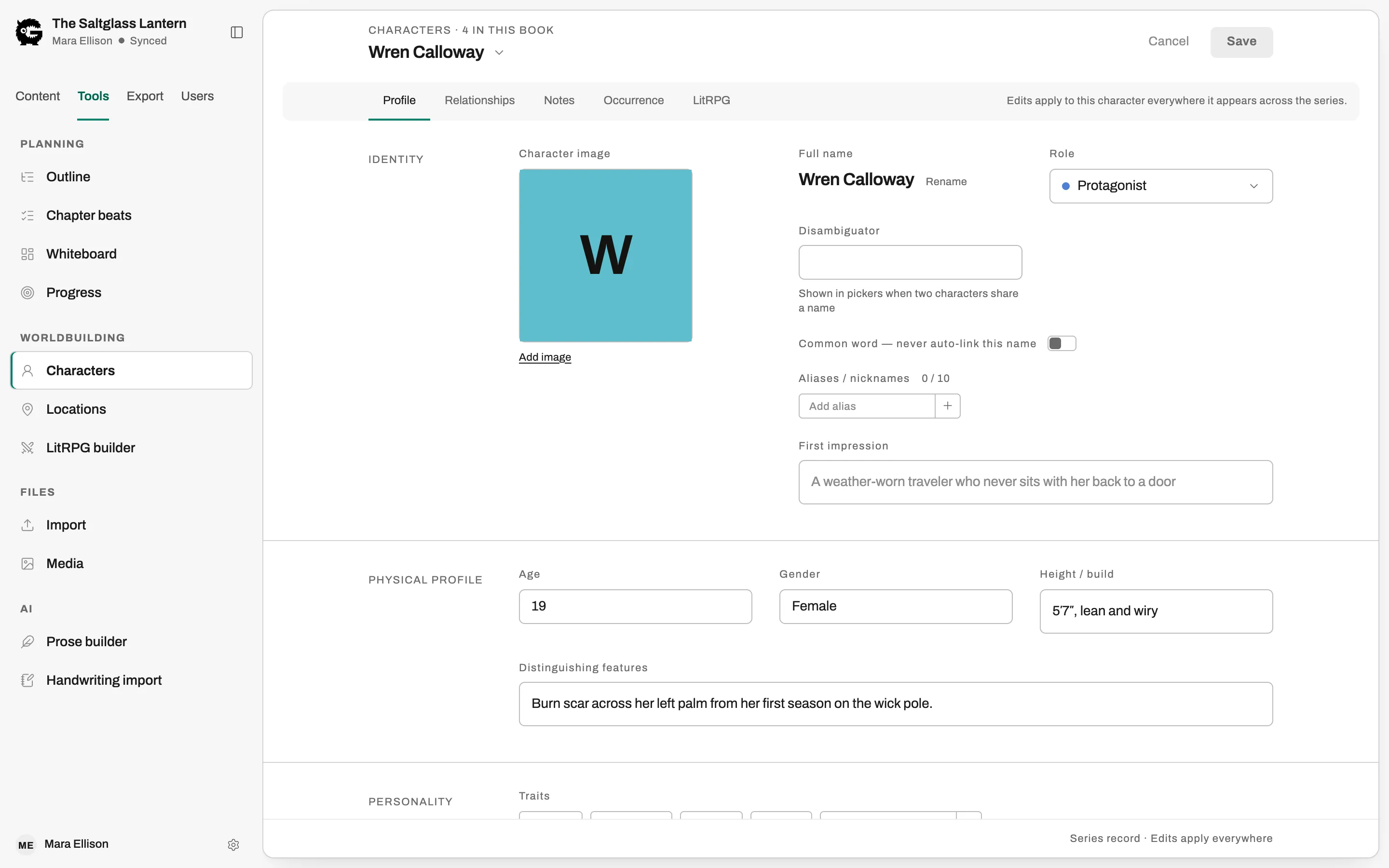
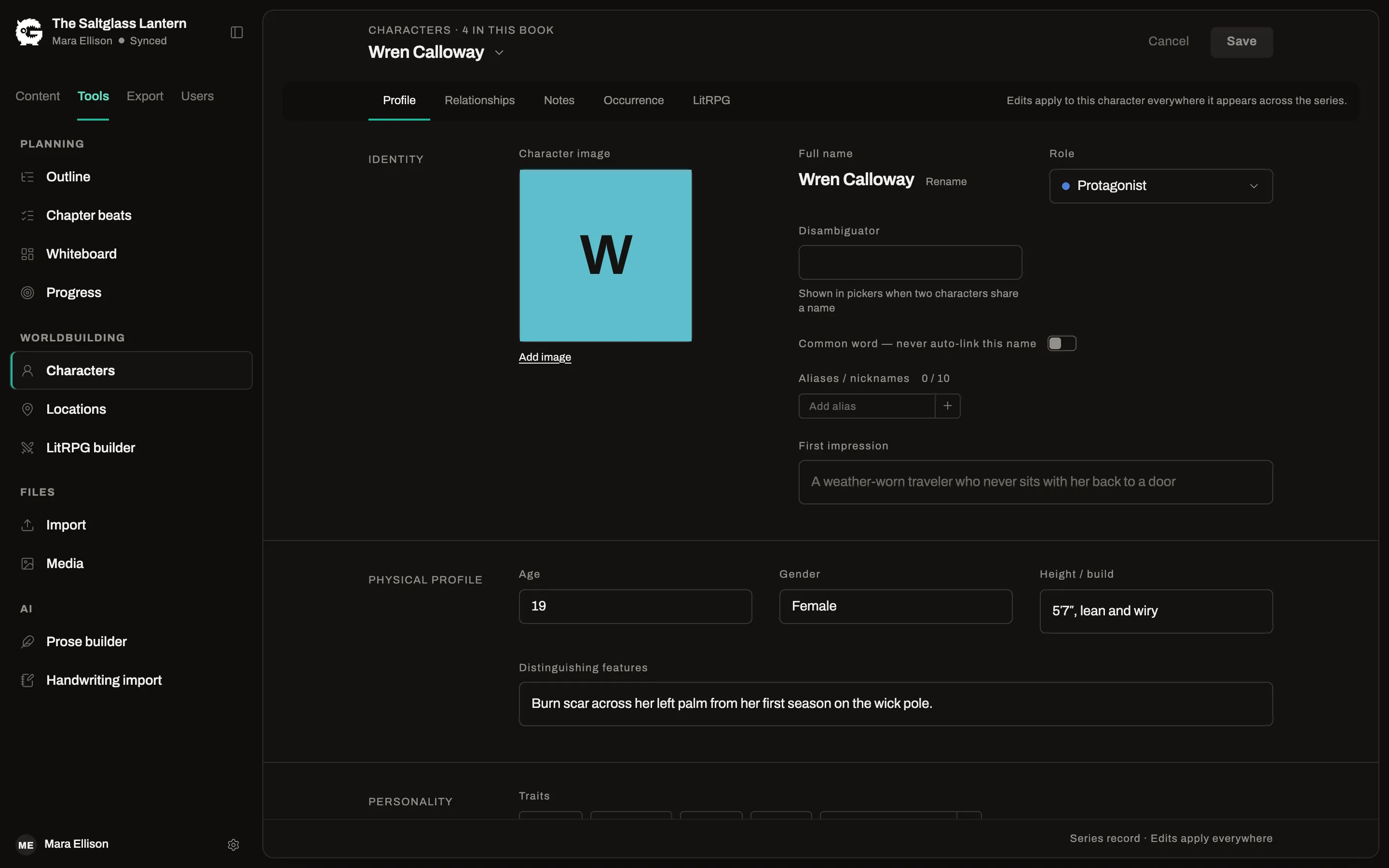
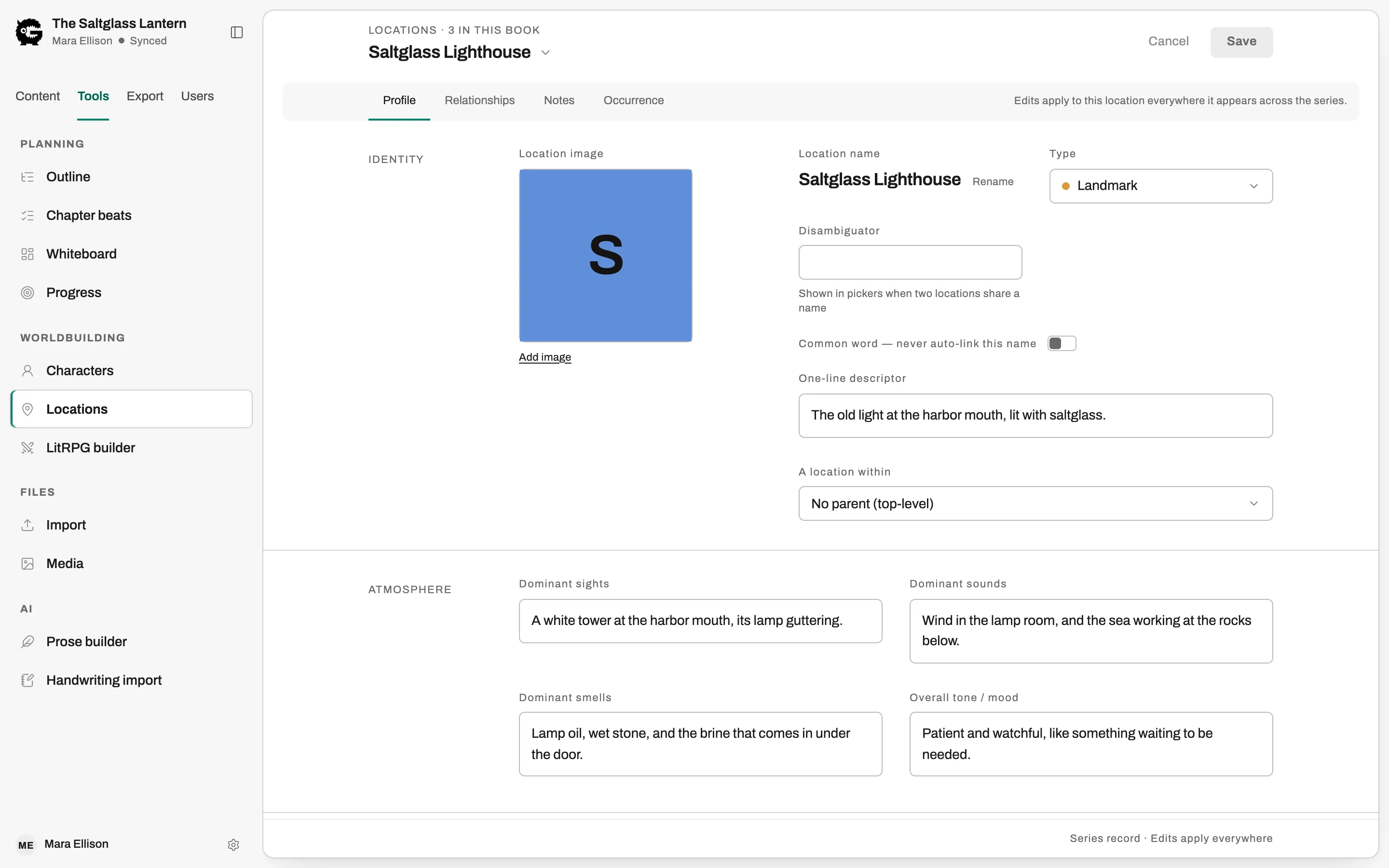
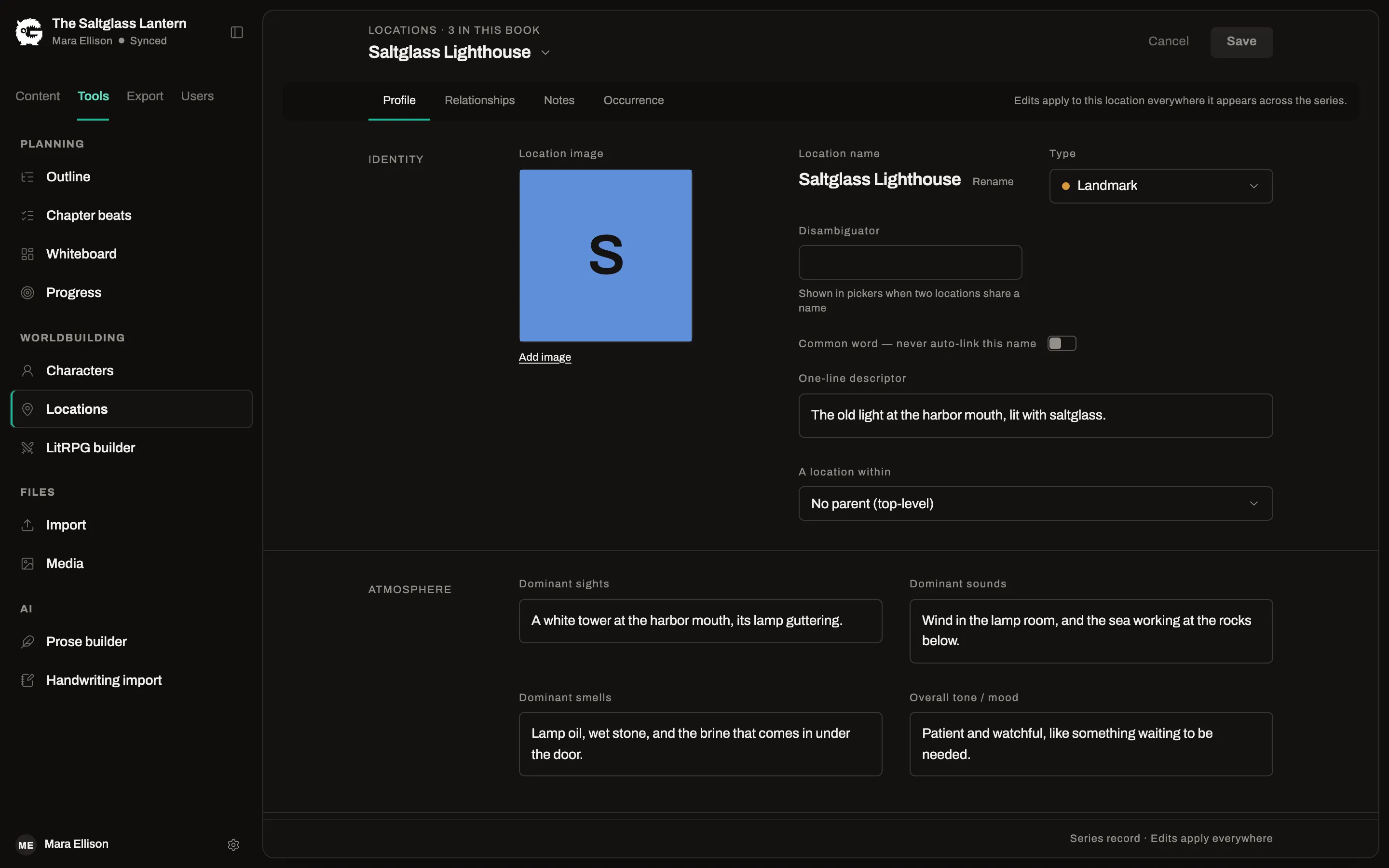
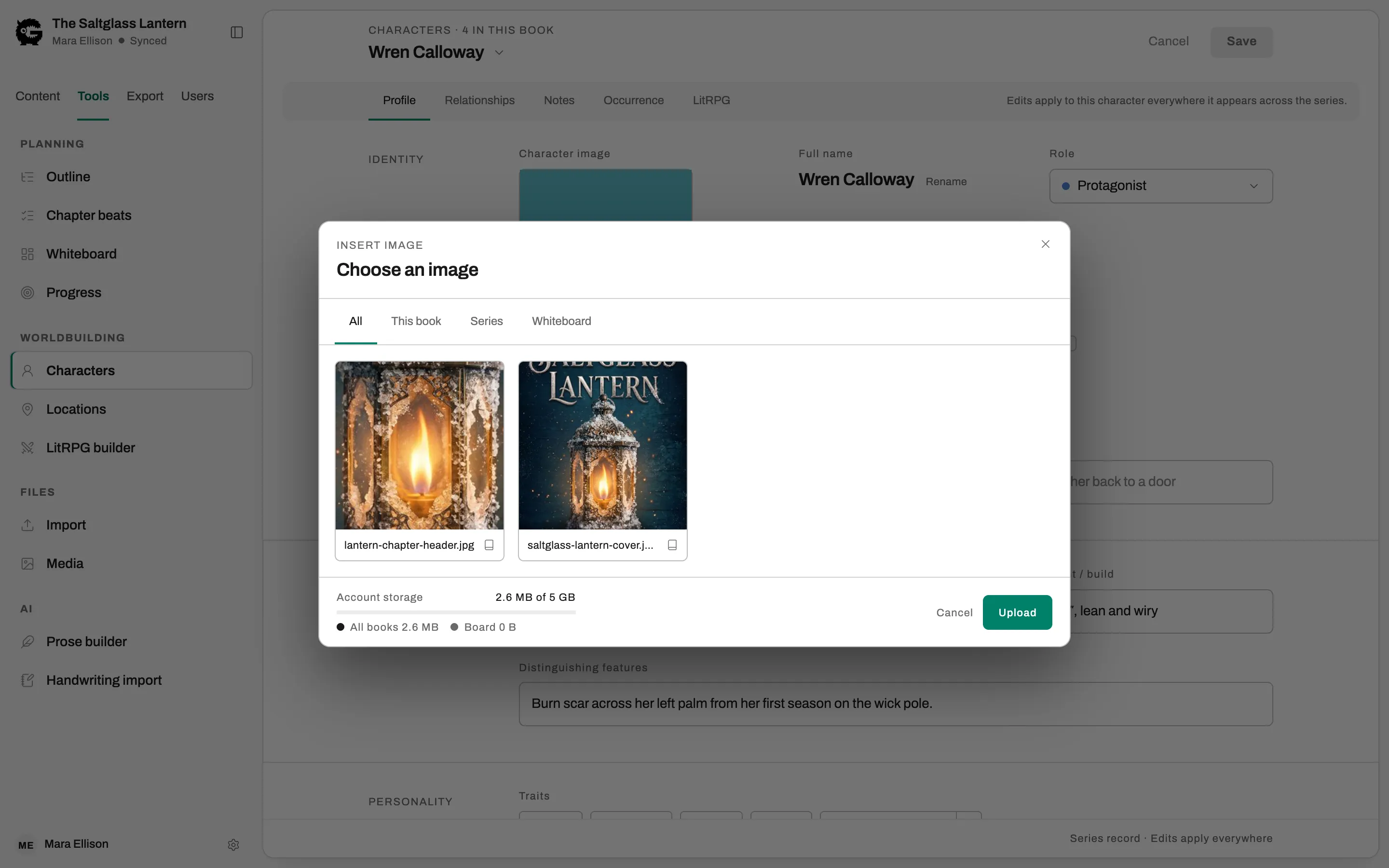
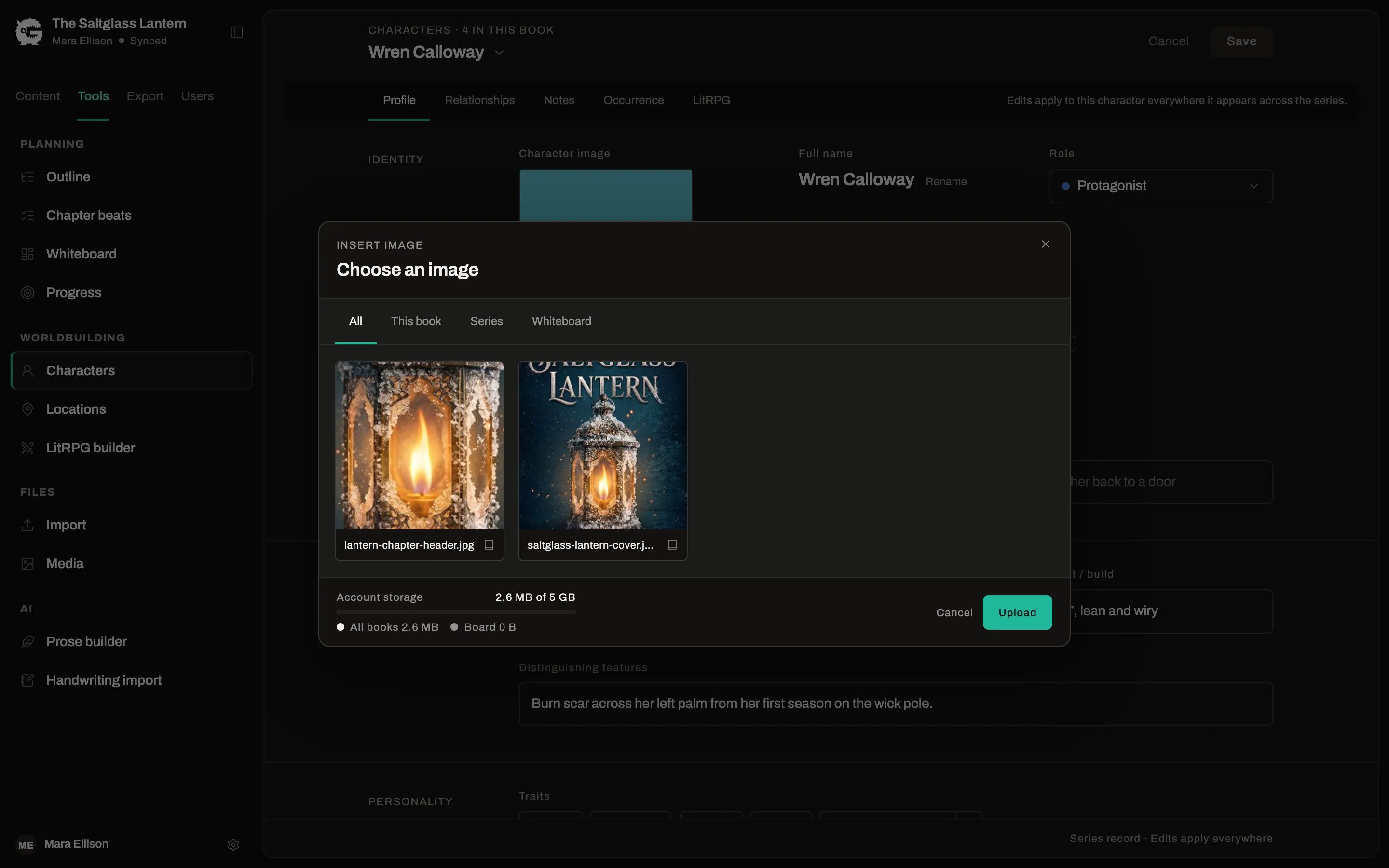
Characters and locations
Free and ProGive each one a profile, record how characters relate to each other, and see every chapter they appear in.
Linked to the chapter
Free and ProOpen the Characters or Locations panel beside a chapter to see who is in the scene. Names in the text can link themselves as you write.
Rename everywhere
Free and ProRename a character or a place once and the linked mentions in your chapters follow.
Media library
Free and ProCovers, maps and illustrations live in one library. Free accounts include 150 MB; Pro includes 5 GB.
Export to EPUB, print-ready PDF and Word, from one manuscript
Each format is generated from the same source, so a typo fixed in chapter nine is fixed in the ebook, the paperback and the Word file.
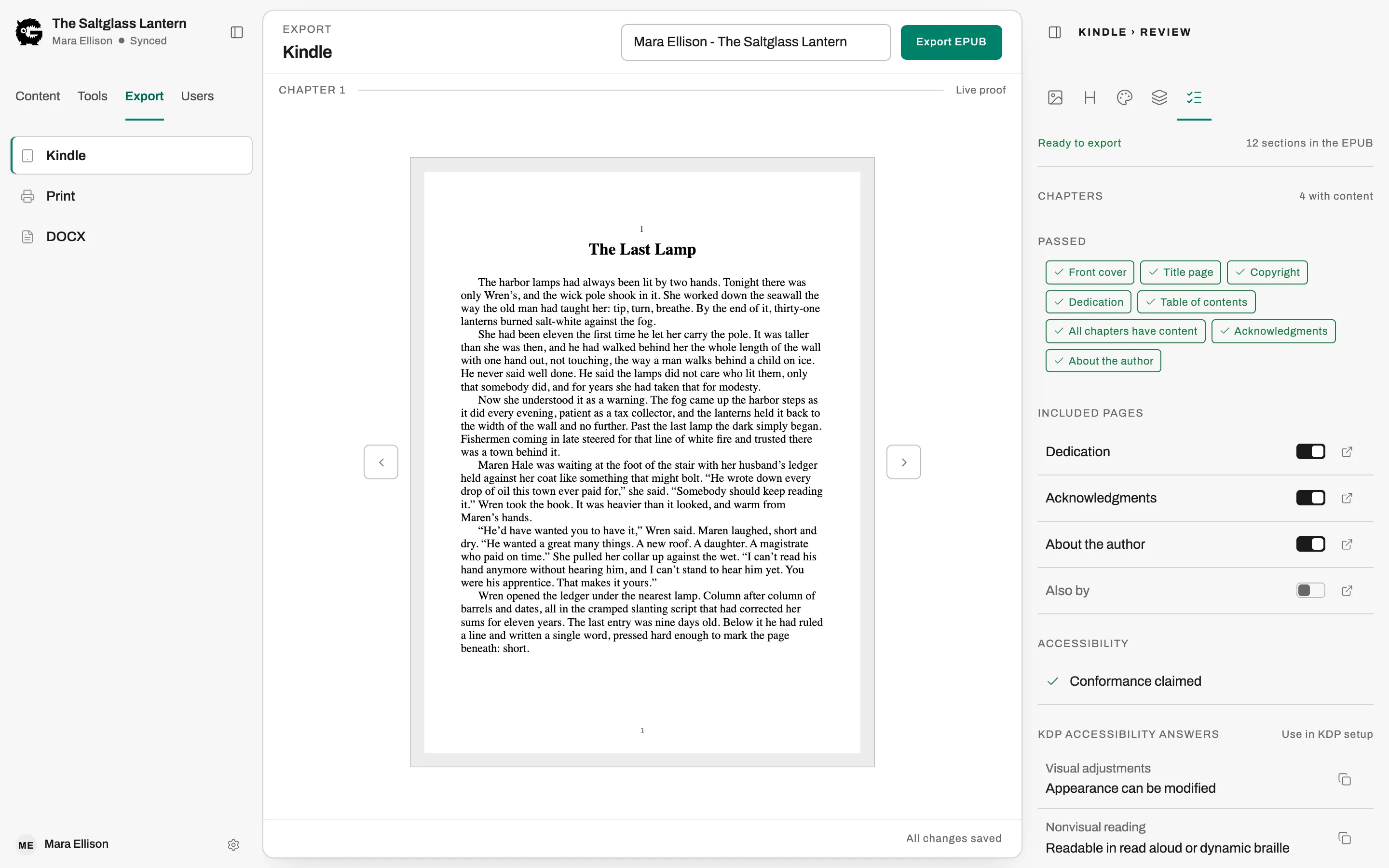
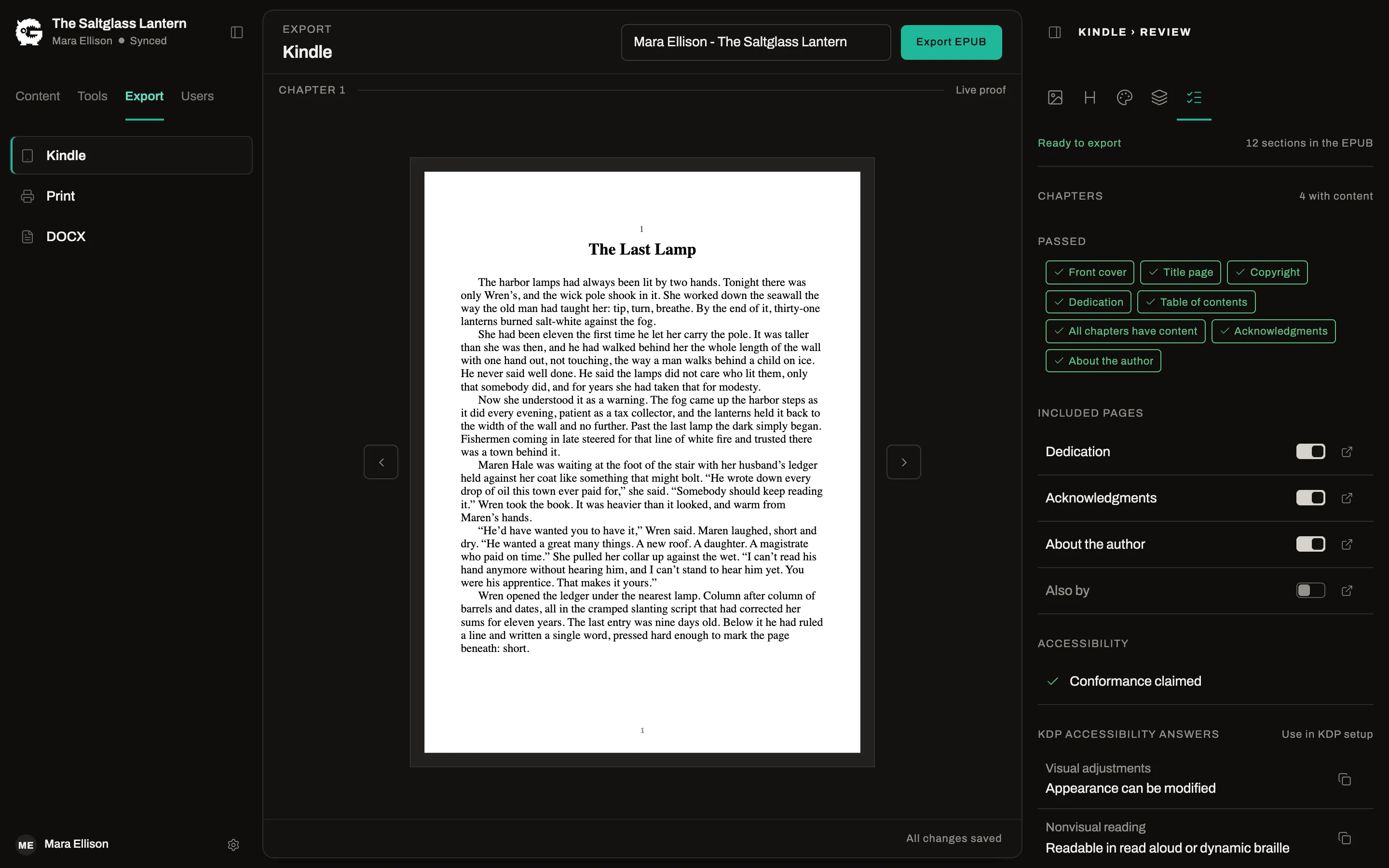
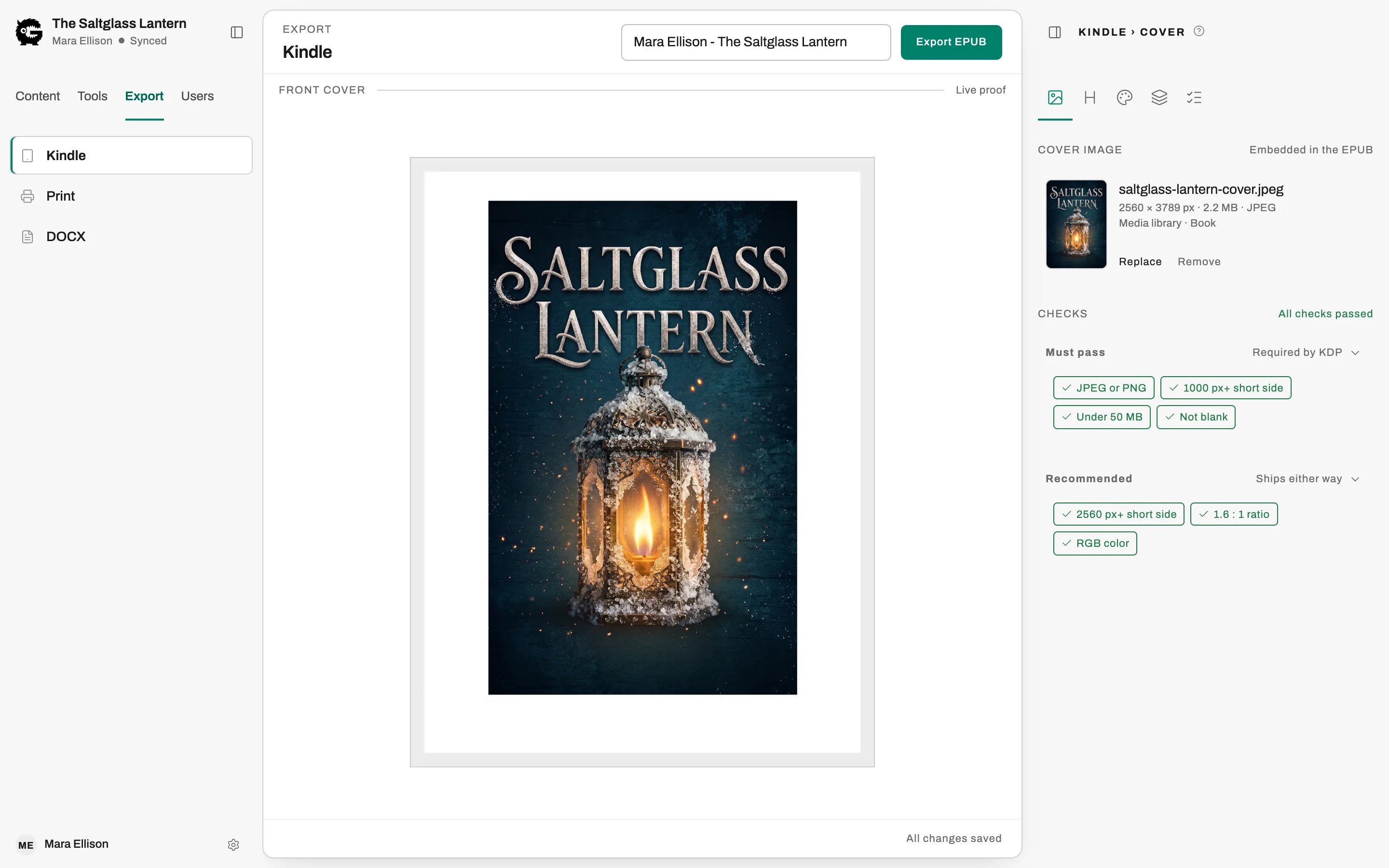
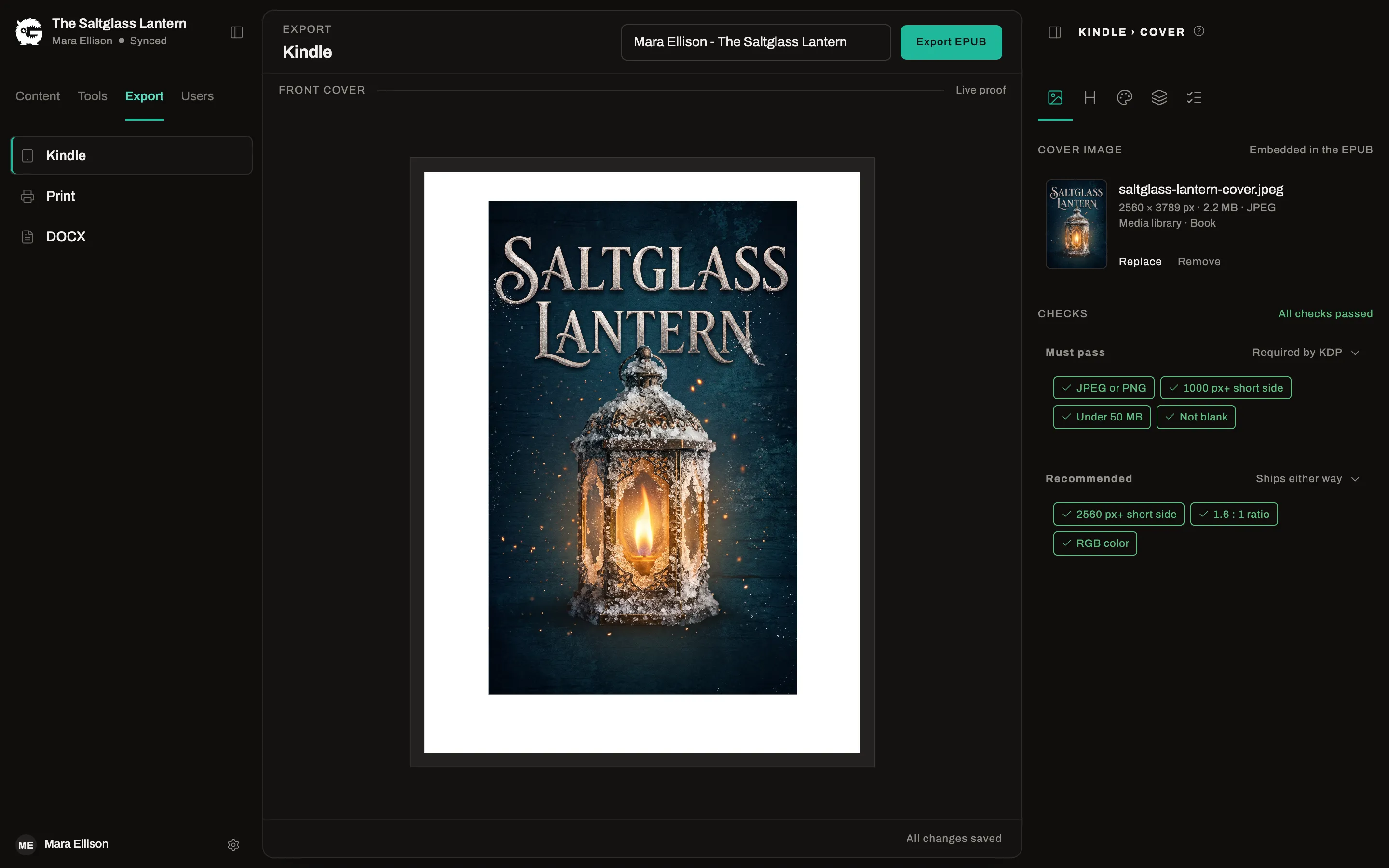
EPUB for Kindle and every retailer
Free and ProExport a valid EPUB with a live preview. The Free export carries a small “Formatted with Gnarlywog” page; Pro leaves it out.
Accessible by default
Free and ProEvery EPUB is built to the EPUB Accessibility 1.1 standard and carries the accessibility metadata retailers read.
KDP accessibility answers
ProSee exactly what to select for accessibility when you set up the ebook on KDP.
Print-ready PDF
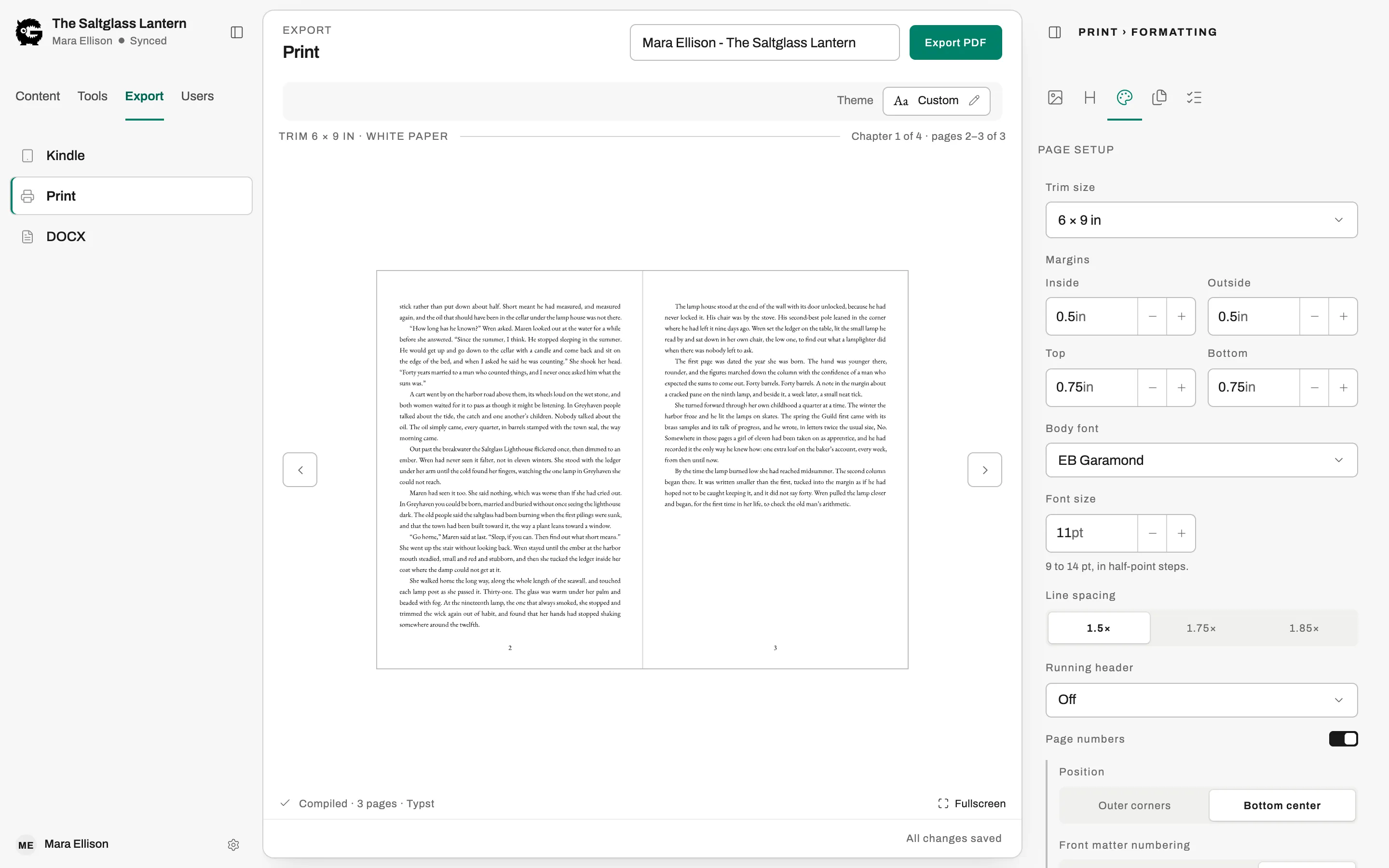
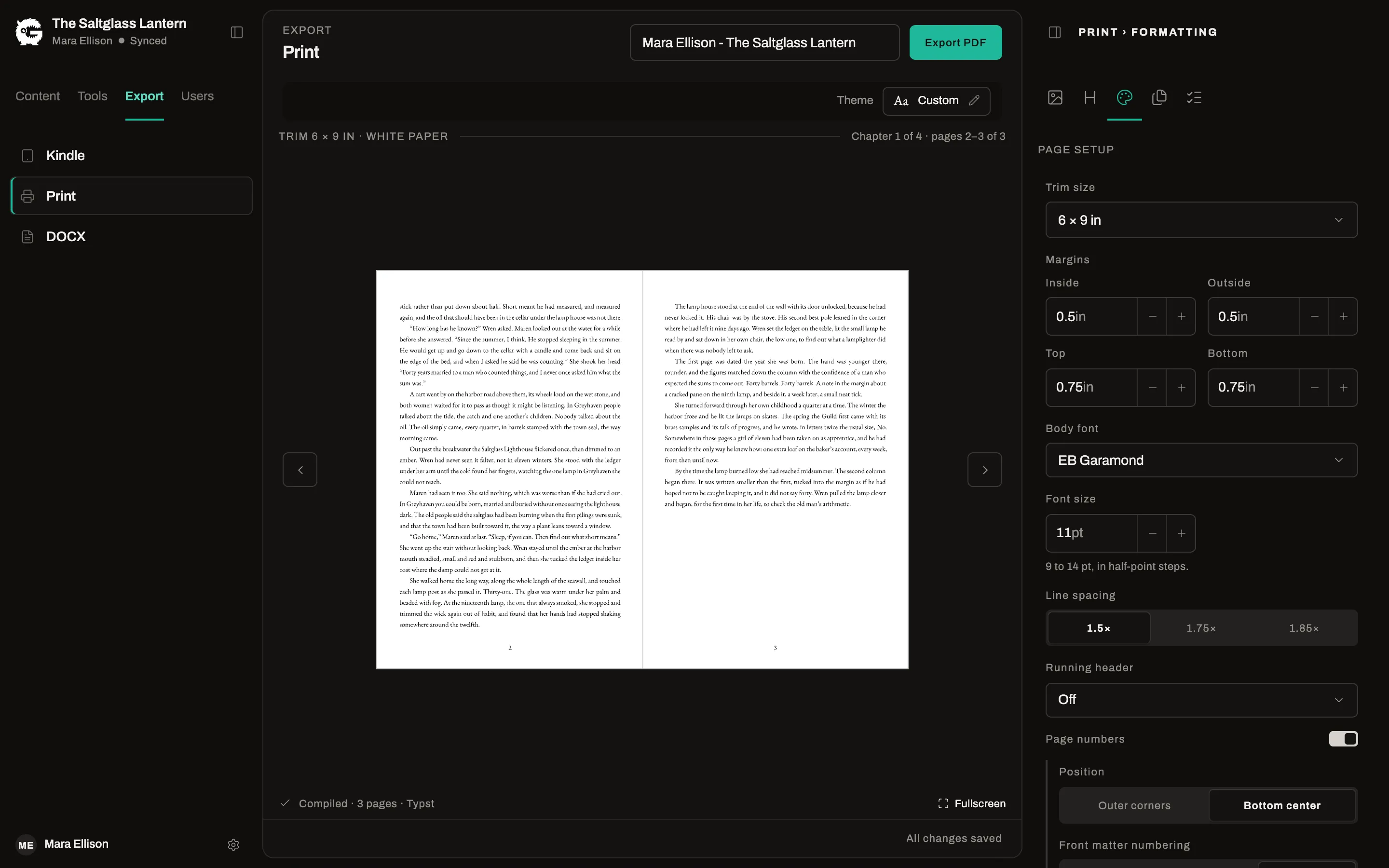
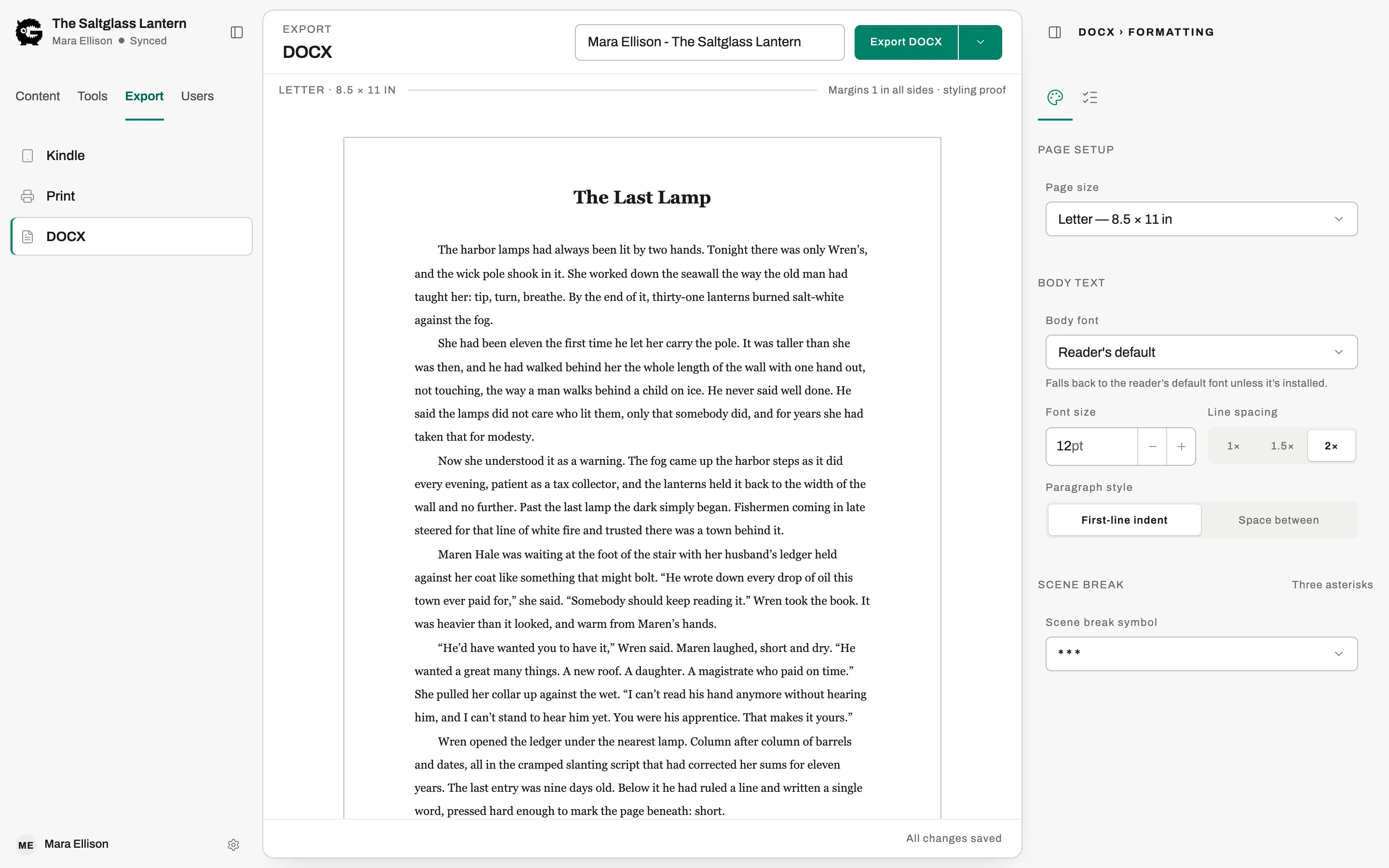
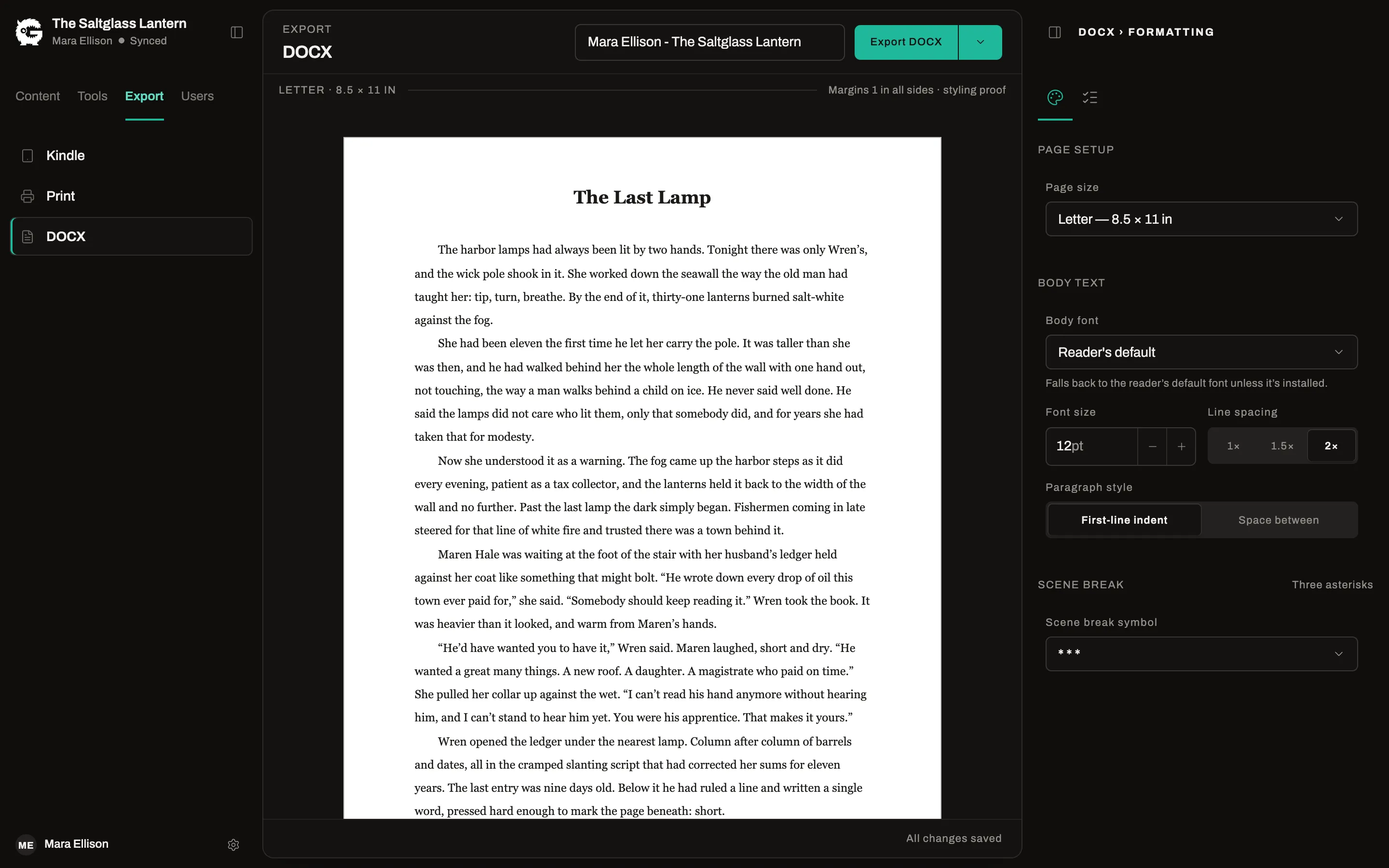
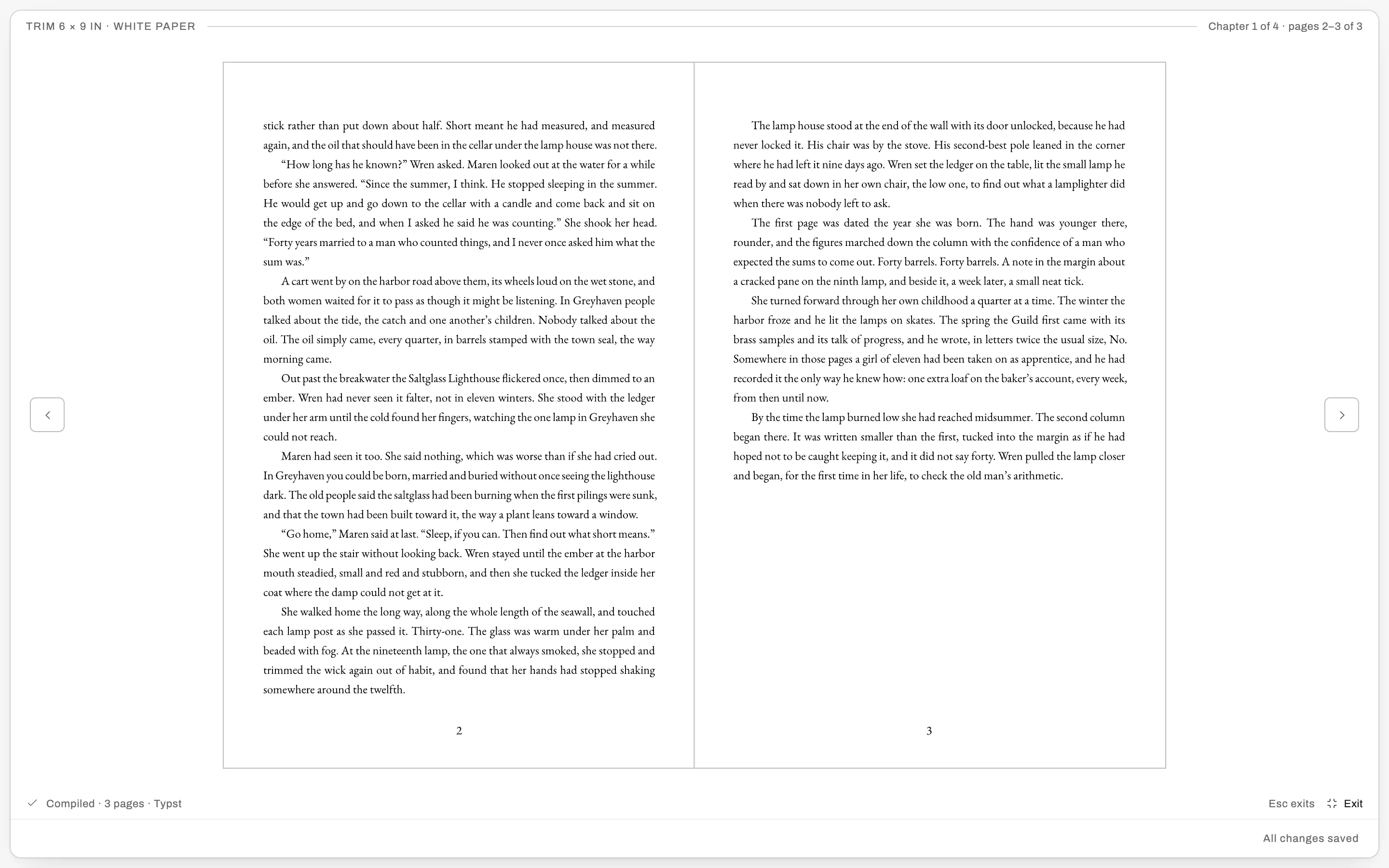
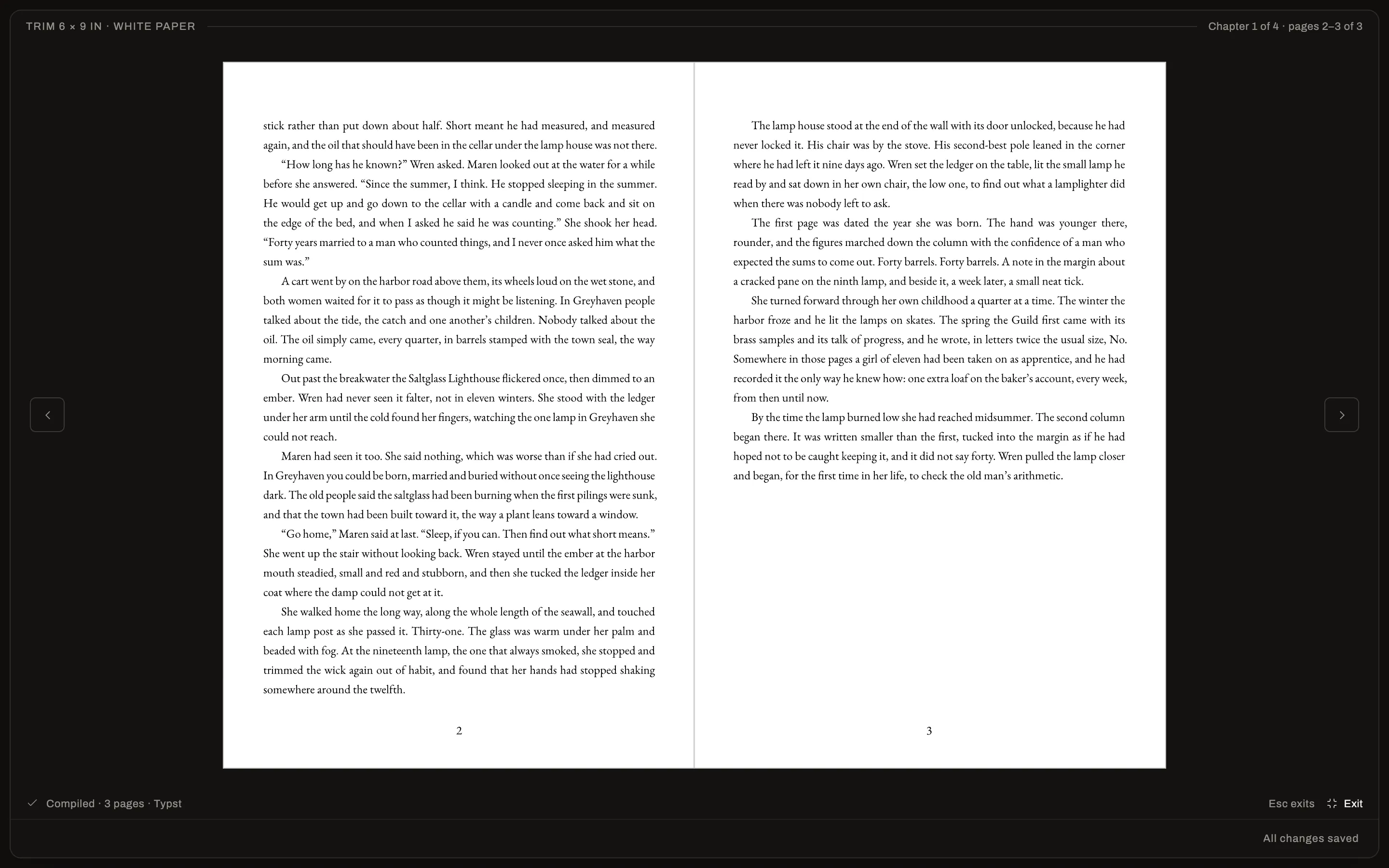
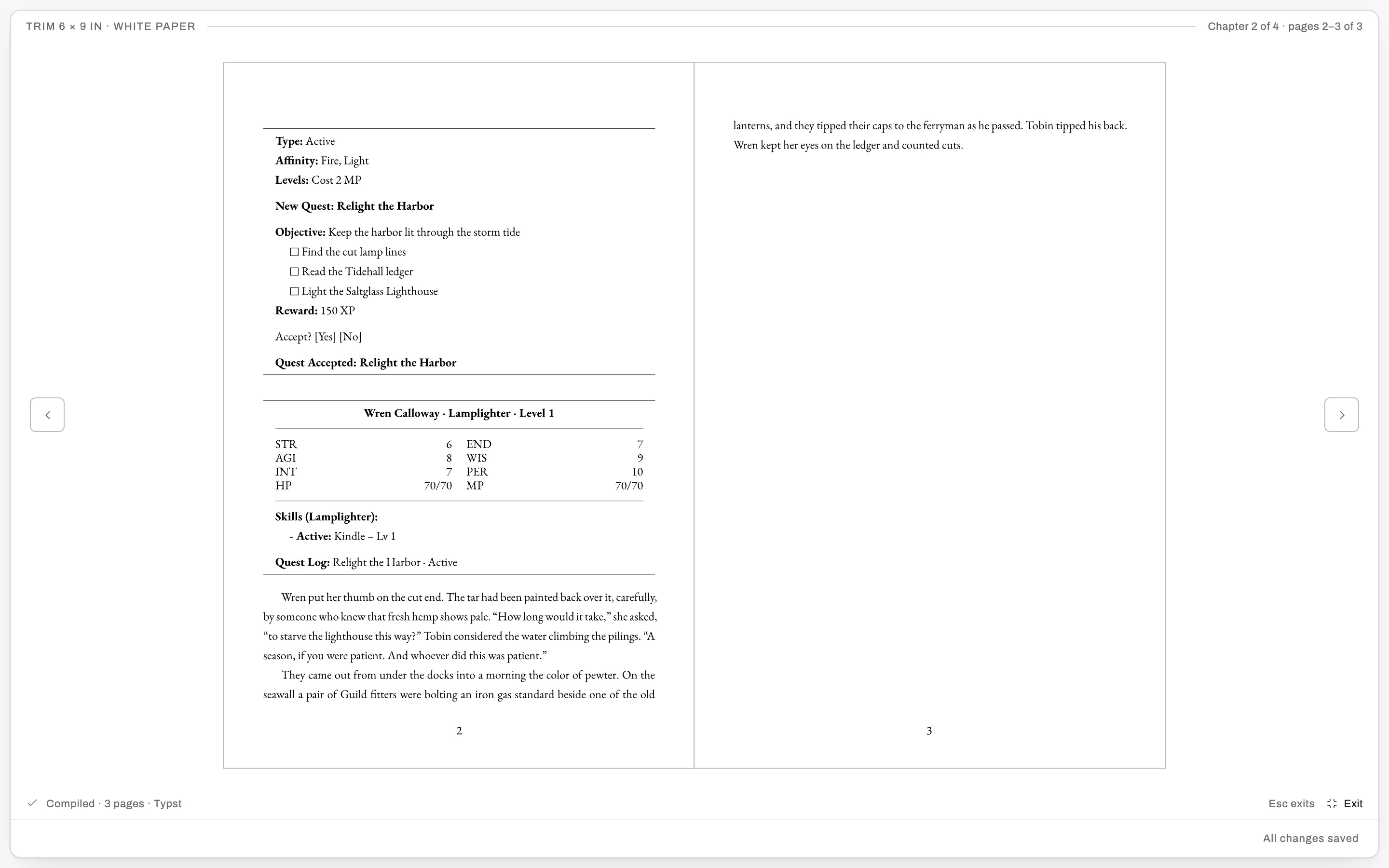
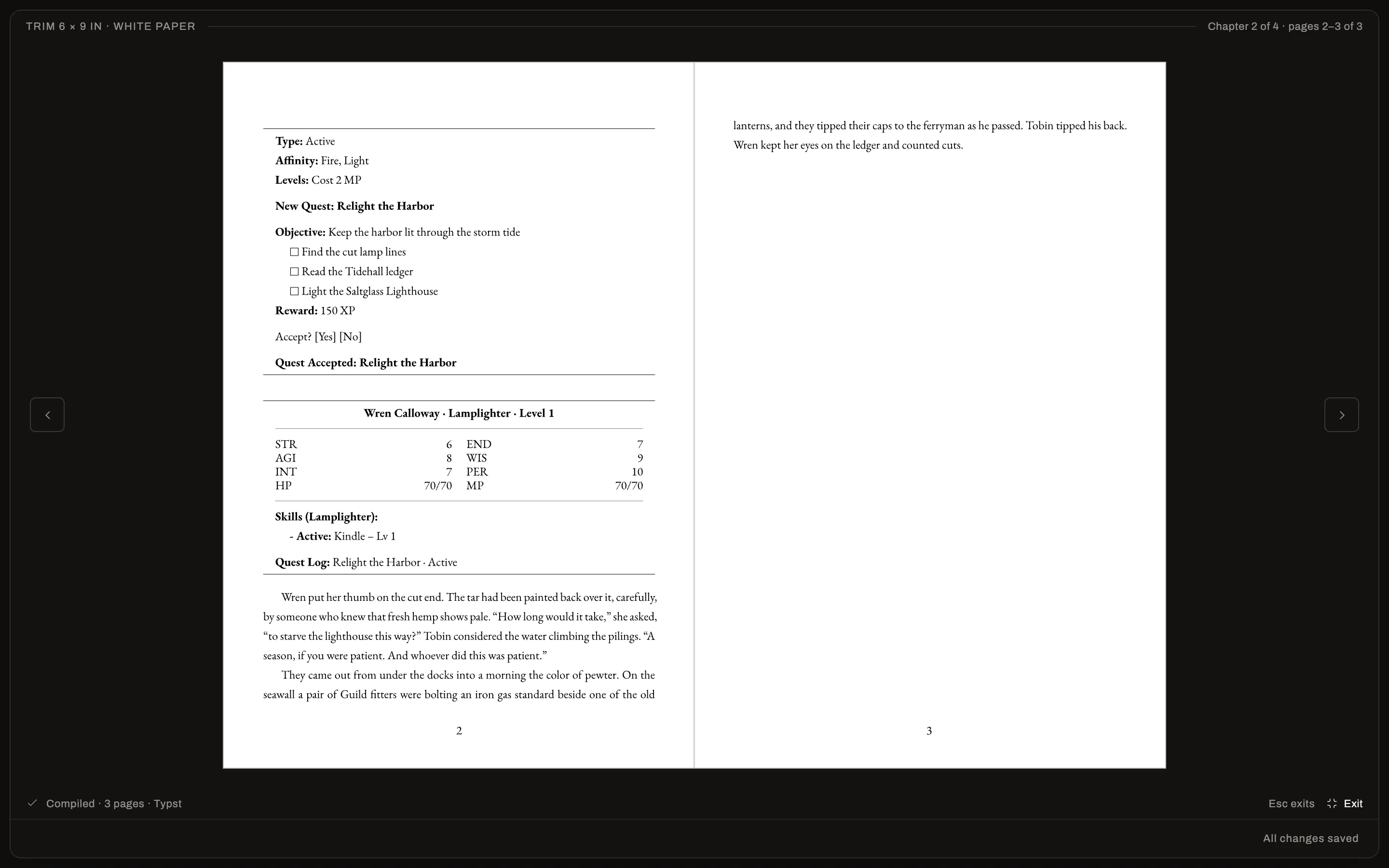
ProA typeset interior at your trim size, with control over margins, fonts, running headers, page numbers, drop caps and scene breaks, and a preview you can page through.
Themes
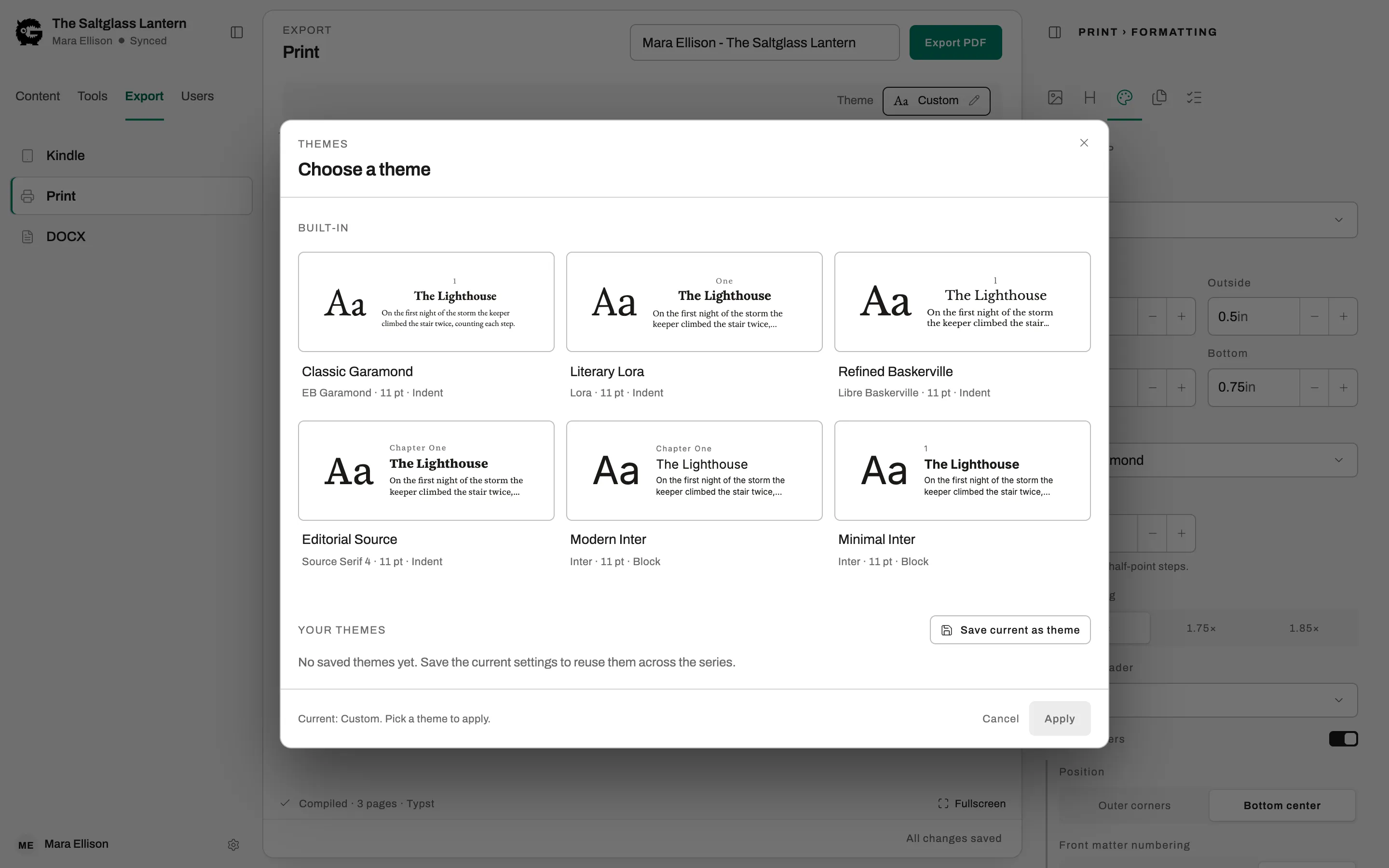
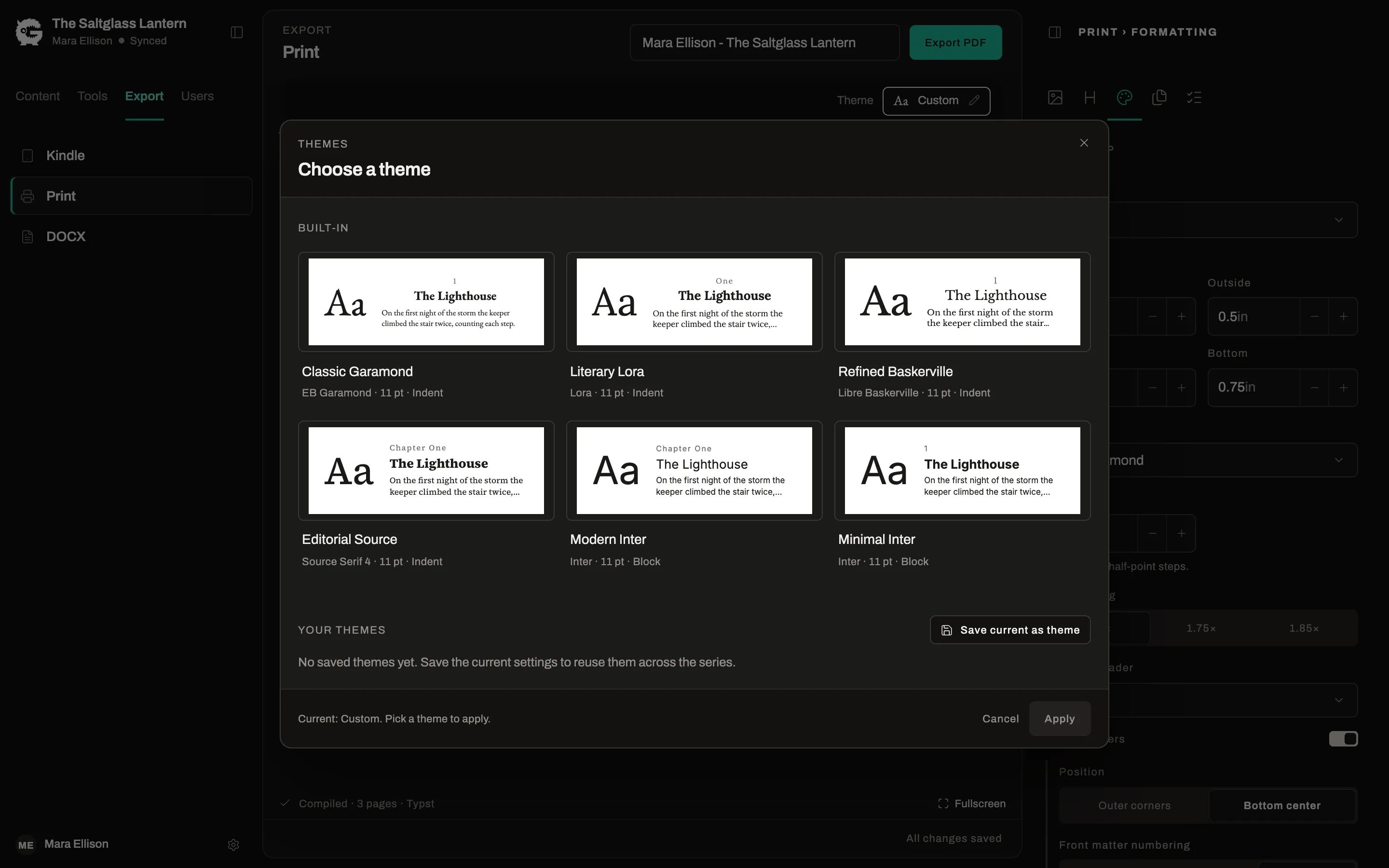
Free and ProApply one of six built-in themes to set the whole book’s typography at once. Saving your own theme to reuse is Pro.
Cover
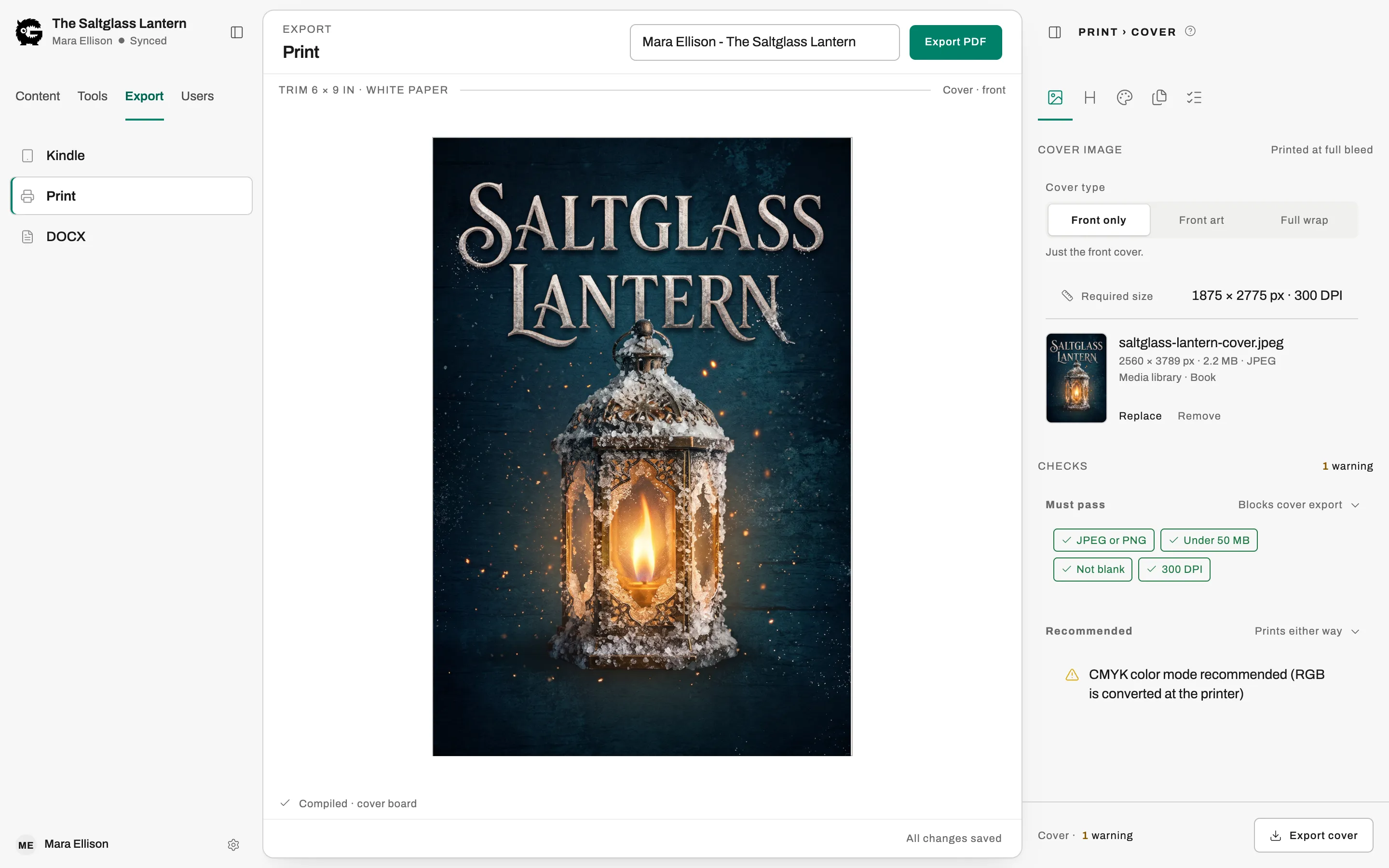
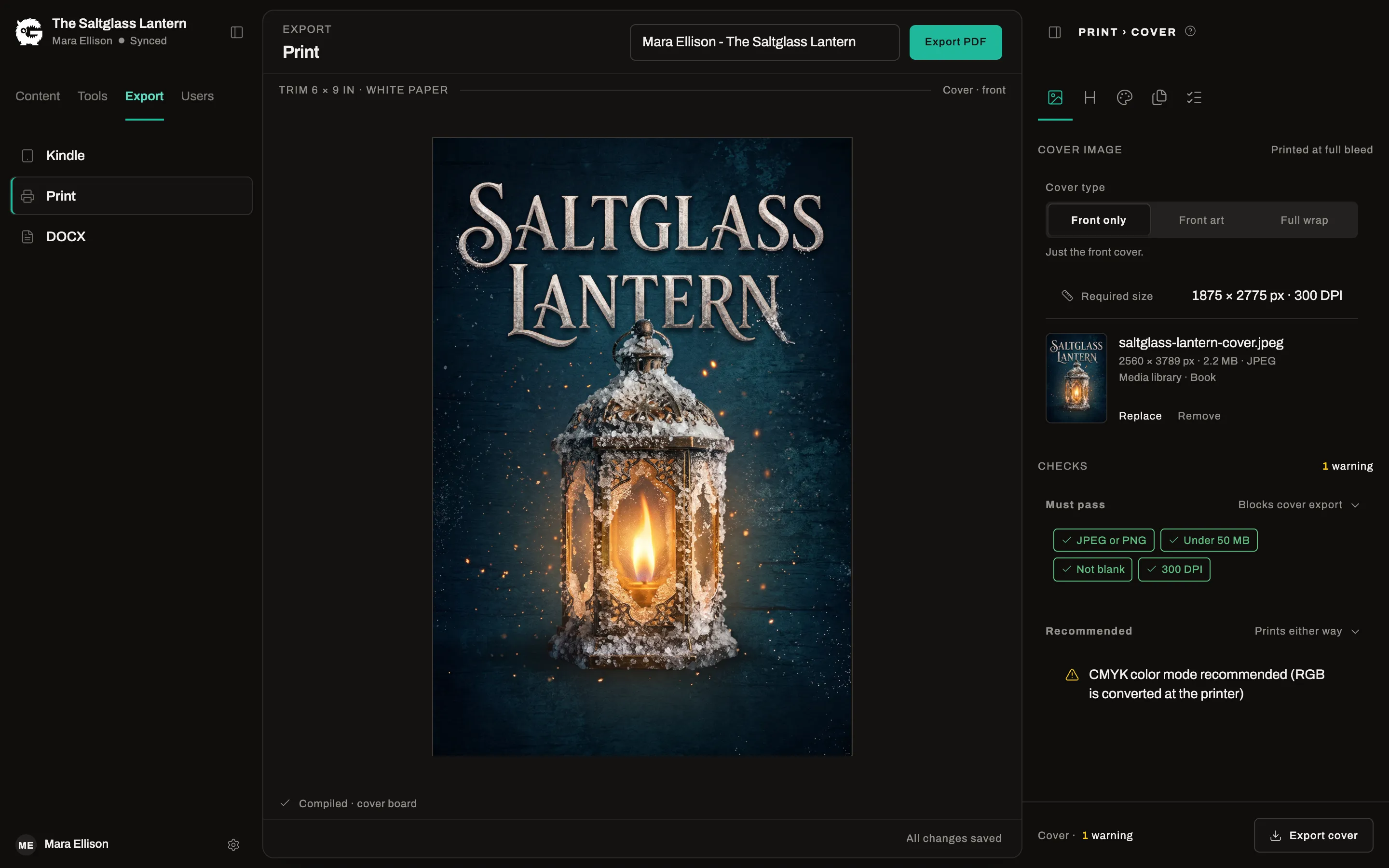
Free and ProAdd your front cover and have it checked against size and resolution requirements. Pro builds the full wrap: back cover and spine, with your summary on the back.
Word document
ProExport a DOCX for an editor, an agent, or anyone who wants to leave tracked changes.
Front and back matter
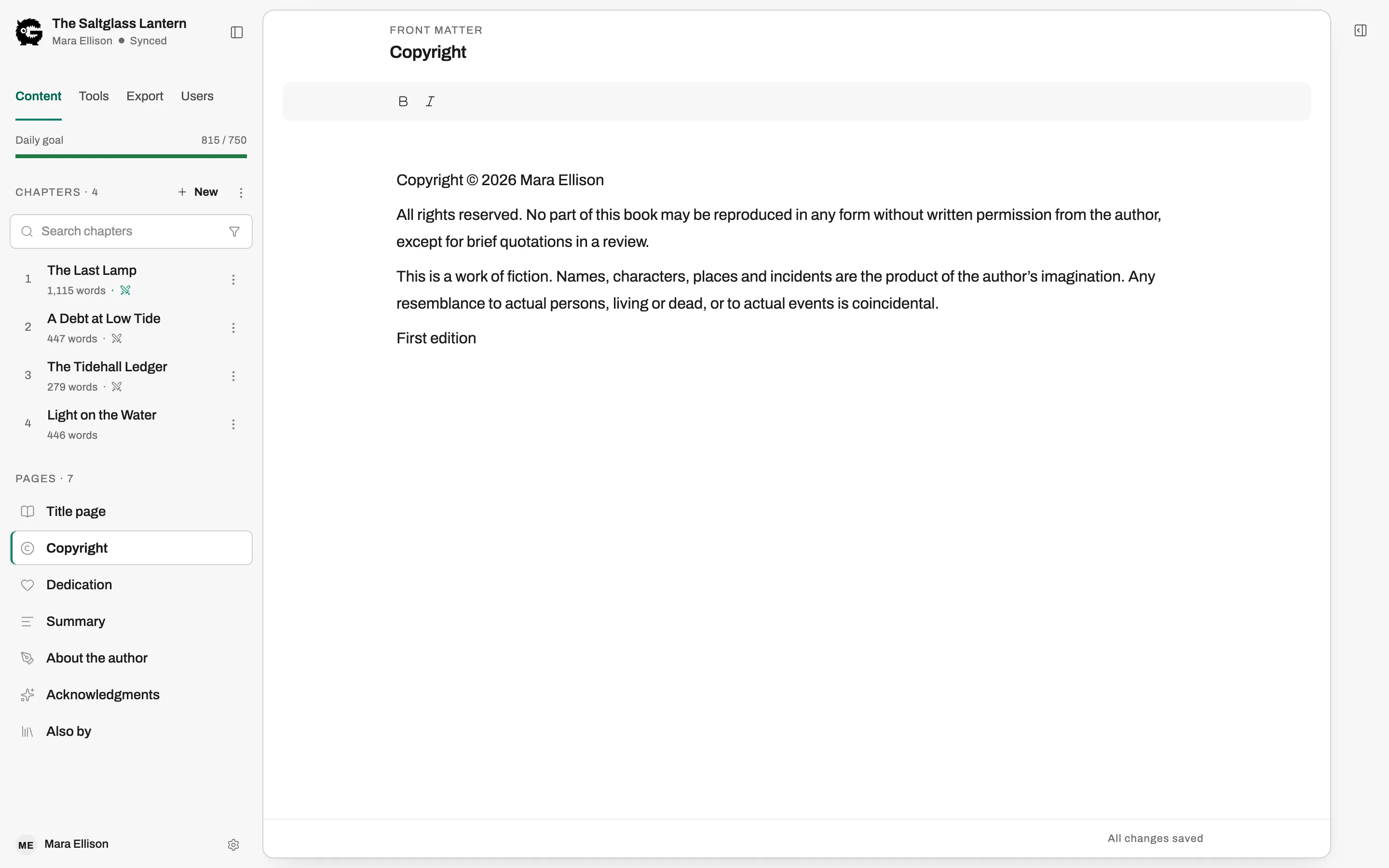
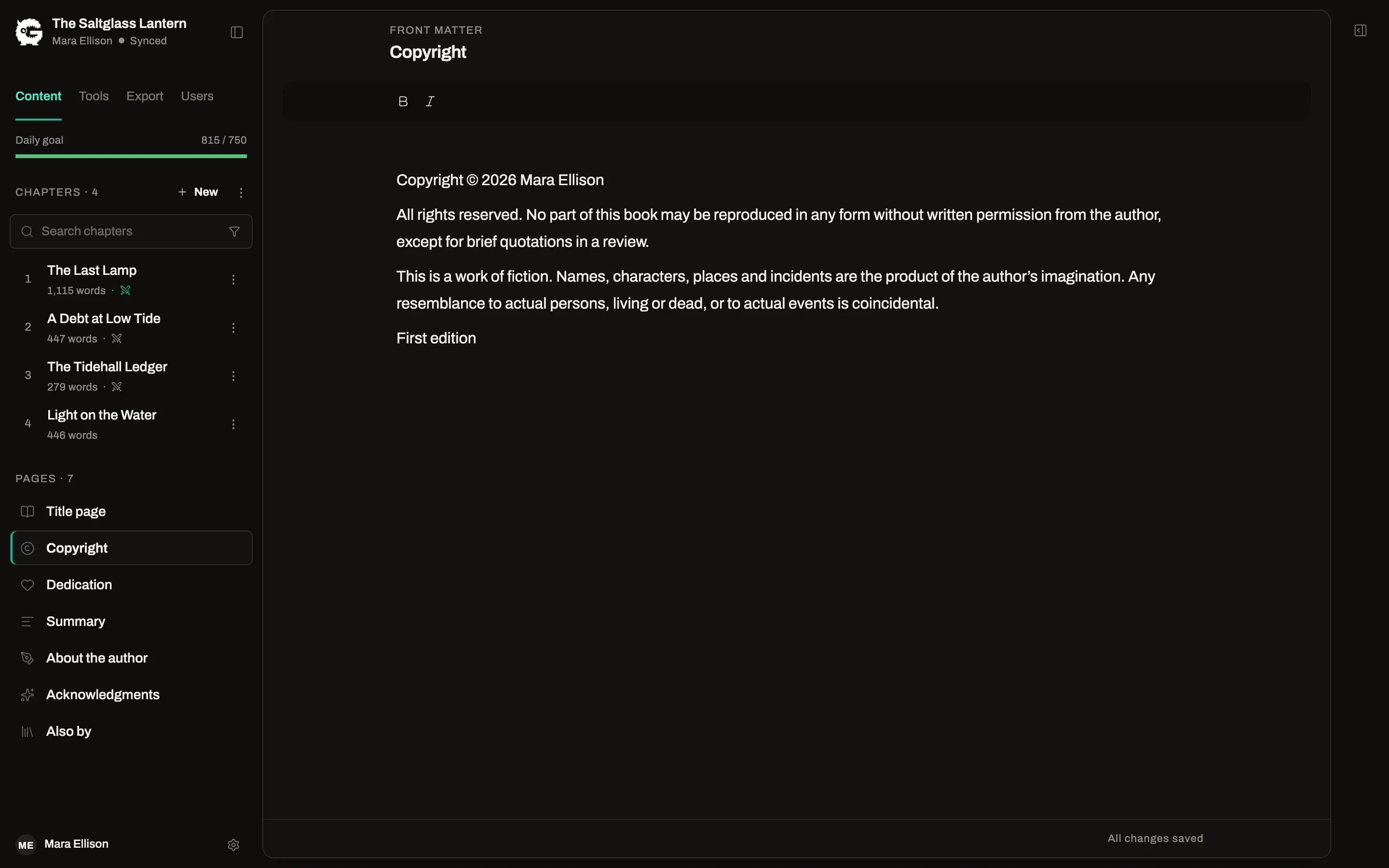
Free and ProTitle, copyright, dedication, acknowledgments, about the author and “Also by” pages, each with its own editor. Free accounts list two other books; Pro lists them all.
Checks before you export
Free and ProA review list names what would block an export or look wrong, such as a missing cover or an empty page, with a link to fix each one.
LitRPG: stats, levels and system messages, tracked for you
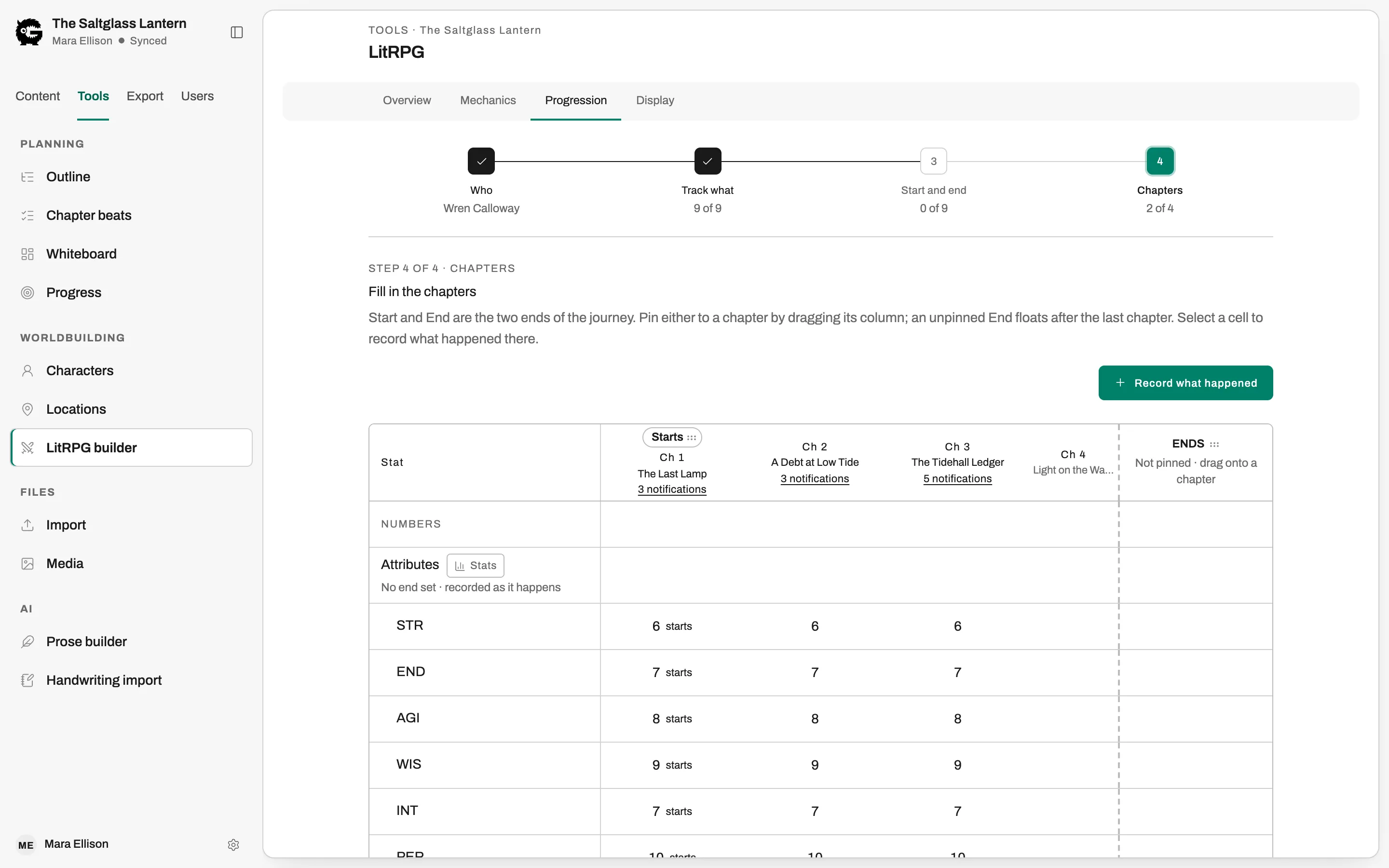
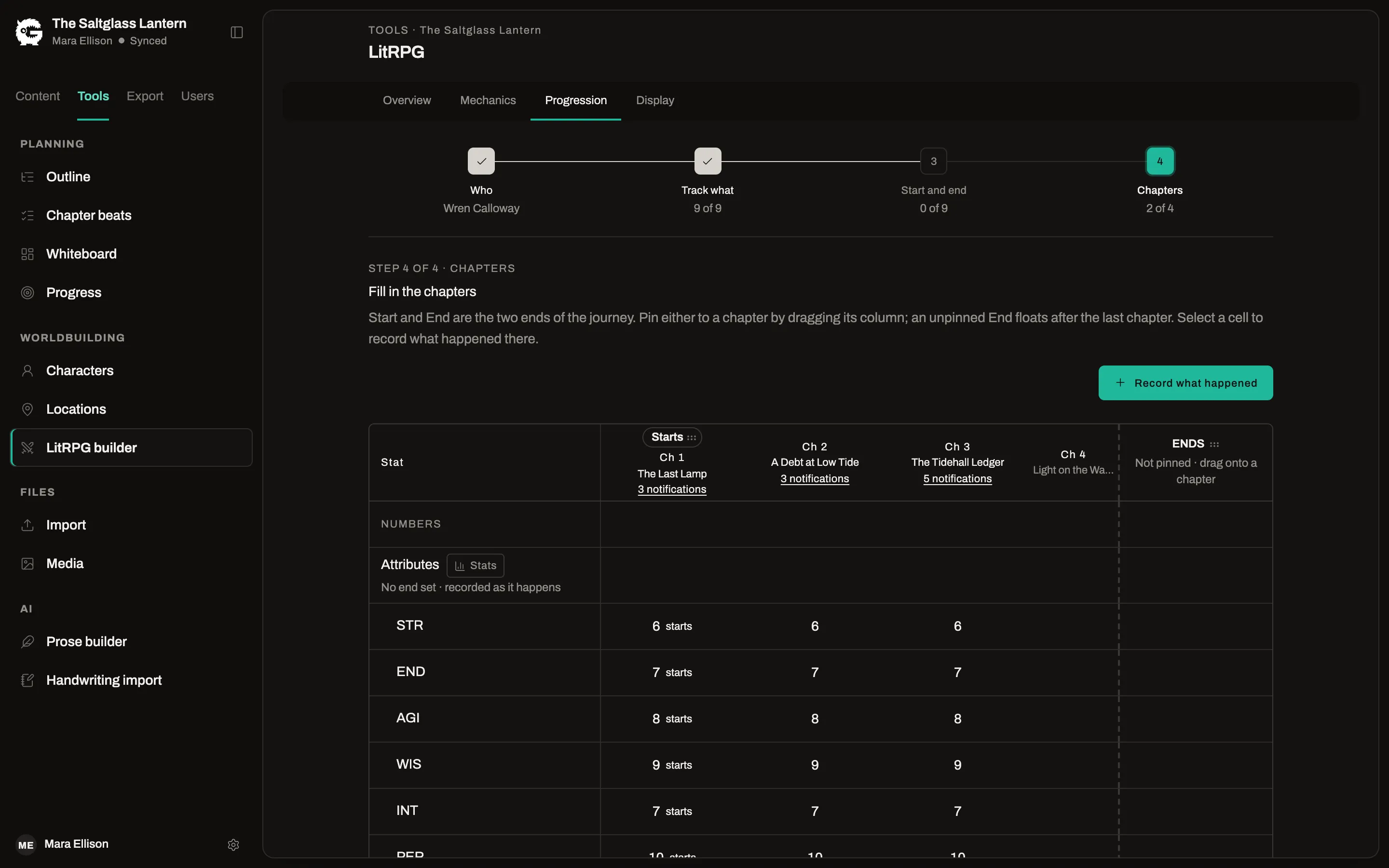
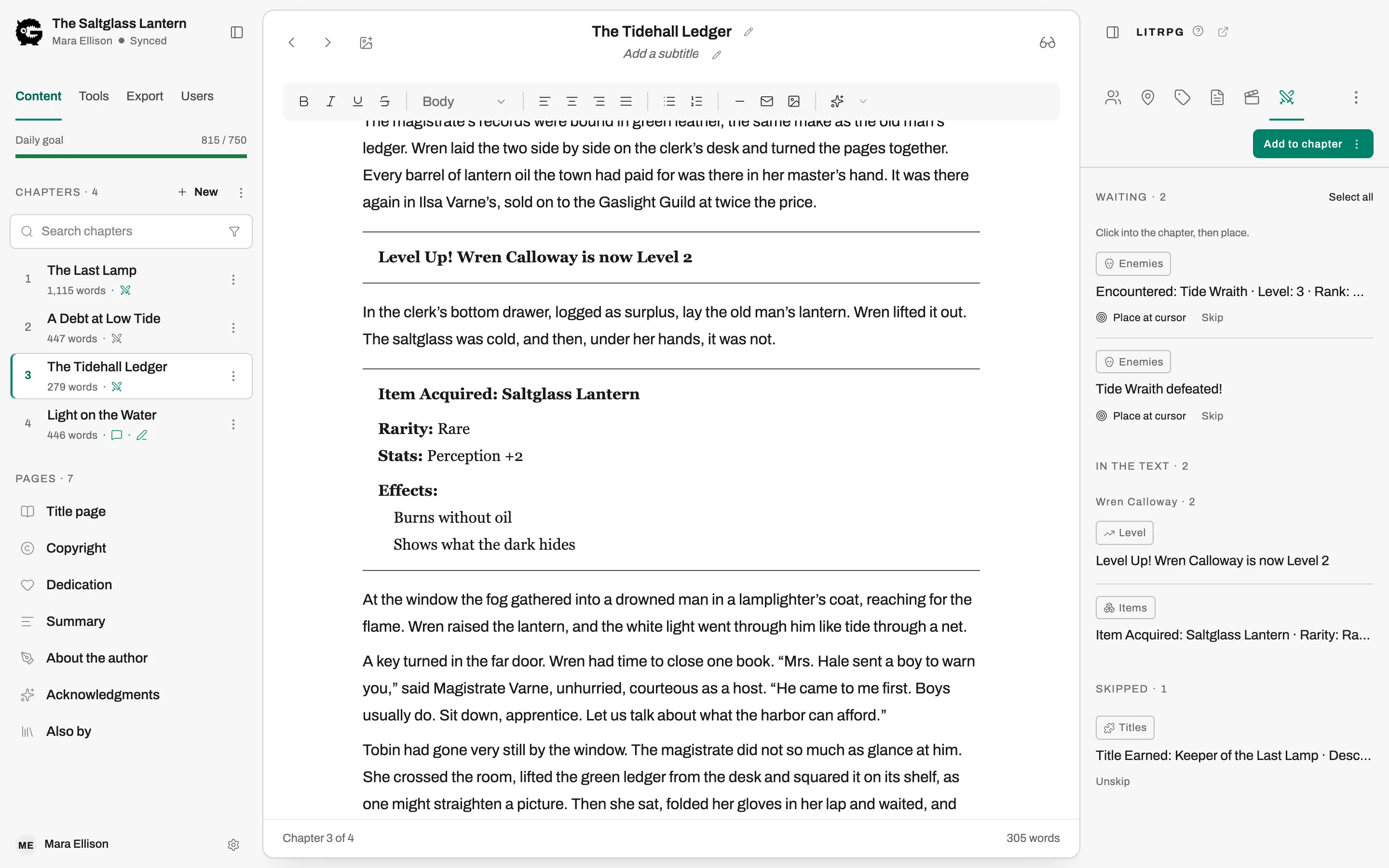
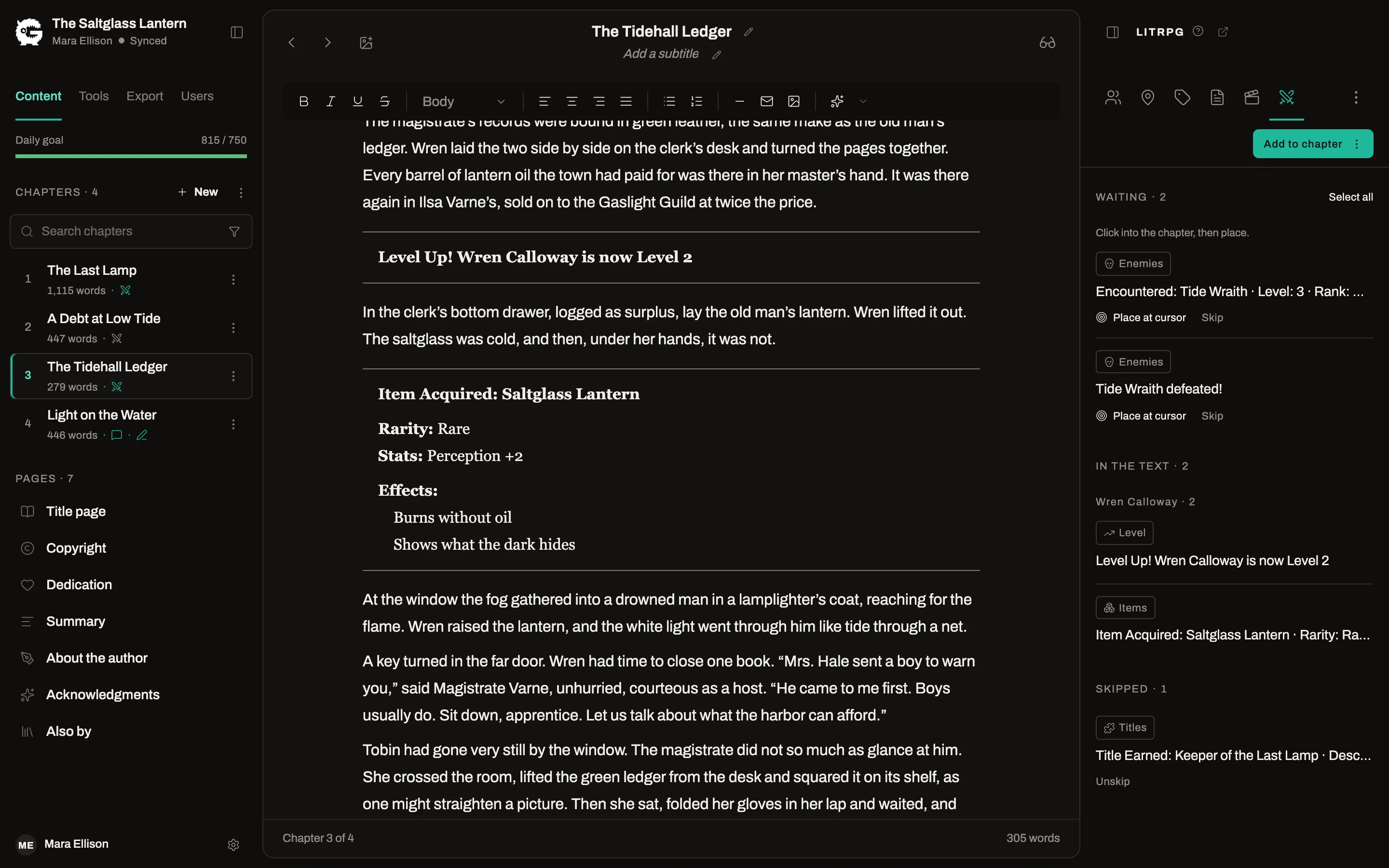
For LitRPG and progression fantasy: define your system once, record what changes in each chapter, and place formatted notifications and stat cards in the text.
Build your system
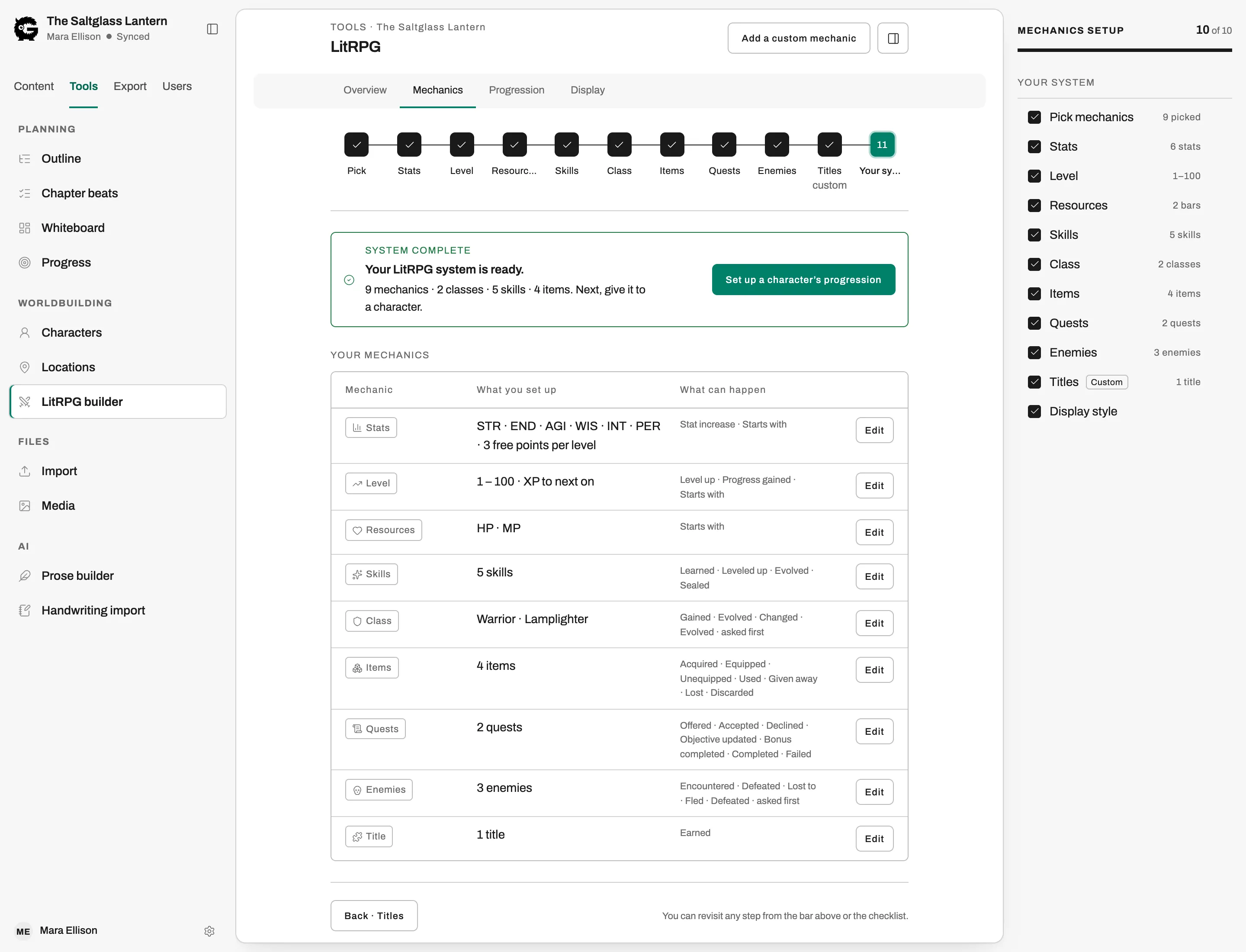
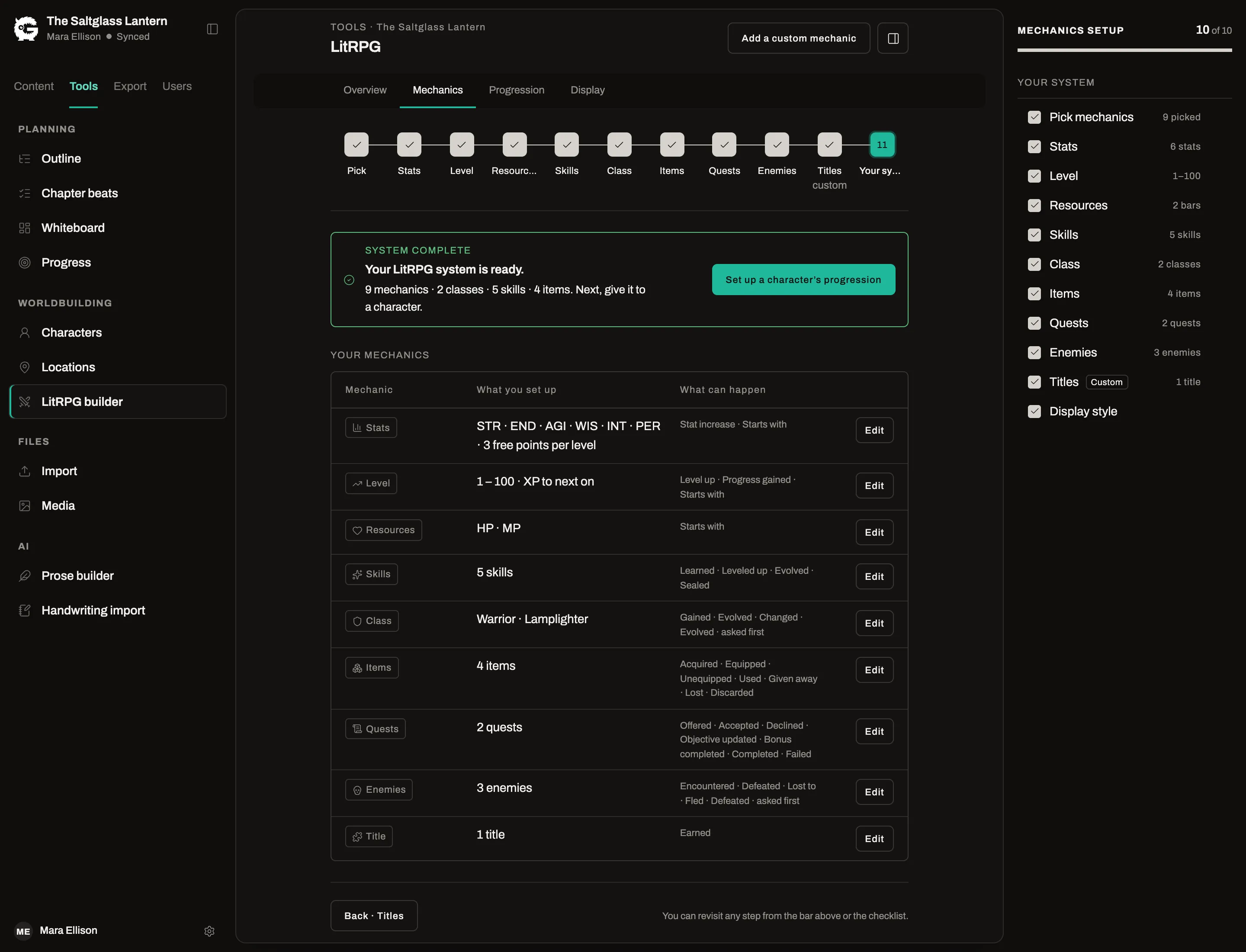
ProA guided setup for stats, levels, resources, skills, classes, items, quests and enemies, plus custom mechanics of your own.
Track progression by chapter
ProRecord where each character starts and what changes chapter by chapter, and see their sheet as of any chapter.
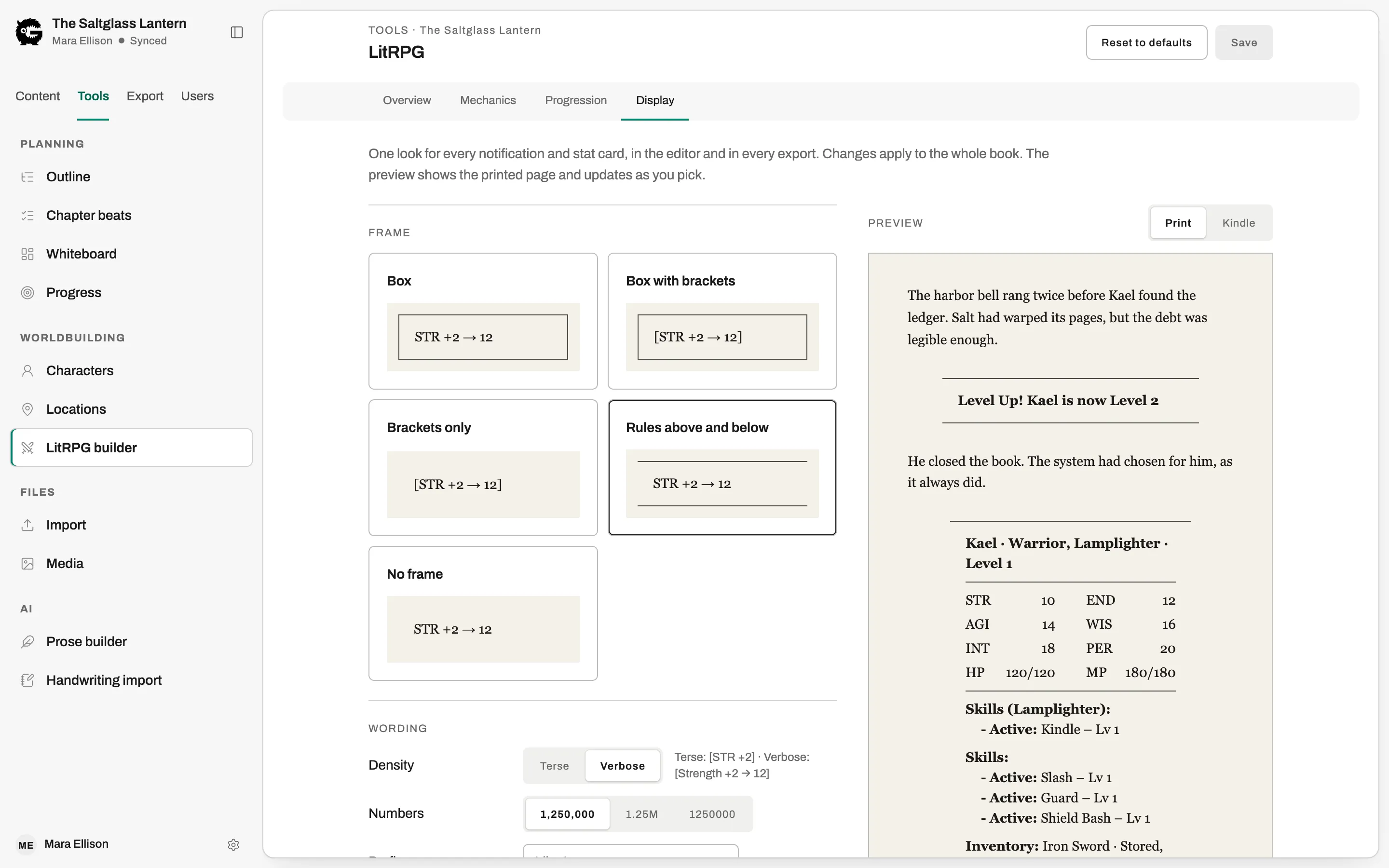
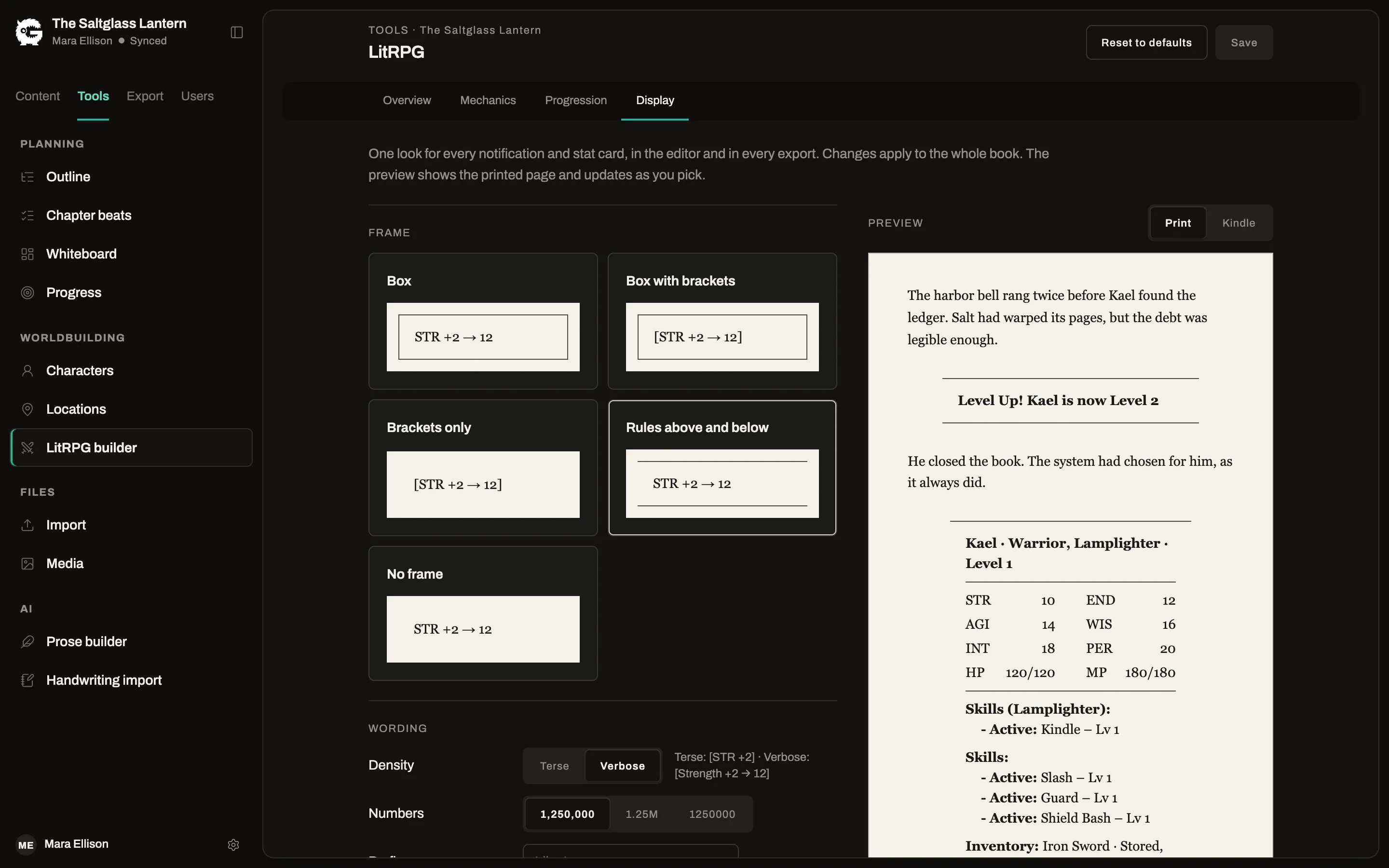
Notifications and stat cards
ProPlace a level-up, a stat change or a full stat card in the chapter. The values come from what you tracked, so they do not drift.
Styled once, exported everywhere
ProChoose the frame, font and layout of your system blocks once. They carry into the EPUB, the print PDF and the Word file.
Series that stay consistent
A series is more than a folder. Book four looks like book one without deciding everything again.
Group books into a series
ProKeep a series together on the dashboard and manage it from one place.
Shared characters and locations
ProA character or place defined for the series is available in every book in it.
Pages that stay in sync
ProWrite a page such as the copyright notice or author bio once for the series and reuse it in each book.
Series outline
ProPlan the arc that runs across the books, above each book’s own outline.
Bring in your editor and your beta readers
Invite people into the book itself, each with a role that fits what you want from them.
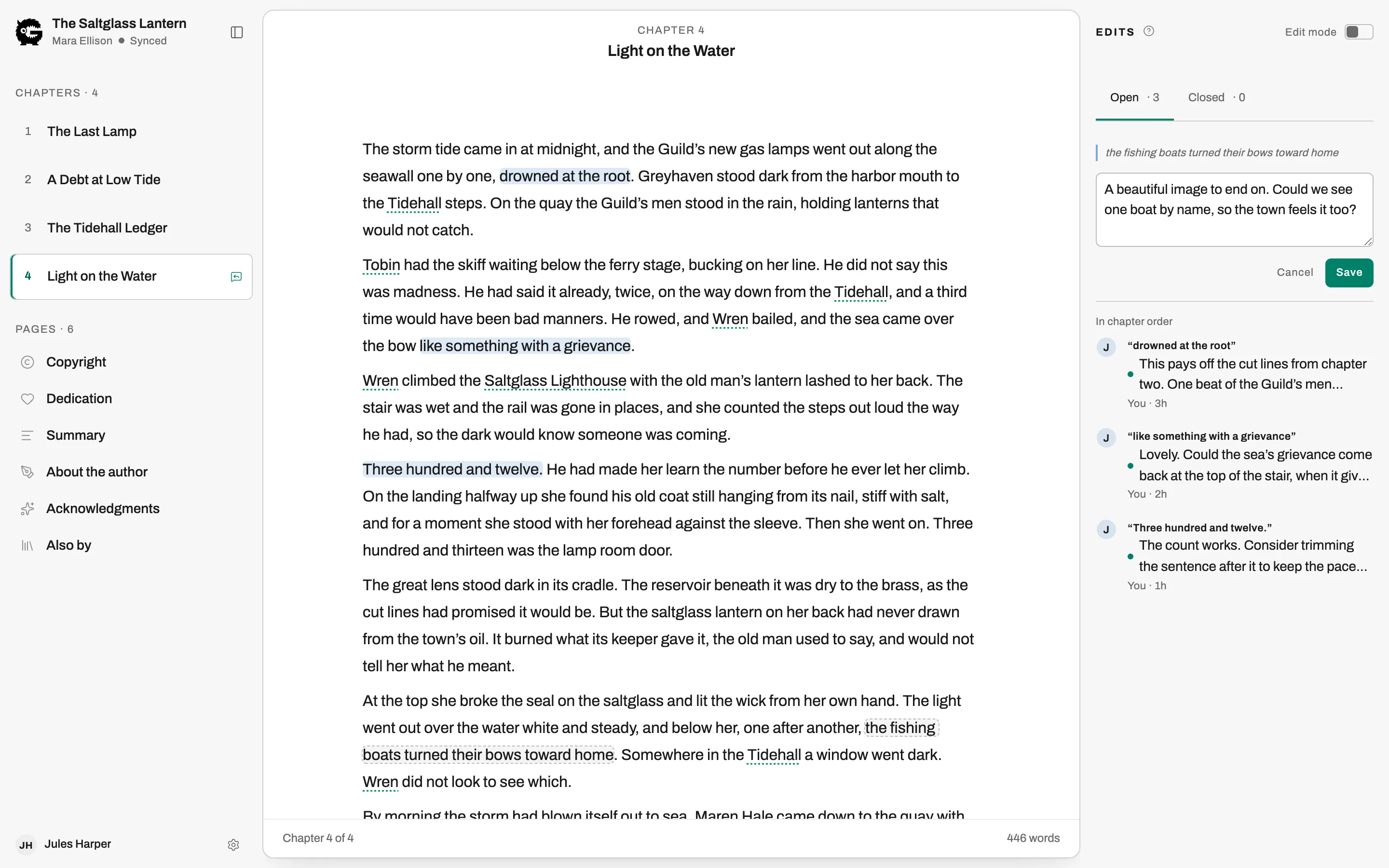
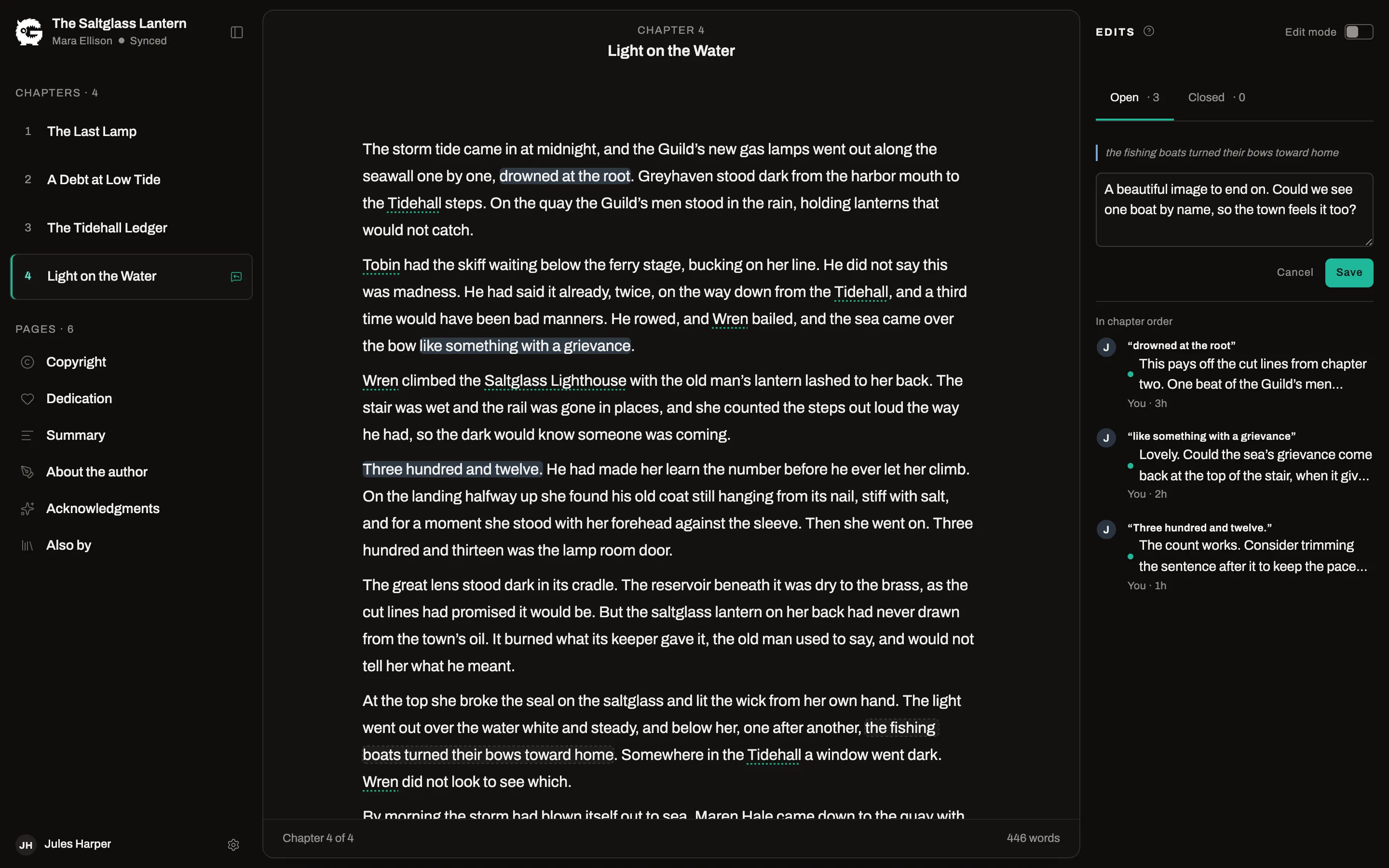
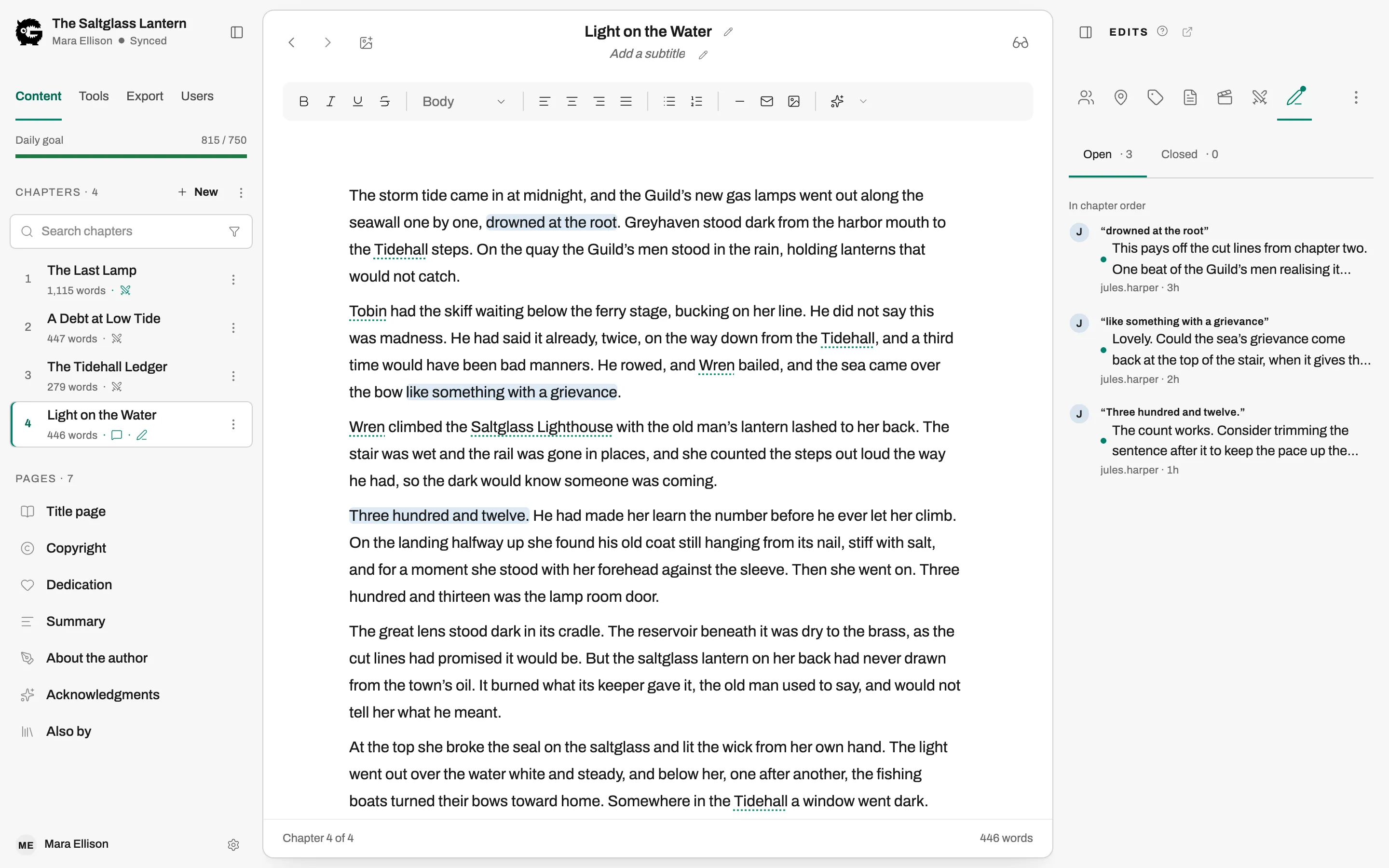
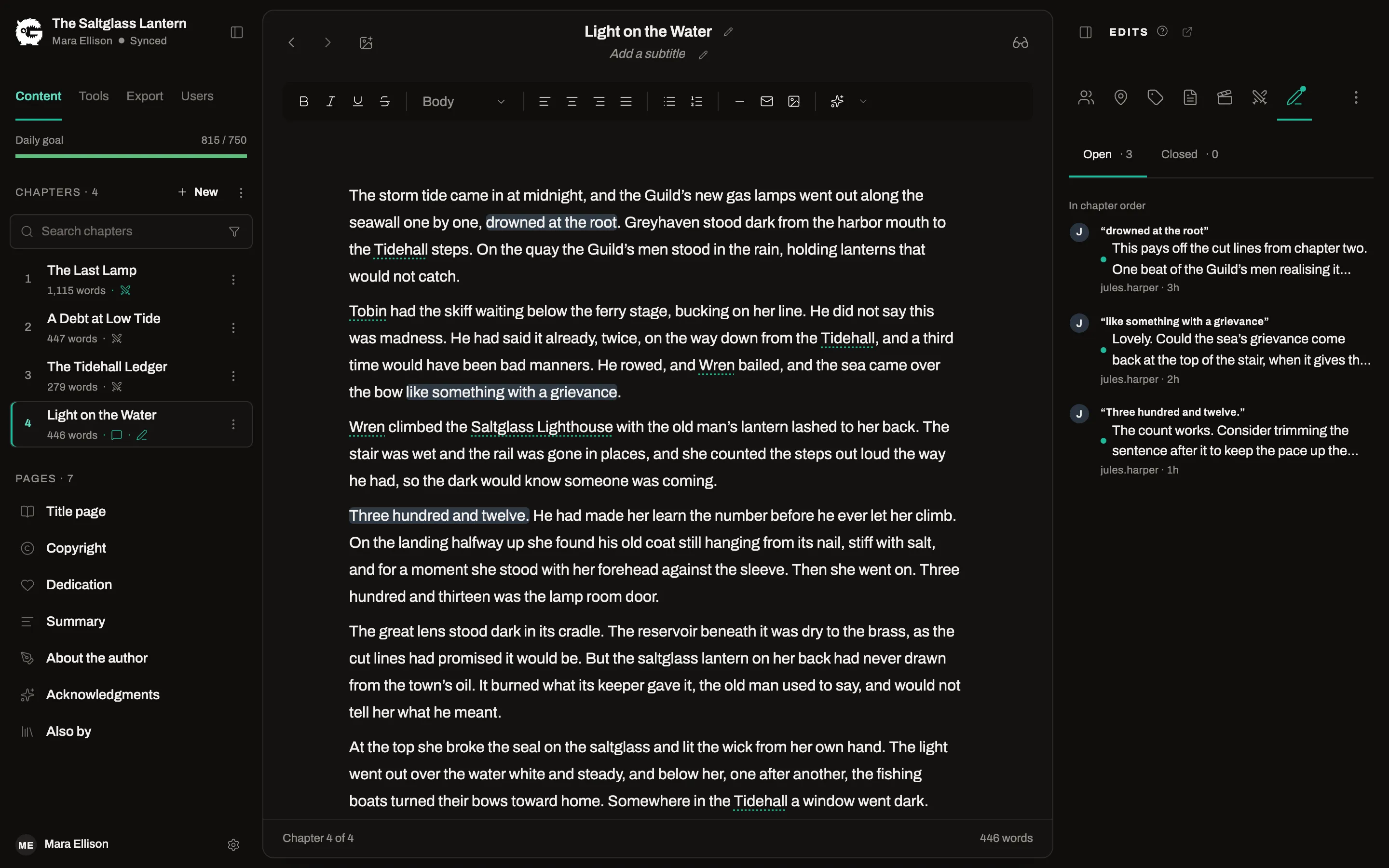
Editors
ProInvite an editor by email. They comment on the text and you reply in a thread.
Editor drafts
ProAn editor can rewrite a chapter in a private draft. You review the result before anything changes in your manuscript.
Beta readers
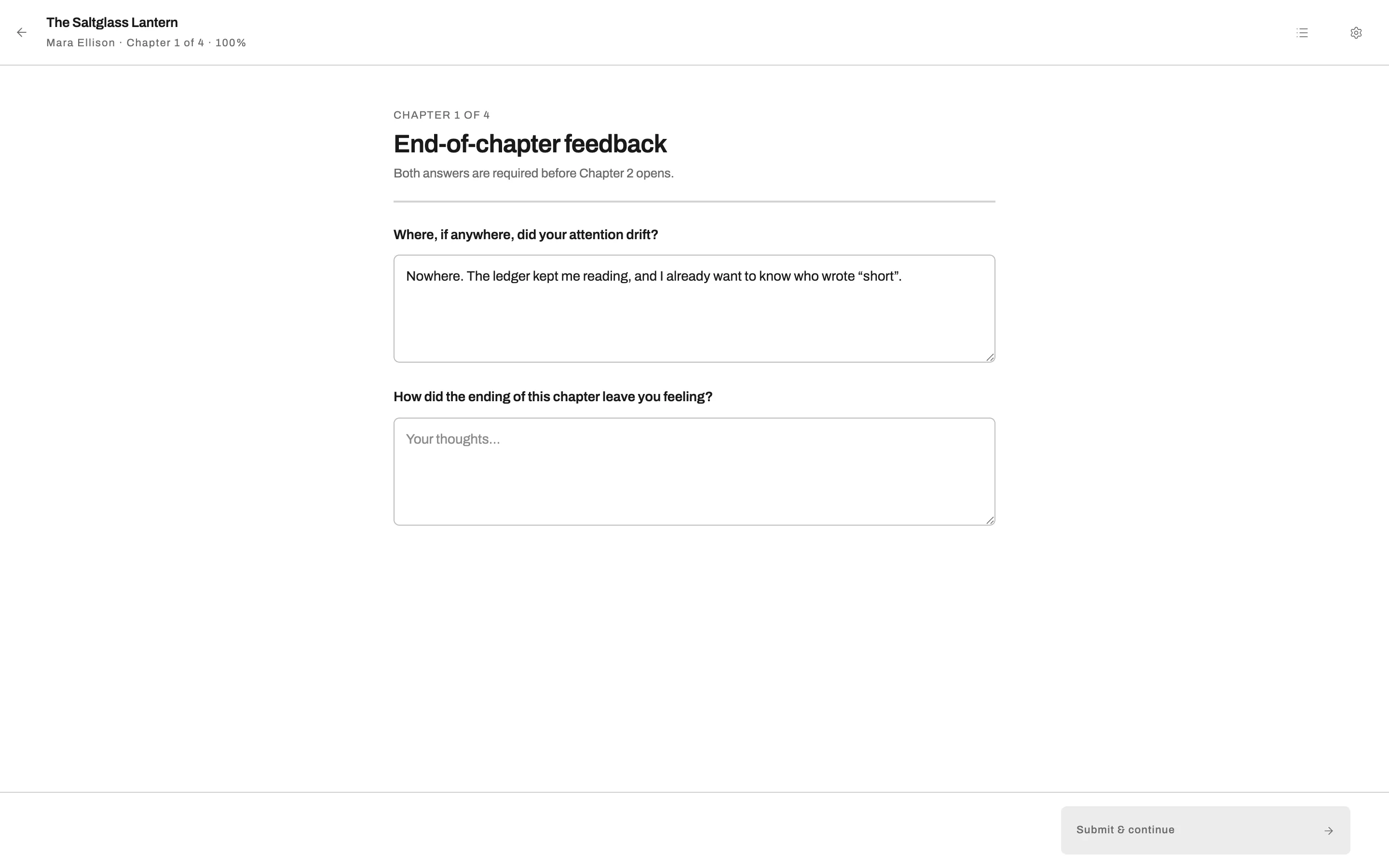
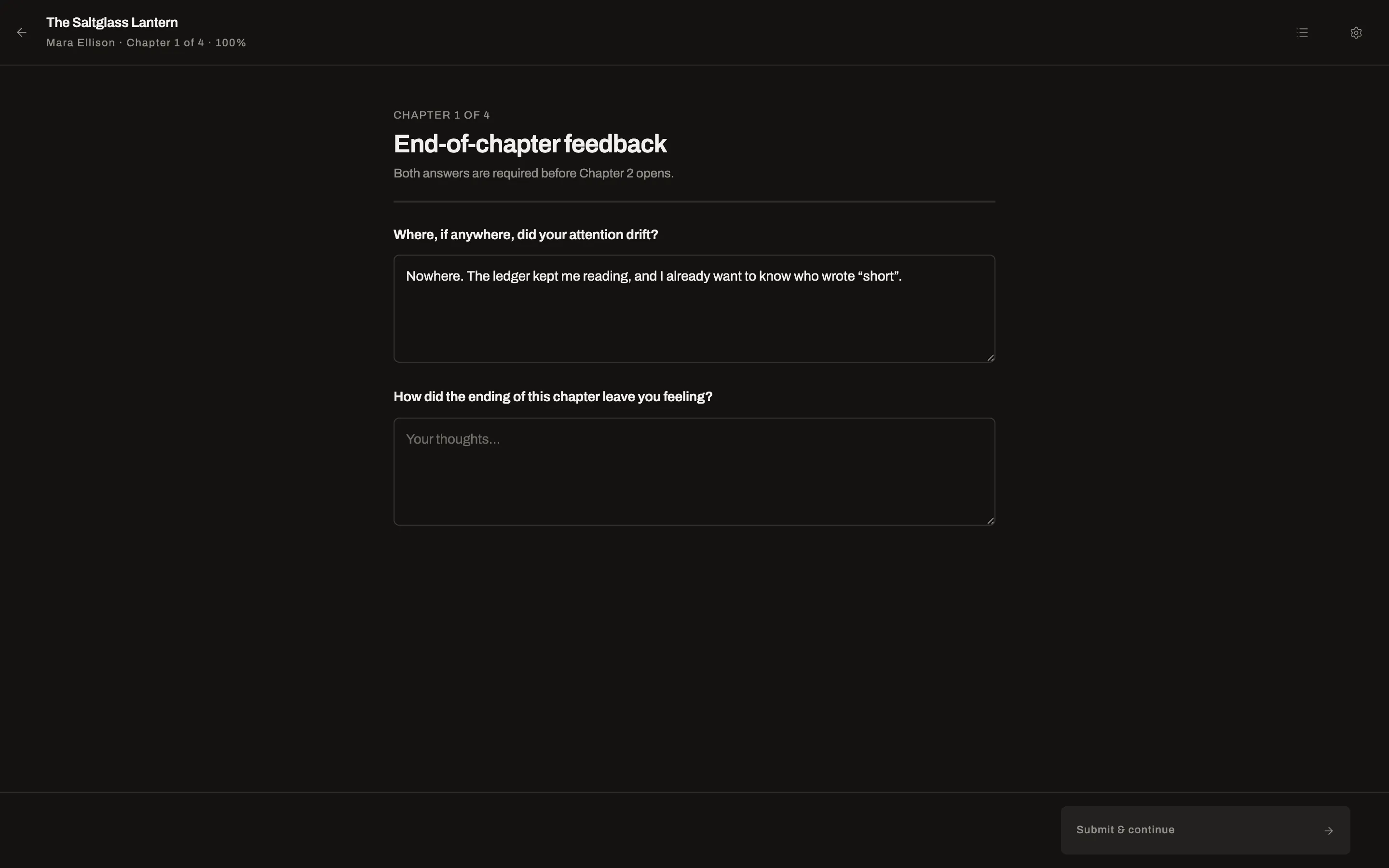
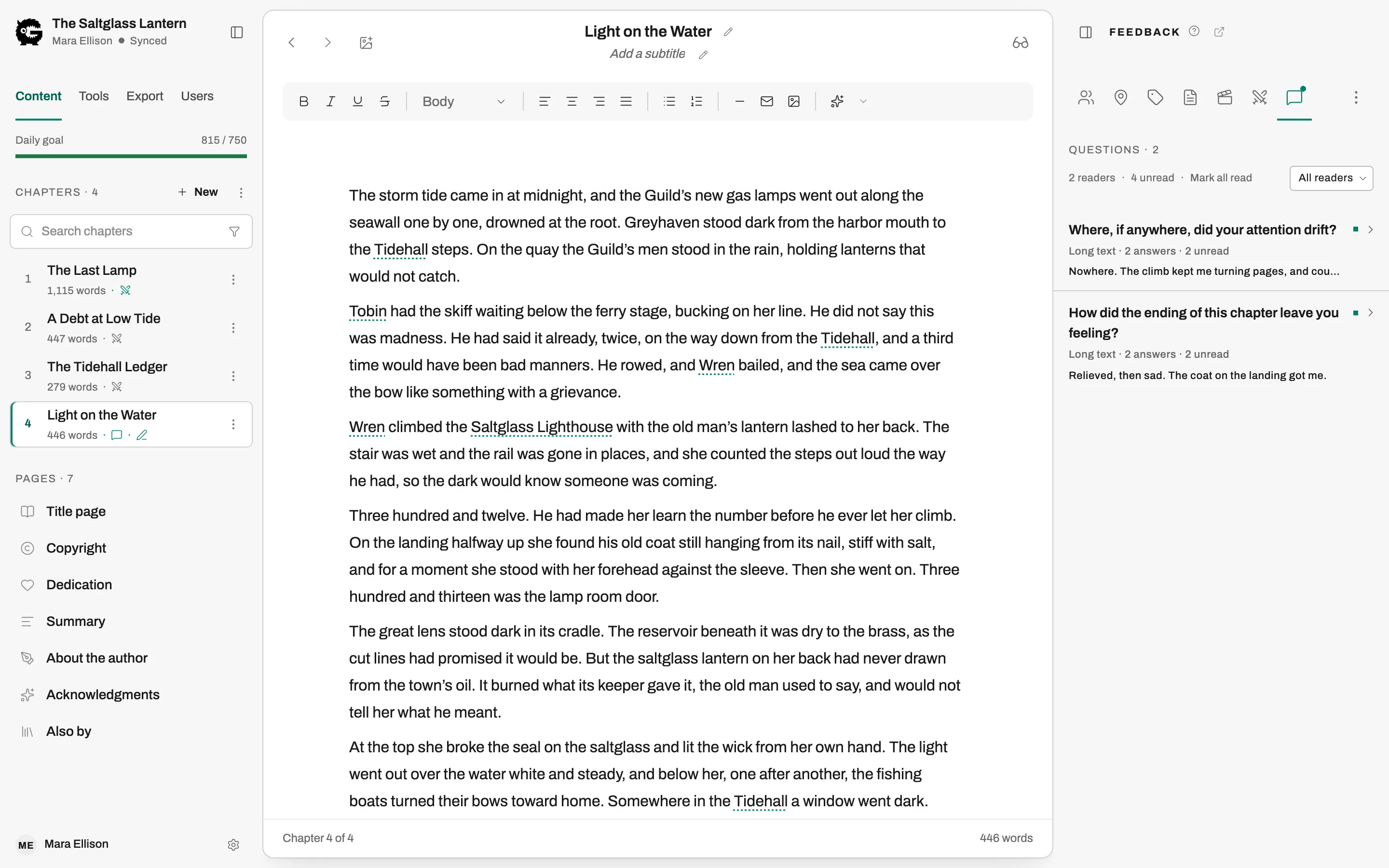
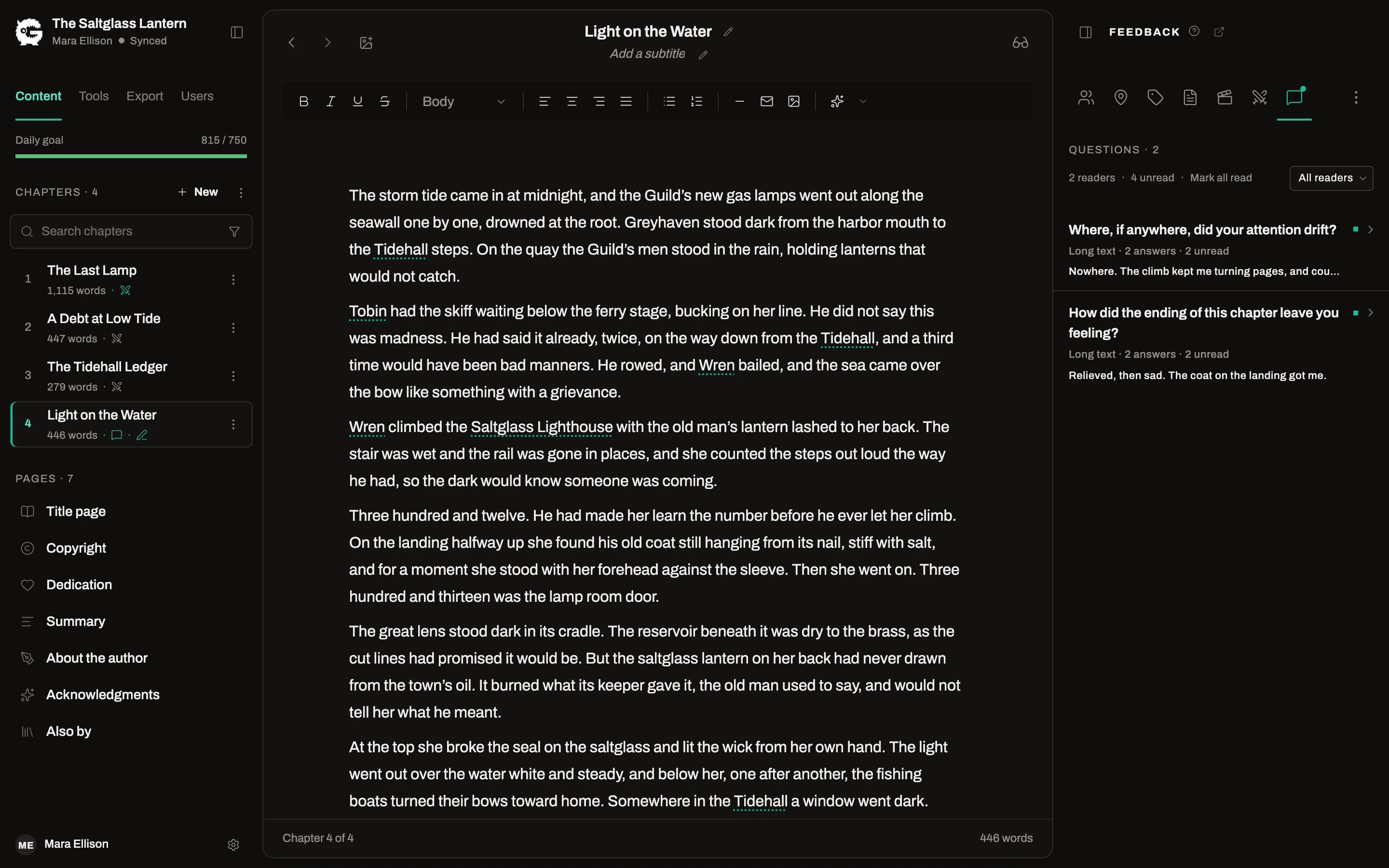
ProBeta readers get a reading view of the book, leave feedback as they go, and answer an end-of-book form you design.
Bring the book you already have
Every import shows you how it split the chapters and lets you correct it before anything is saved.
Word and Markdown
Free and ProImport Word and Markdown files from your computer, several at once if you like, or pull Word files and Google Docs from Google Drive.
EPUB
ProImport a finished EPUB as a new book, including one exported from another formatting tool: chapters, parts, front and back matter, images and the cover.
Handwritten pages
ProPhotograph pages you wrote by hand and turn them into draft text. Words the model was unsure of are flagged for you to check, and your corrections improve later pages. Uses your AI connection.
AI, only if you want it
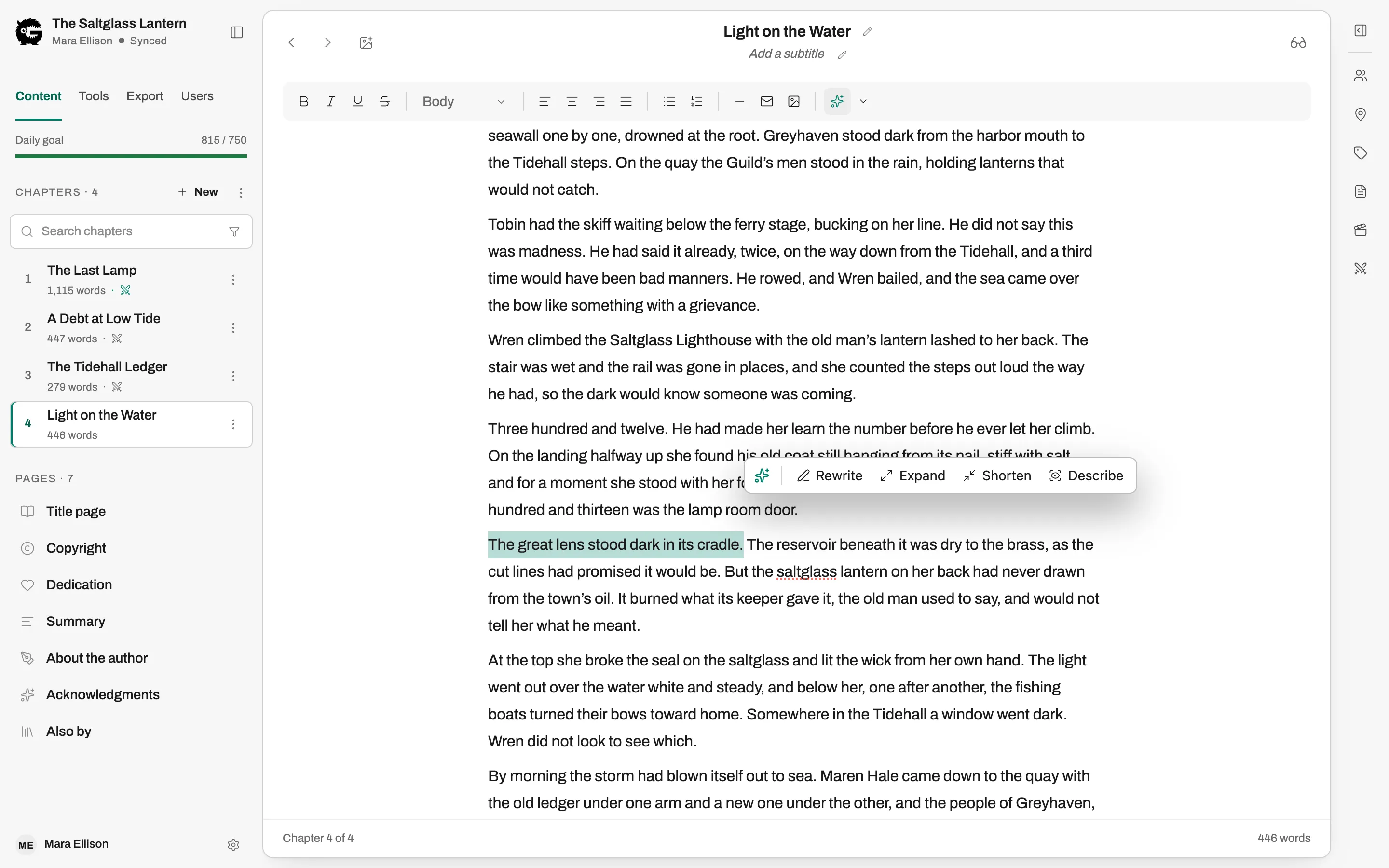
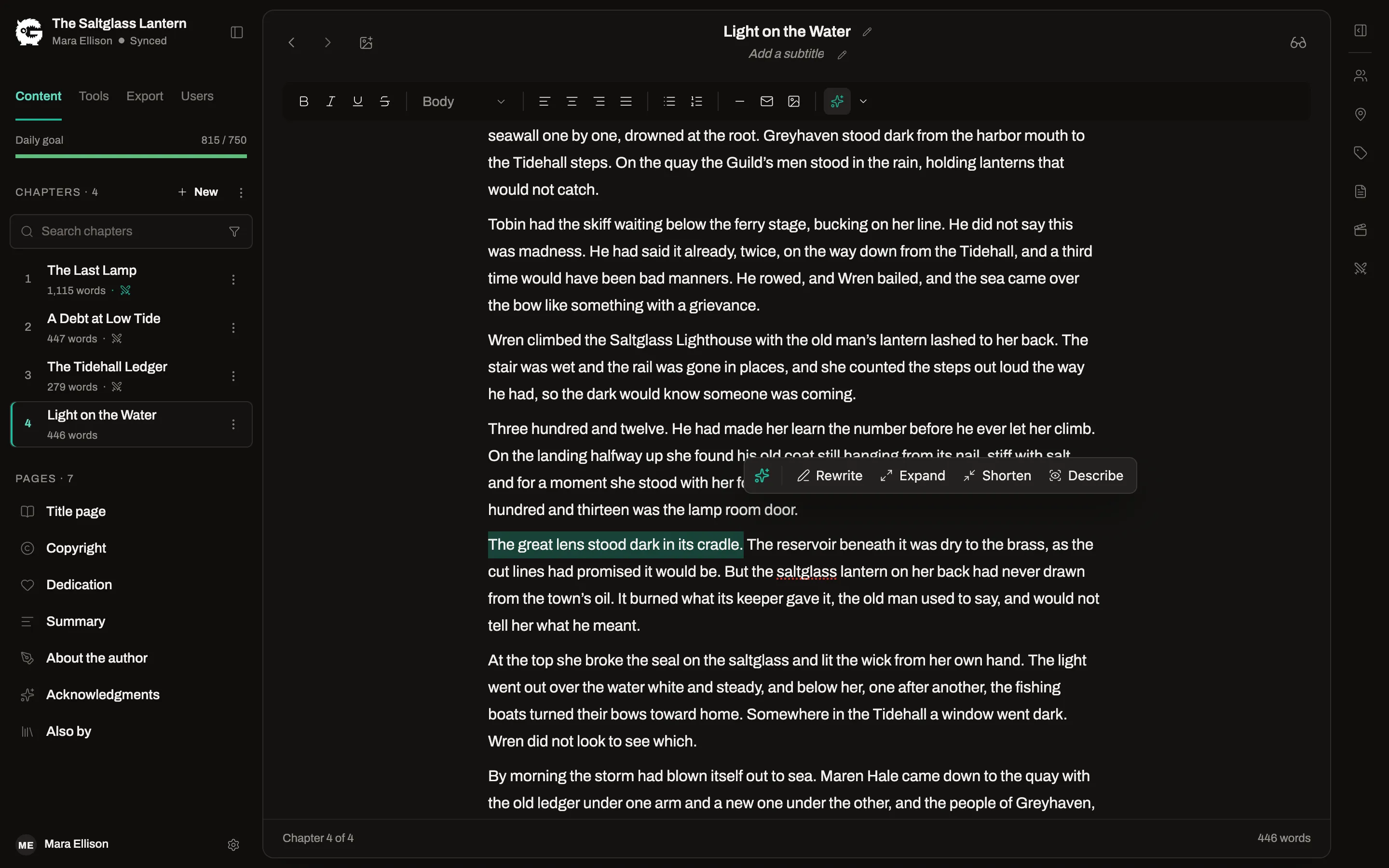
AI is off until you turn it on. It runs on your own OpenRouter account with the model you choose, and nothing reaches your manuscript until you accept it.
Your account, your model
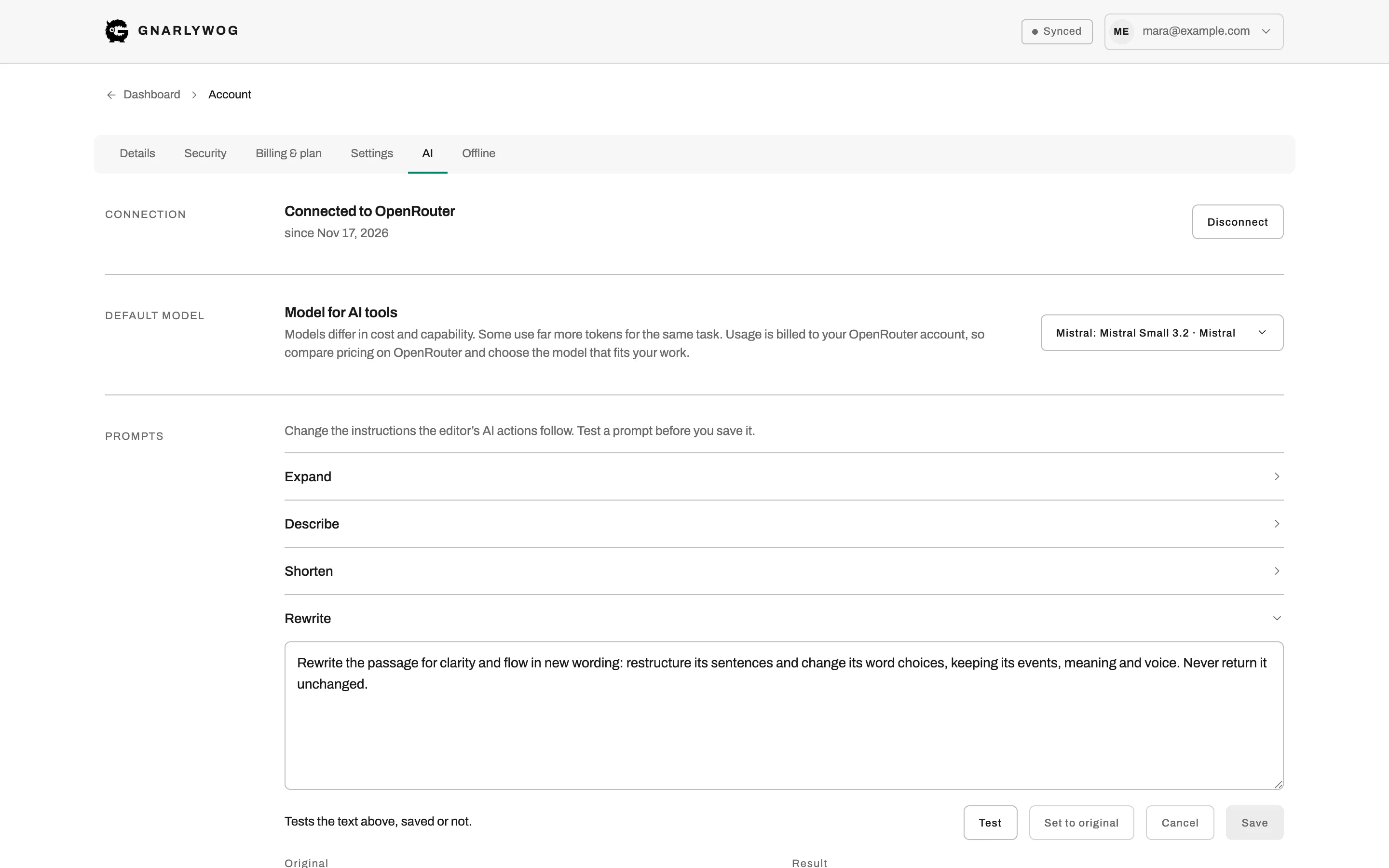
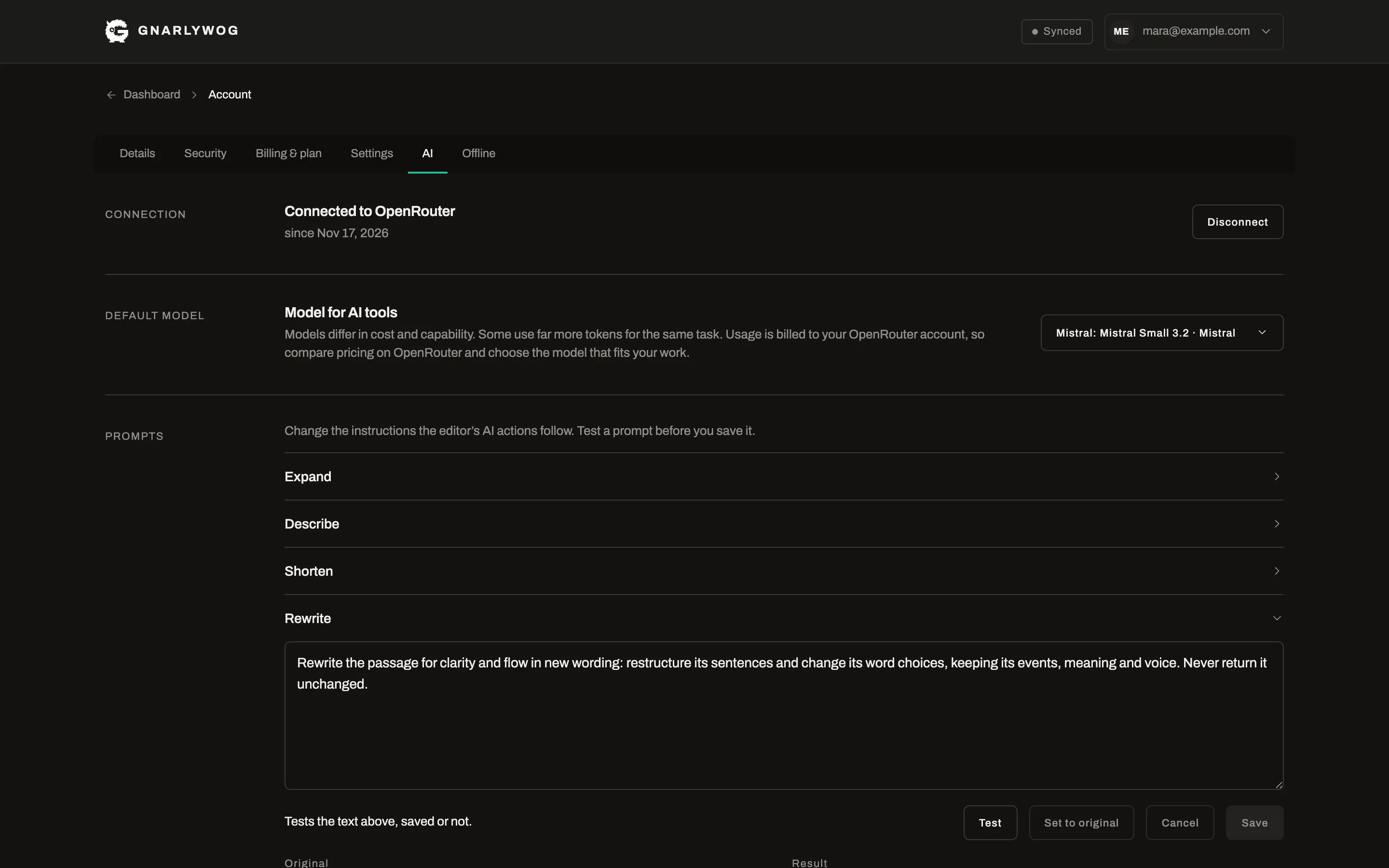
ProConnect your own OpenRouter account and pick a model. You pay OpenRouter directly for what you use, and Gnarlywog adds no charge.
Work on a selection
ProSelect a passage and ask for a rewrite, a longer or shorter version, or more description.
Draft from your beats
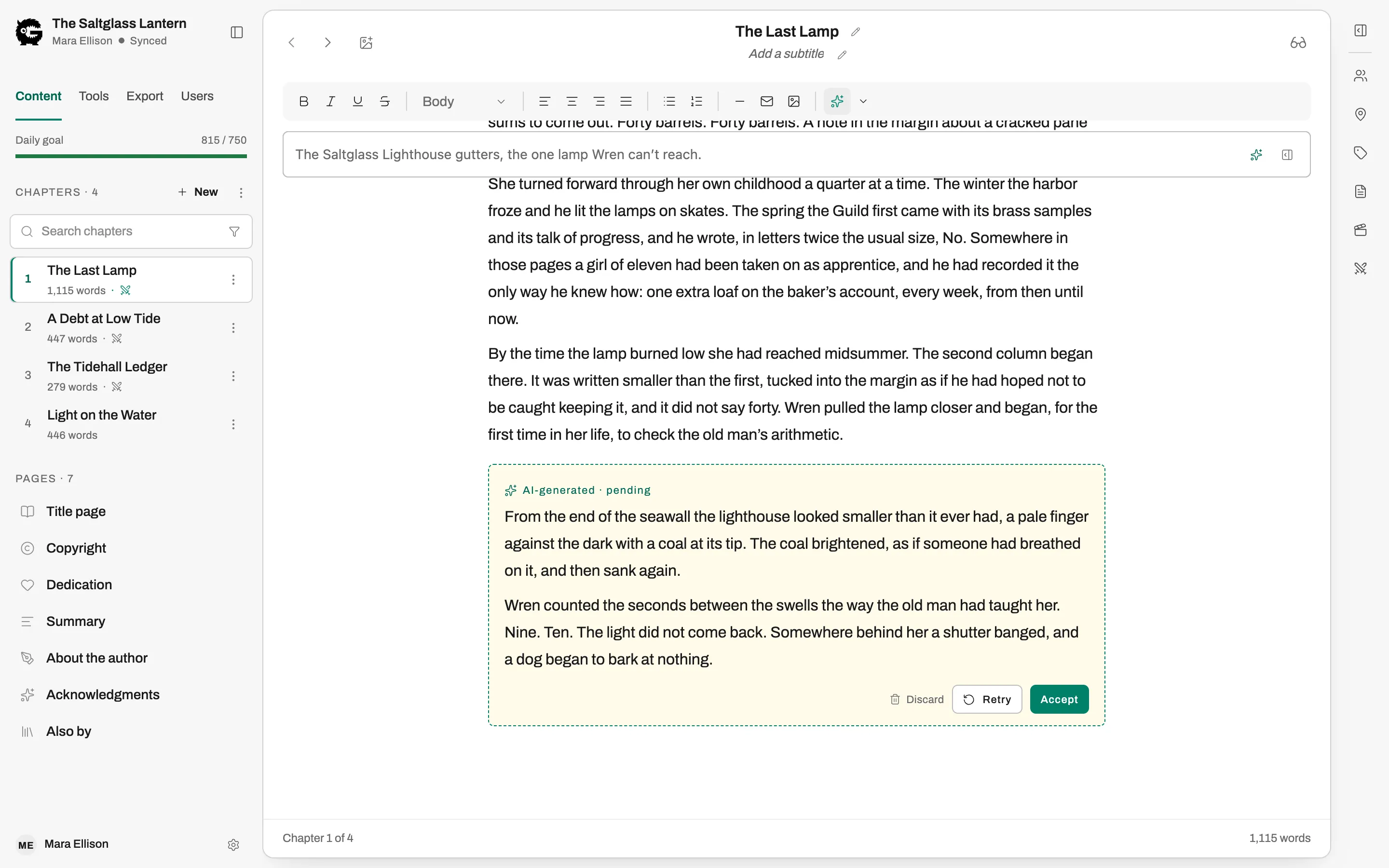
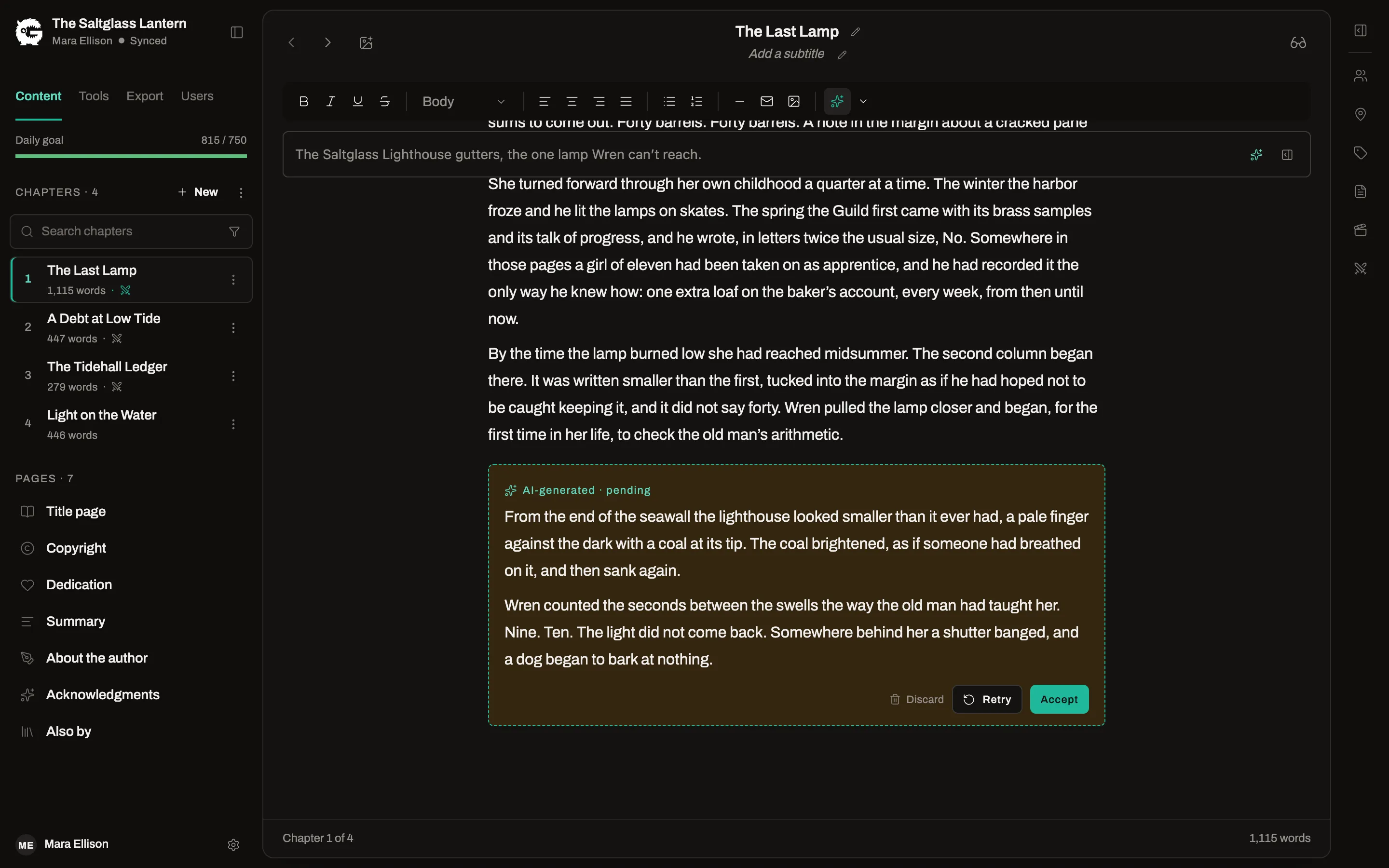
ProGenerate a first draft of a beat from its description, or ask for suggested steps to get from one beat to the next.
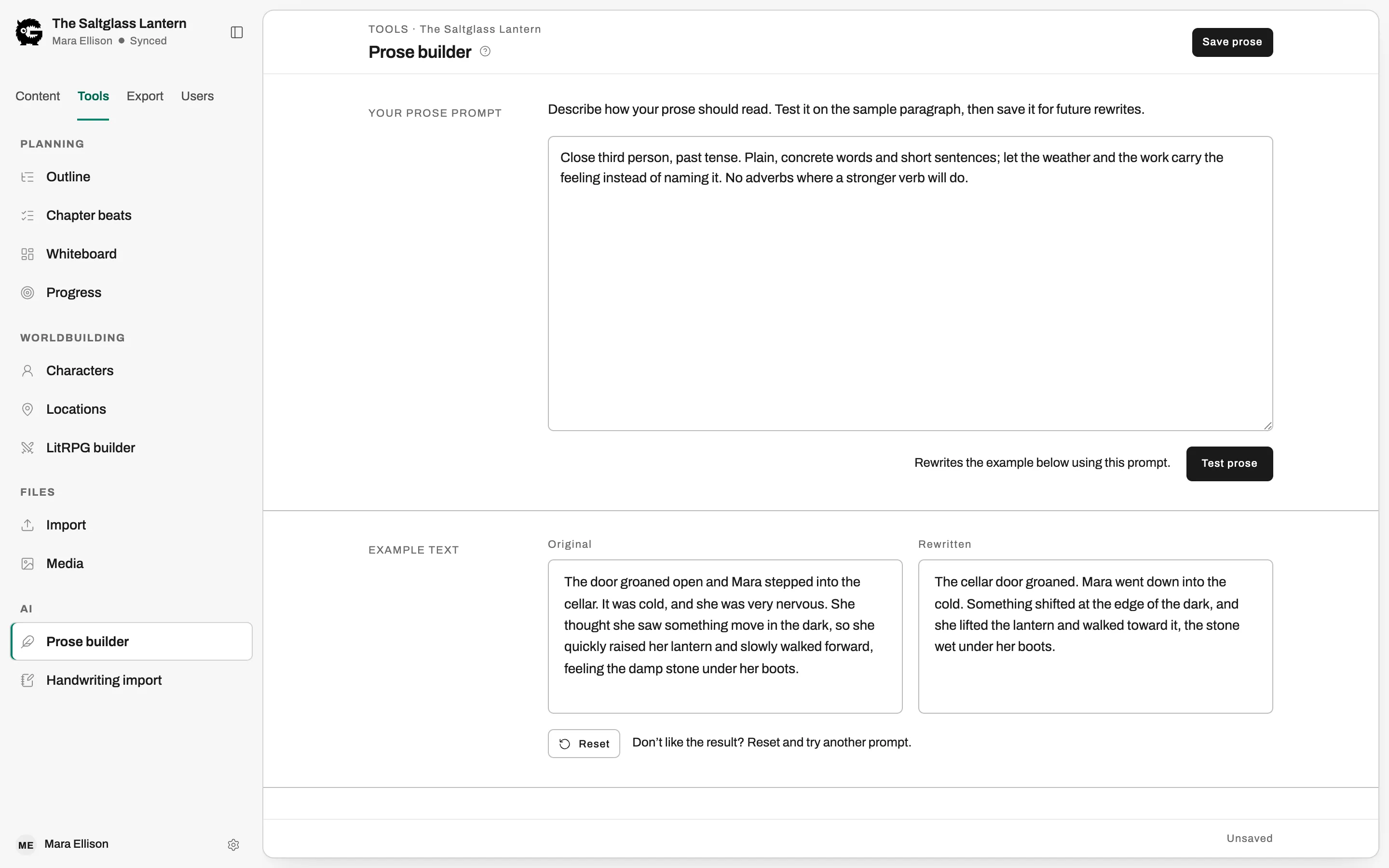
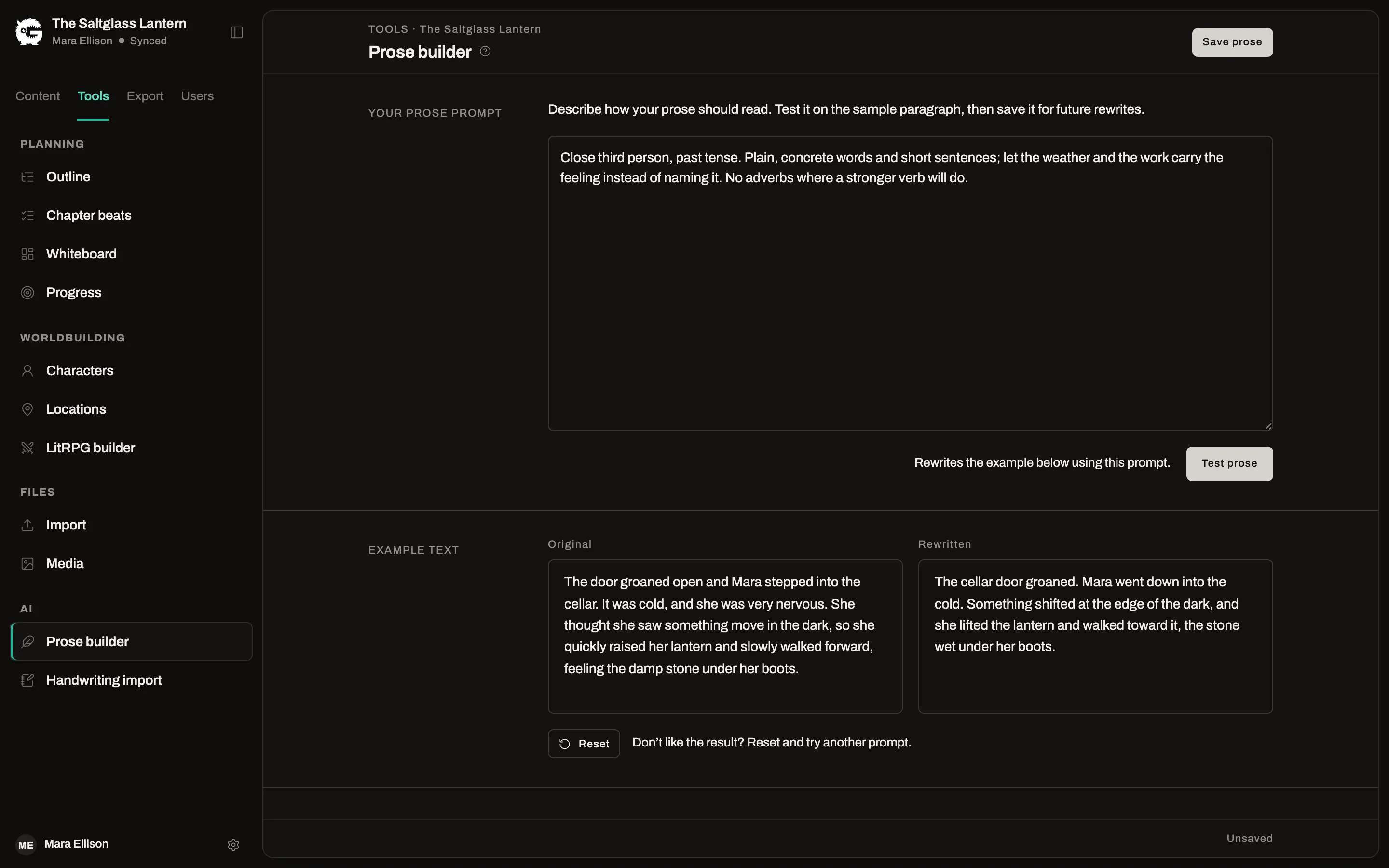
Your style, your prompts
ProDescribe your prose style once and test it on a sample paragraph, and edit the prompt behind each action.
Always your decision
ProEvery result waits for you to accept it, try again or discard it. Nothing is inserted on its own.
Your work, kept safe and kept yours
You own what you write. Take it with you whenever you like.
Two-factor sign-in and passkeys
Free and ProProtect your account with an authenticator app, or sign in with a passkey.
Export your data
Free and ProDownload everything in your account whenever you like, with your chapters as Markdown files and your images included.
Light and dark
Free and ProThe app follows your system theme, or you can pick one.