DocsAccount
Report a bug, share an idea or ask for help
ProUpdated
Help & feedback is the page for writing to Gnarlywog from inside the app: a bug you ran into, an idea, or a question about your account or a charge. It is part of the Pro plan. On the Free plan, see On the Free plan below.
Step 1: Open Help & feedback
- Press your account button at the top right of the dashboard. Inside a book, press your name at the bottom of the sidebar.
- Choose Help & feedback, above What’s new.
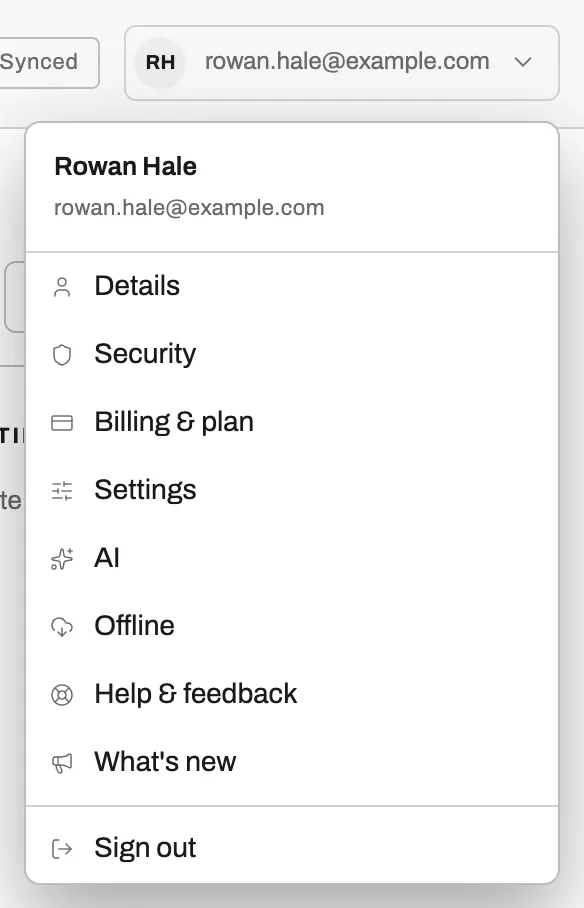
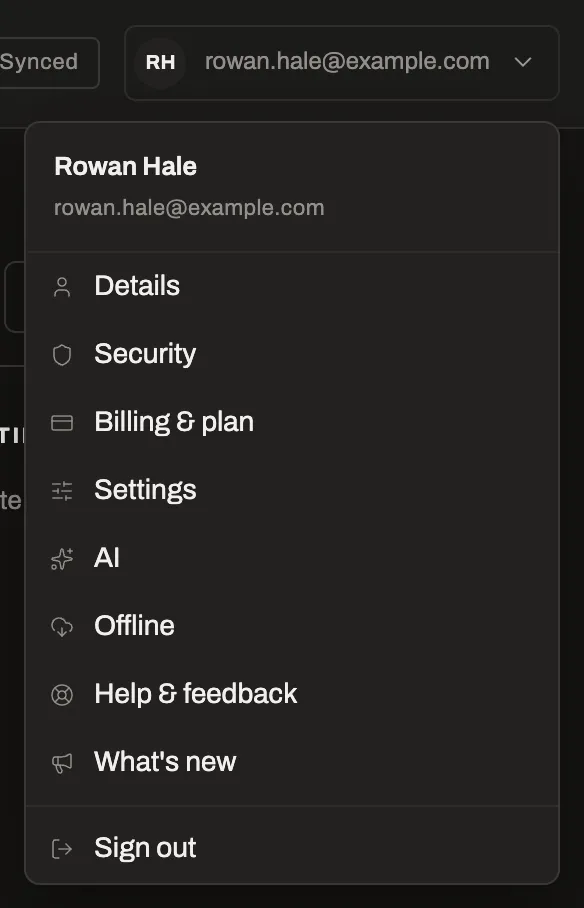
Open it from the page your message is about: the page you came from is sent with it. On a tablet or phone, Help & feedback is in the foot of the menu. If the app ever shows an error screen, a Help & feedback button on it opens the page too.
Step 2: Choose a category
The page has a Category row and a Your feedback box. Beside them, a line for each category says what happens to your message.
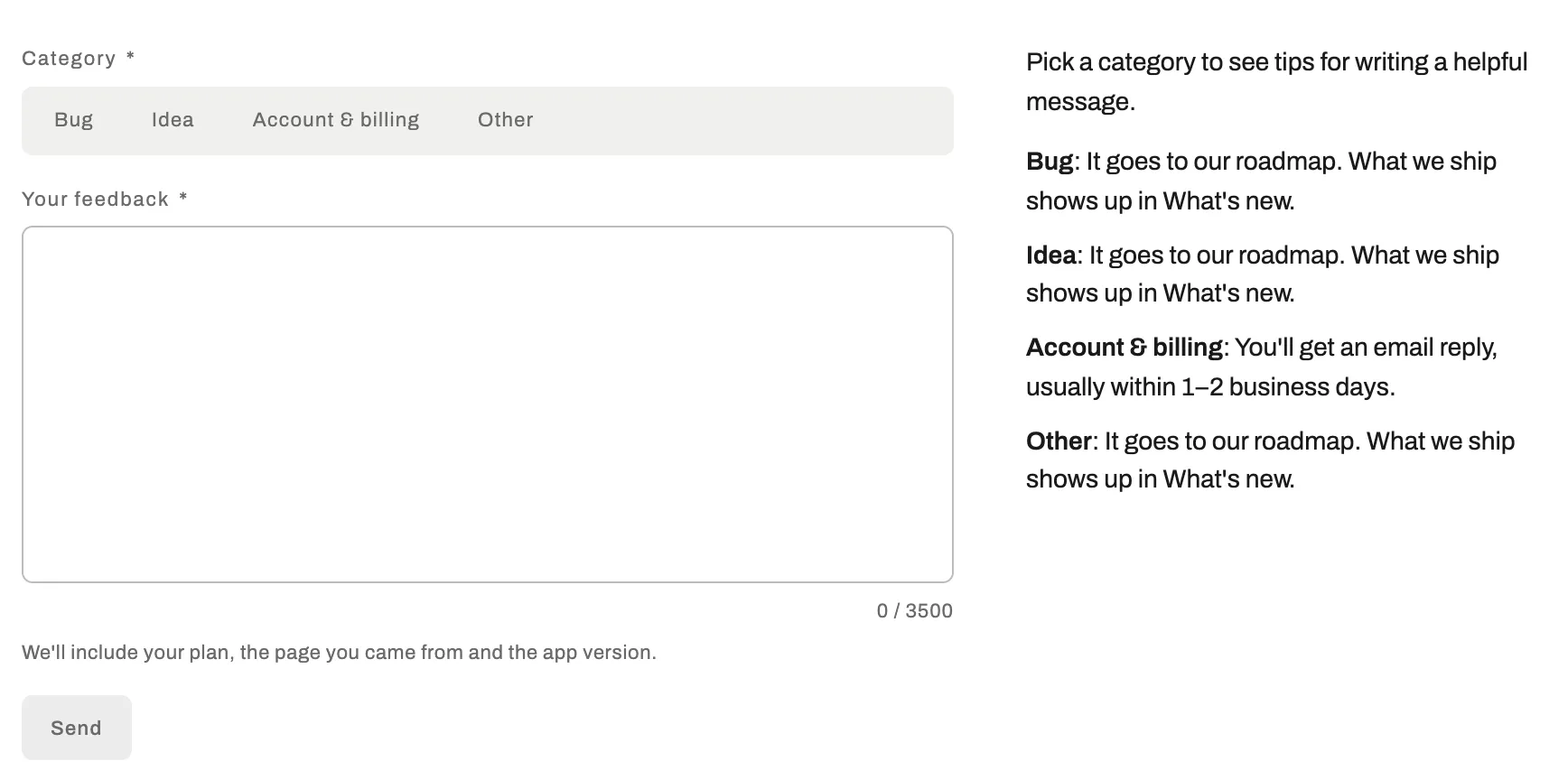
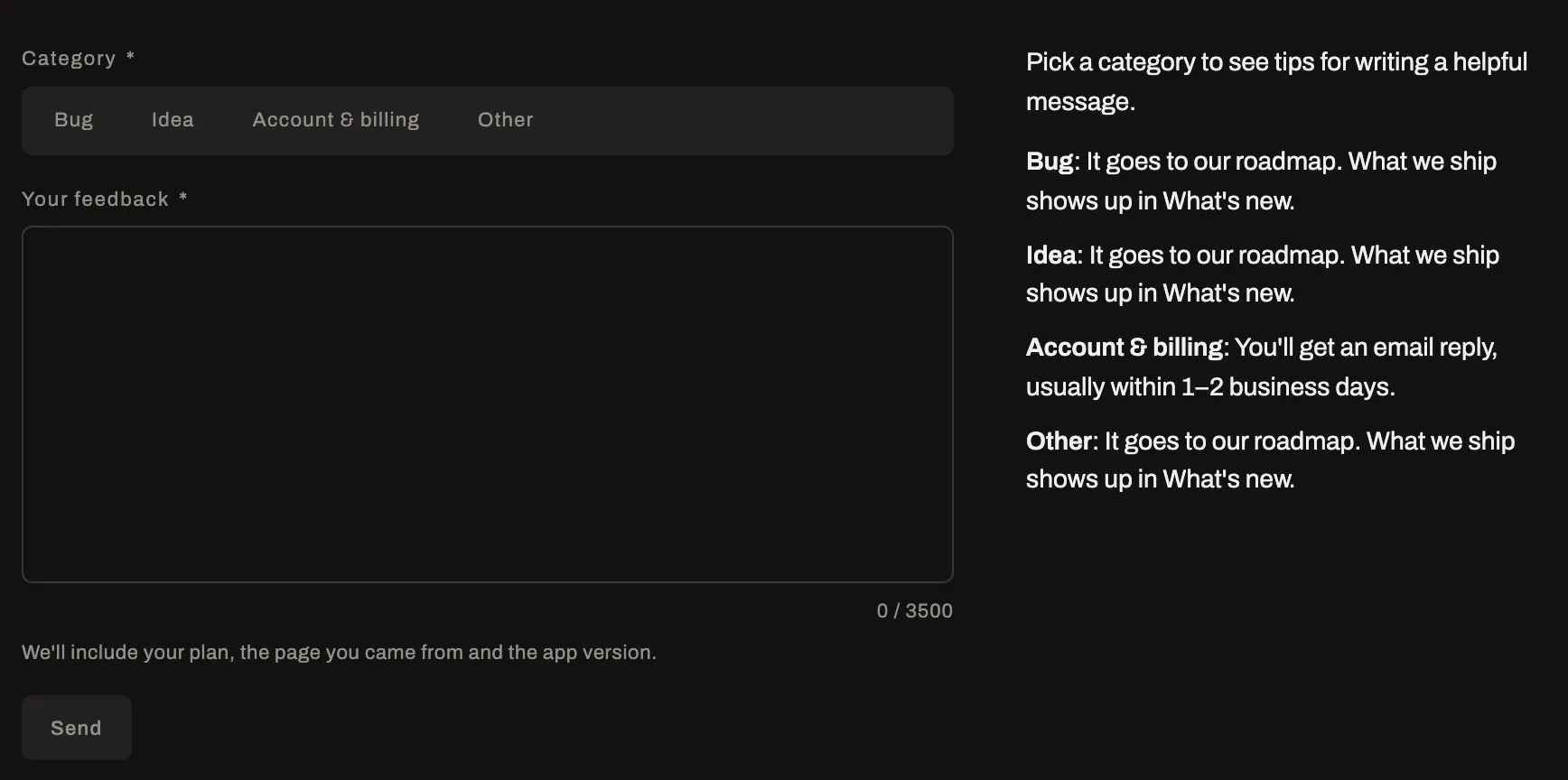
Choose the one that fits:
- Bug: something in the app did not work as it should.
- Idea: something you would like Gnarlywog to do.
- Account & billing: a question about a charge, your plan, signing in or your account settings. This one is read by a person, who replies by email.
- Other: anything else.
Step 3: Write your message
Once you choose a category, the column at the right lists what to put in your message.
- Type your message in the Your feedback box, up to 3,500 characters. The count under the box shows how many you have used.
- Press Send.
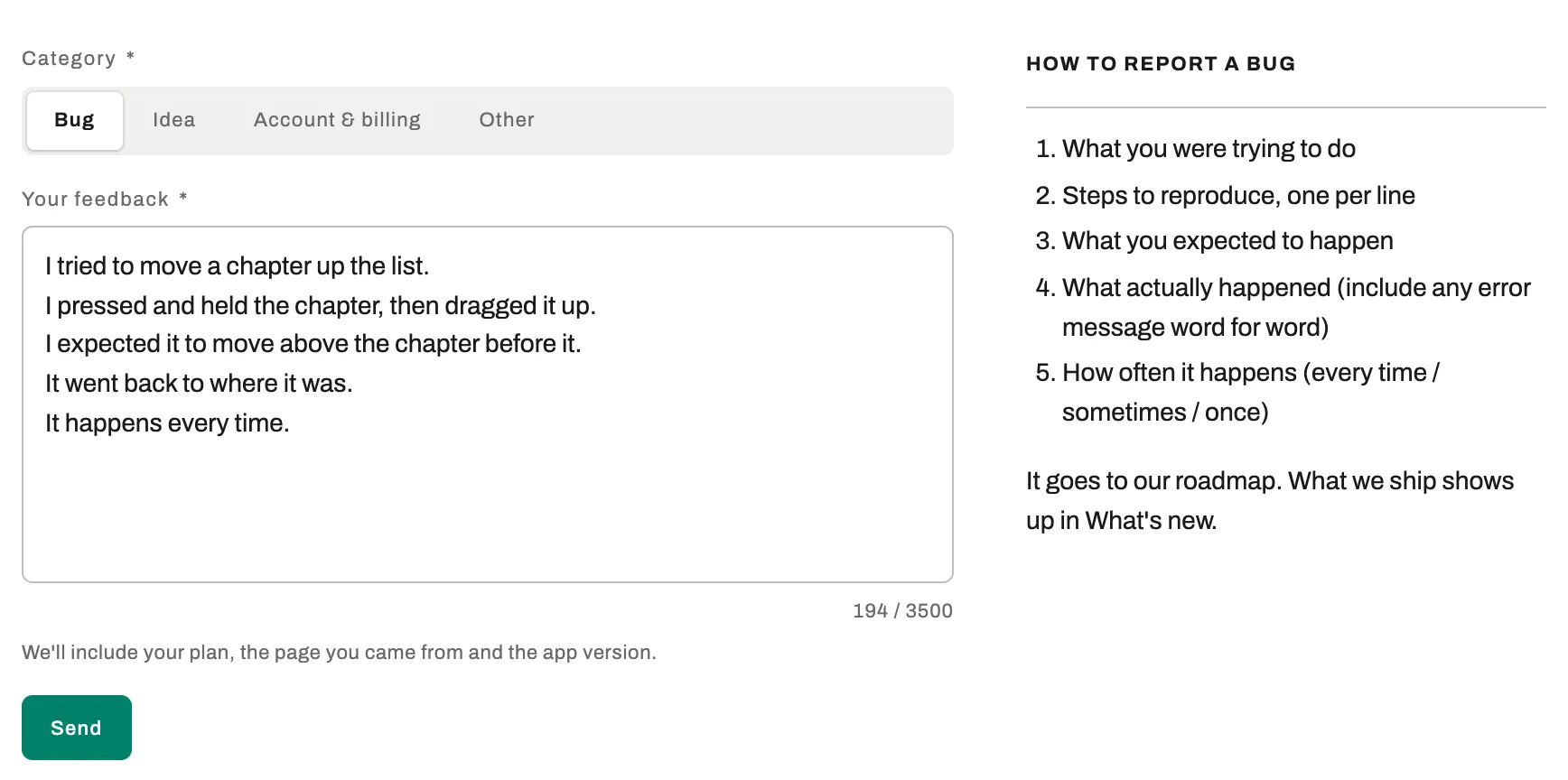
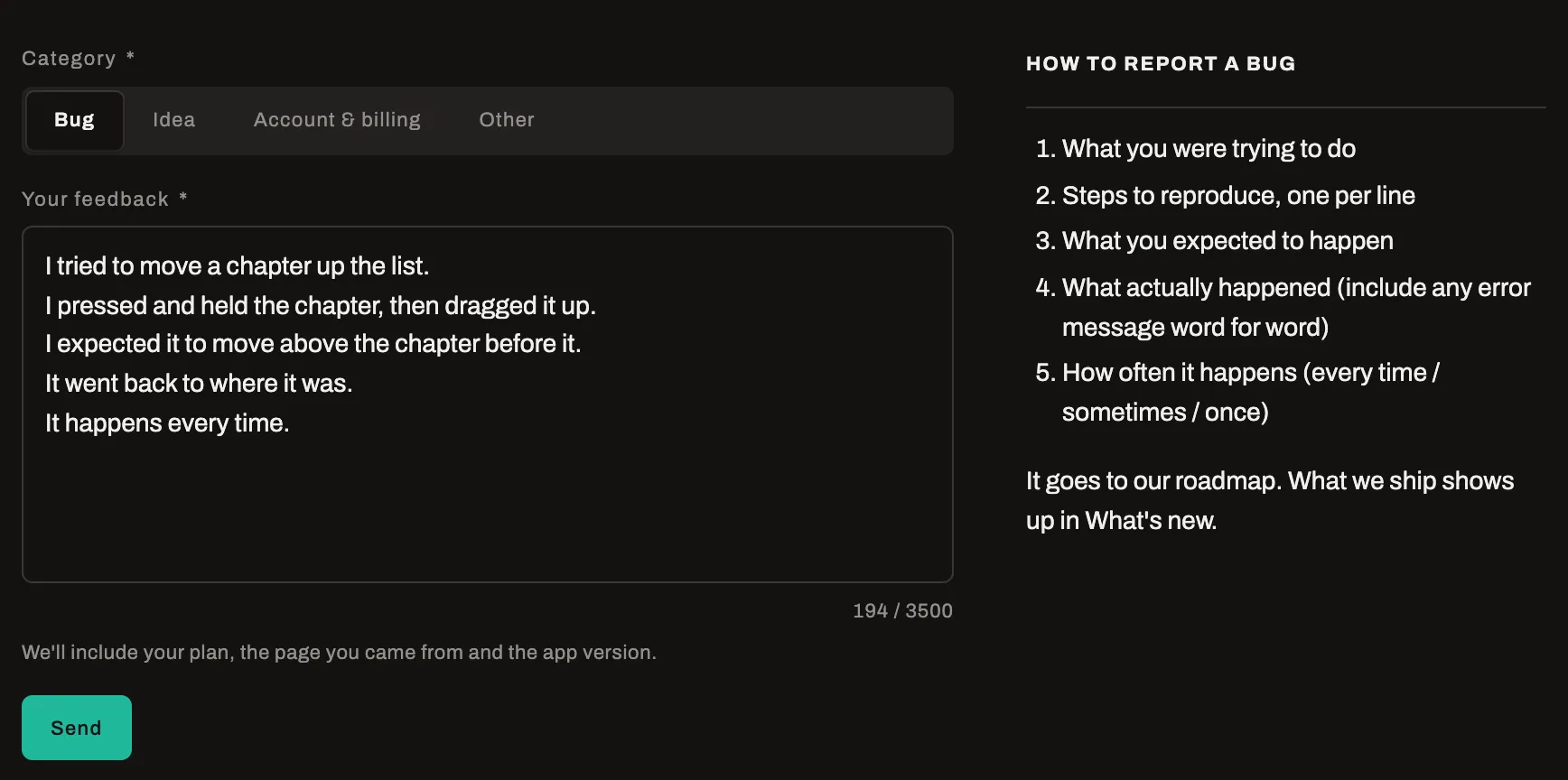
For a bug, one step per line is easiest to follow, and an error message is most useful copied word for word.
Along with your message, Gnarlywog sends your plan, the page you opened Help & feedback from and the version of the app. An Account & billing message also carries your account’s email address, so the reply can reach you. A message is text only: there is no way to attach a file or a screenshot, so describe what you saw.
Step 4: See that it was sent
After a bug, an idea or an Other message, the page says “Thanks, your feedback was sent.”
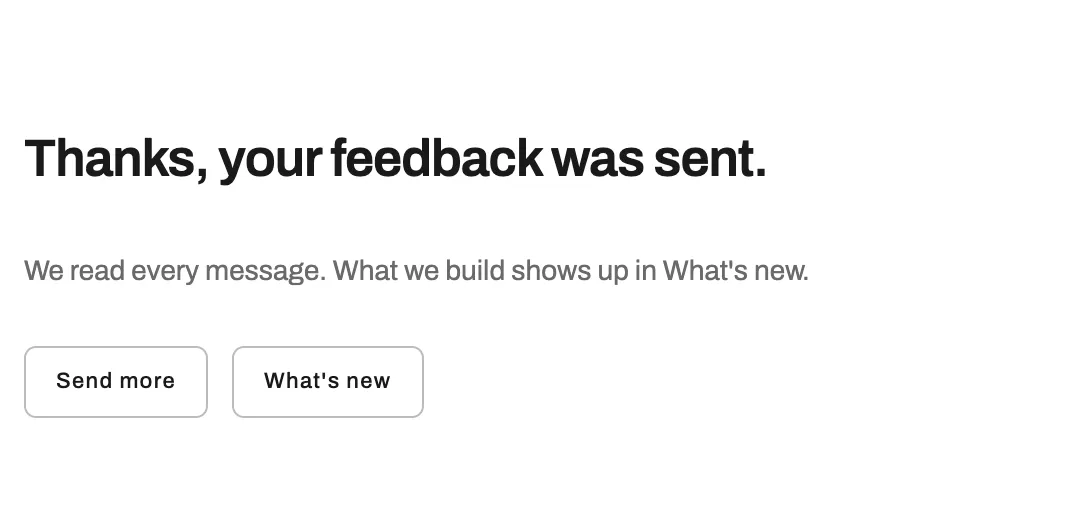
- Send more brings the form back for another message.
- What’s new opens the list of changes to Gnarlywog in a new tab, where what gets built shows up.
Ask about your account or billing
- Choose Account & billing.
- Say what is wrong and when it happened. For a charge, give its date and amount. Never type your card number.
- Press Send.
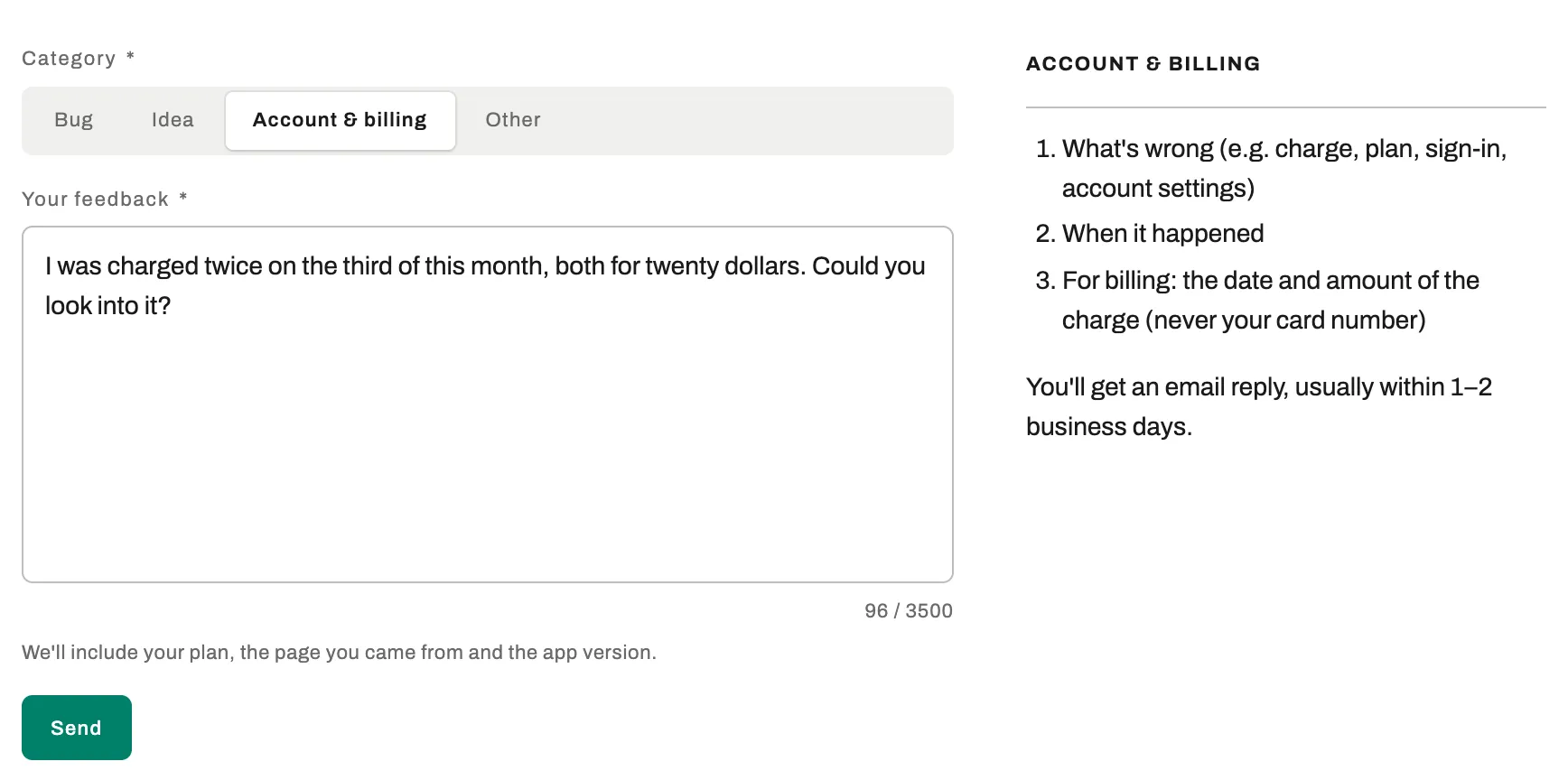
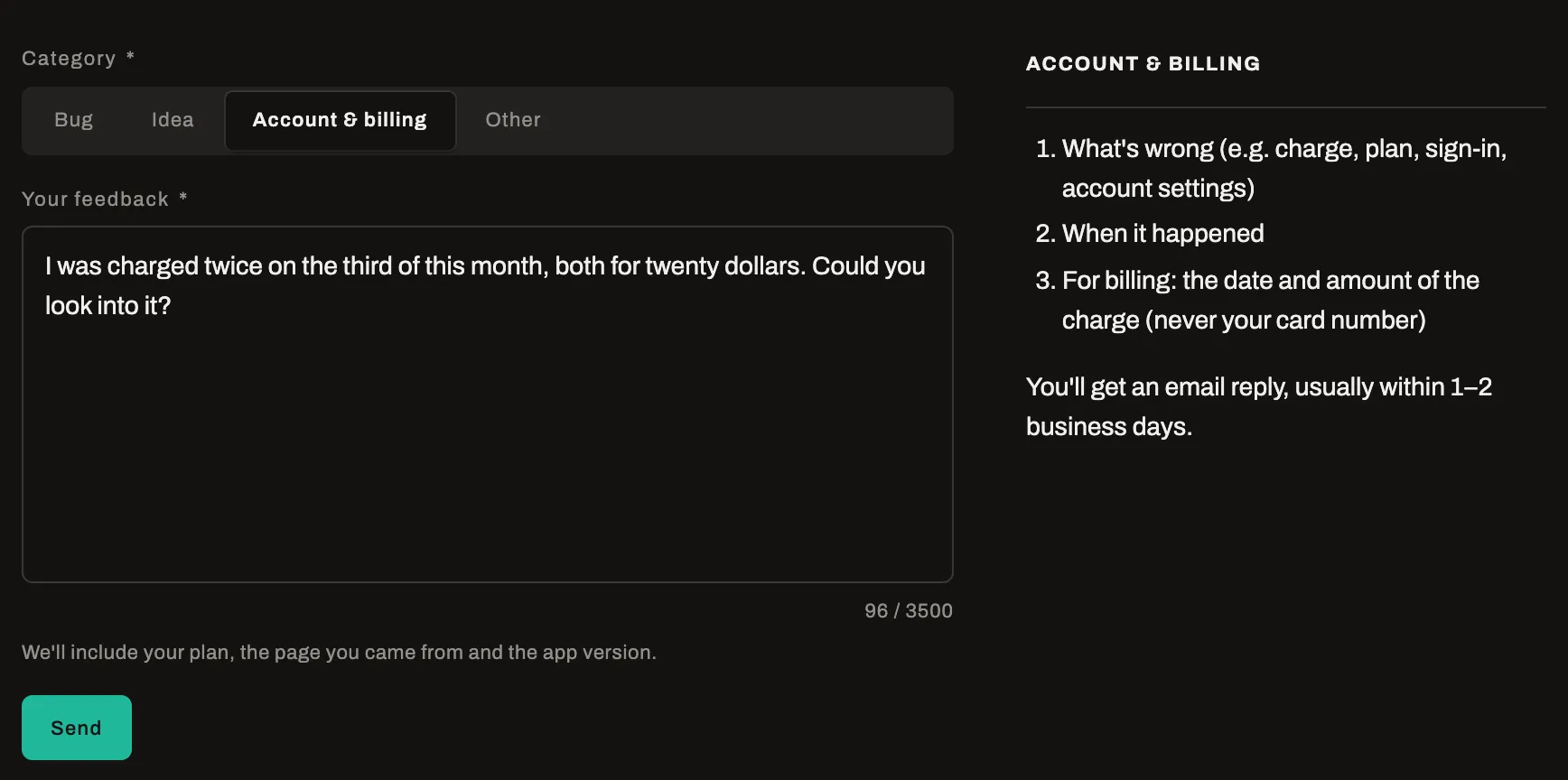
The page says “Thanks, we got your message.” and that you will get an email reply at your account address, usually within one to two business days. If it says “We couldn’t send your message. Please try again.”, the message did not go: press Send again.
To cancel Pro, change your card or see your invoices, you do not need to write: Your plan and billing shows where. If you cannot sign in, a message cannot restore your account; use Forgot password? on the sign-in page, as Keep your account secure explains.
How many you can send
You can send three bugs, ideas or Other messages, and separately two Account & billing messages, in any 24 hours. When you reach one of these, a notice under Category says when you can send the next, and you can still choose the other kind. Send more is not shown once you have none left.
On the Free plan
On the Free plan, Help & feedback is not in the account menu, and its address takes you back to the dashboard.
The contact form on this site reaches a person for three things: a charge after cancelling Pro or a double charge, a request about the data Gnarlywog holds on you, or a question about the Terms, Privacy or Refund policy. It is not for bugs or ideas. For how a page works, this help centre is the place to look.
Related
- Your plan and billing: your plan, invoices and cancelling, without writing to anyone.
- Free and Pro: how the two plans differ: what Pro includes.
- Keep your account secure: getting back in if you cannot sign in.
- Write on a tablet or phone: the menu where Help & feedback sits on a smaller screen.