DocsCollaboration
Ask readers about the whole book
ProUpdated
The end-of-book form is a second list of questions for your beta readers, about the book as a whole. A reader answers it once, after they have sent their answers for the last chapter. You write it on the End-of-book form tab of the Beta readers page. It is part of beta readers, a Pro feature. See Free and Pro.
How it differs from the feedback form
| Feedback form | End-of-book form | |
|---|---|---|
| When it is asked | At the end of every chapter | Once, after the last chapter |
| Needed to invite | Yes, at least one saved question | No |
| Can be left empty | No, it keeps one question | Yes |
| Where answers show | The chapter’s Feedback panel, and each reader’s page | Each reader’s page, in the Overall row |
Both forms are built the same way, with the same four answer types. Write the feedback form describes each control.
Step 1: Open the end-of-book form
- Open the book.
- In the sidebar, choose Users, then Beta readers.
- Choose the End-of-book form tab.
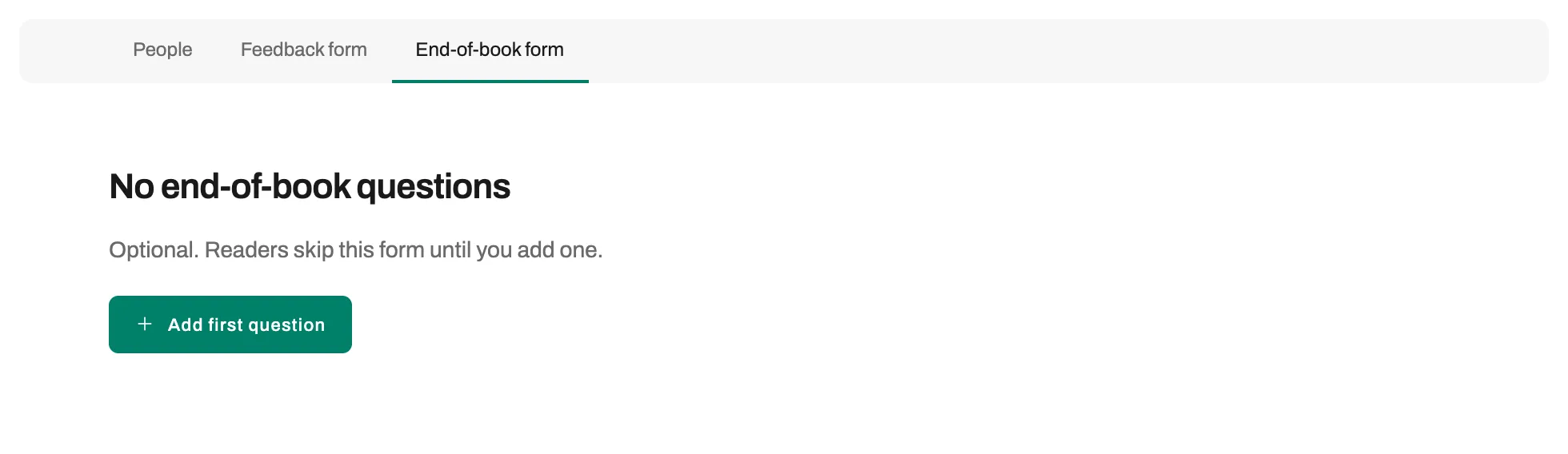
Step 2: Write the questions
- Press Add first question.
- Type the question. It can be up to 300 characters long.
- Under Answer type, choose Long answer, Single choice, Rating 1–5 or Yes / no. For Single choice, type two to 10 options under Options.
- Press Add question for each further question. A form holds up to 10.
- Press Save at the top of the page, and wait for the notice “End-of-book form saved.”
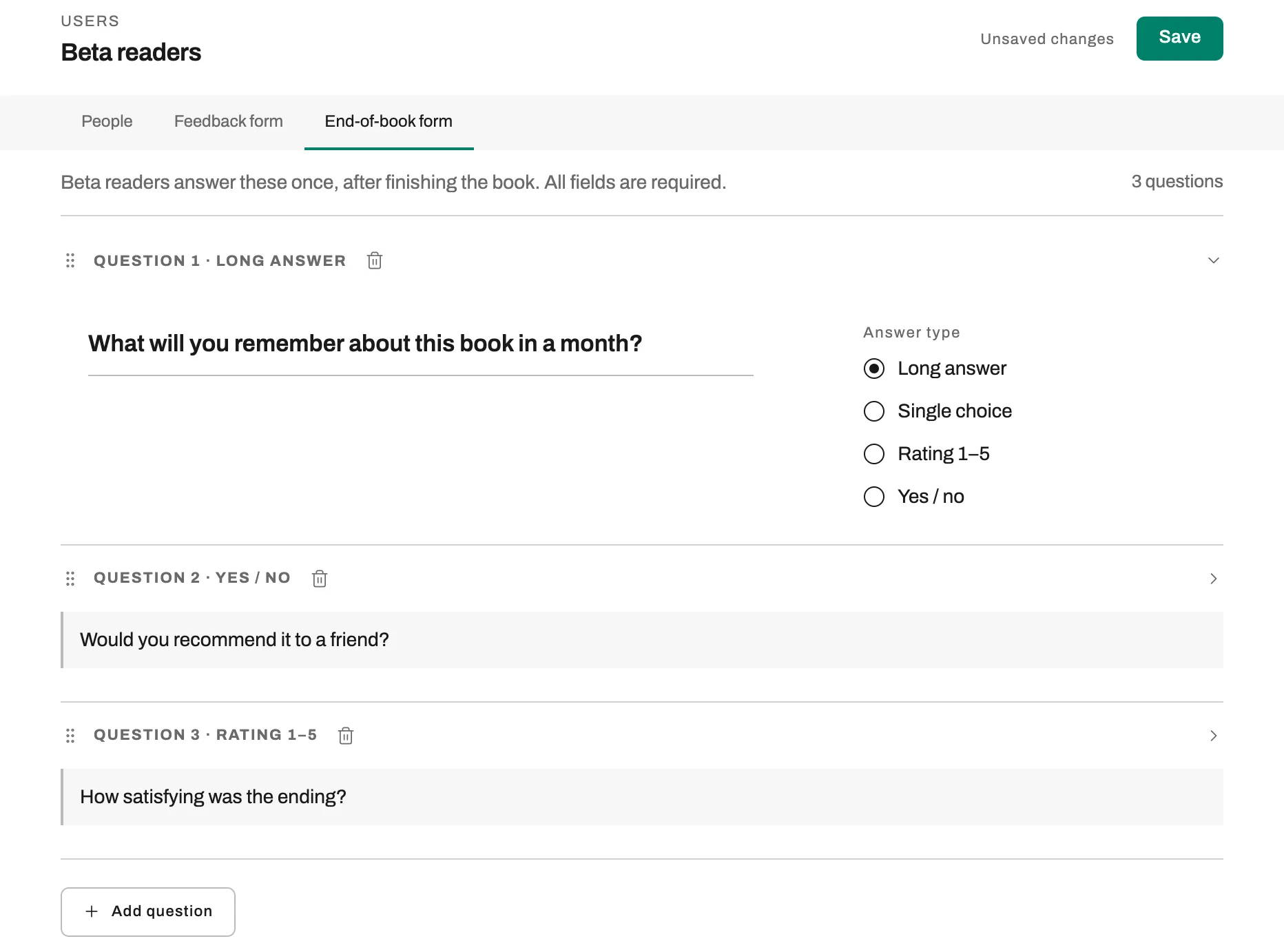
Drag a question by the handle at the start of its heading to move it, and press the bin beside the heading to remove it. This form has no switch for unlocking chapters: that one belongs to the feedback form.
Where your reader meets the form
A reader gets the end-of-book form straight after they send the feedback form for the last chapter. Its heading is “Overall feedback”.
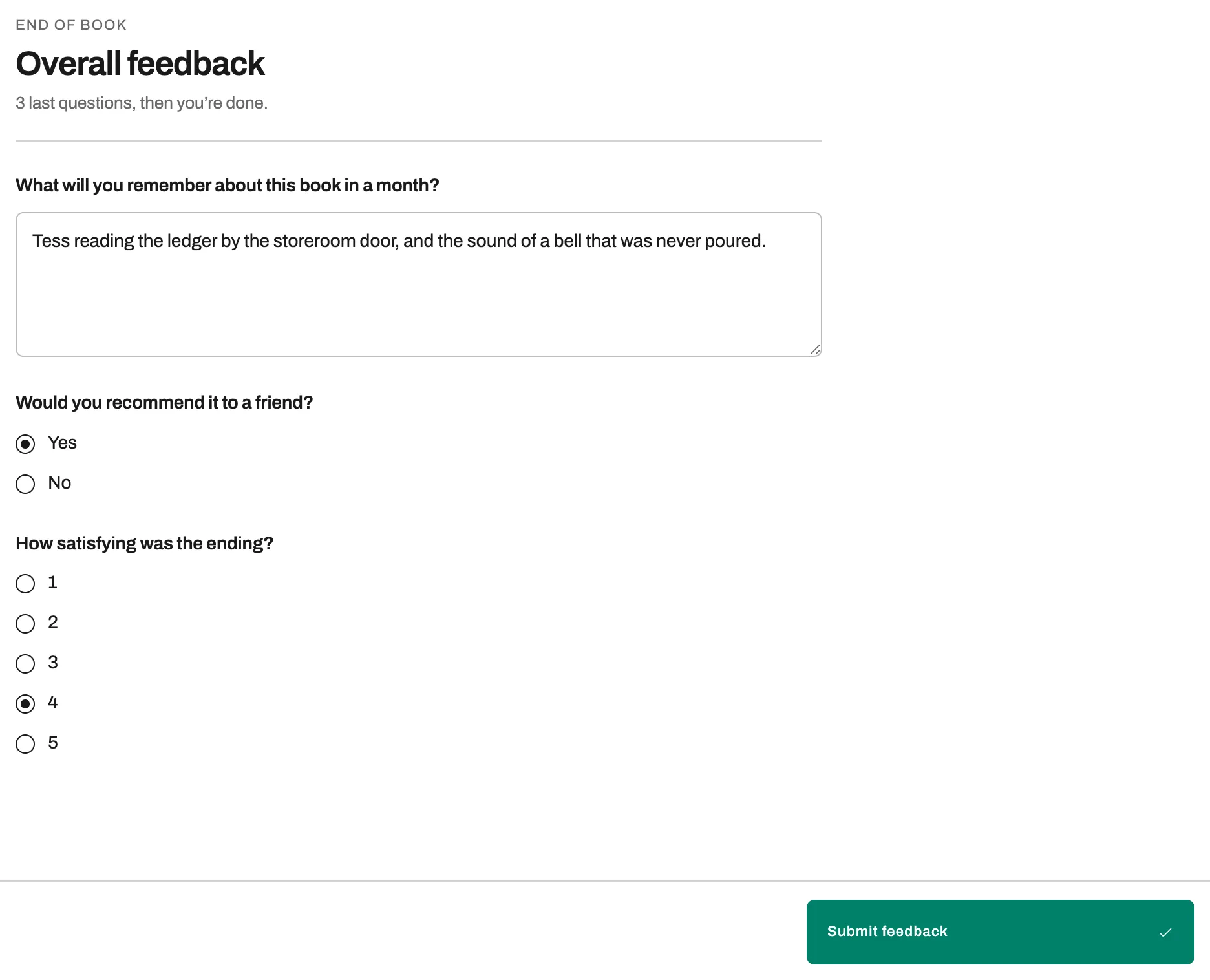
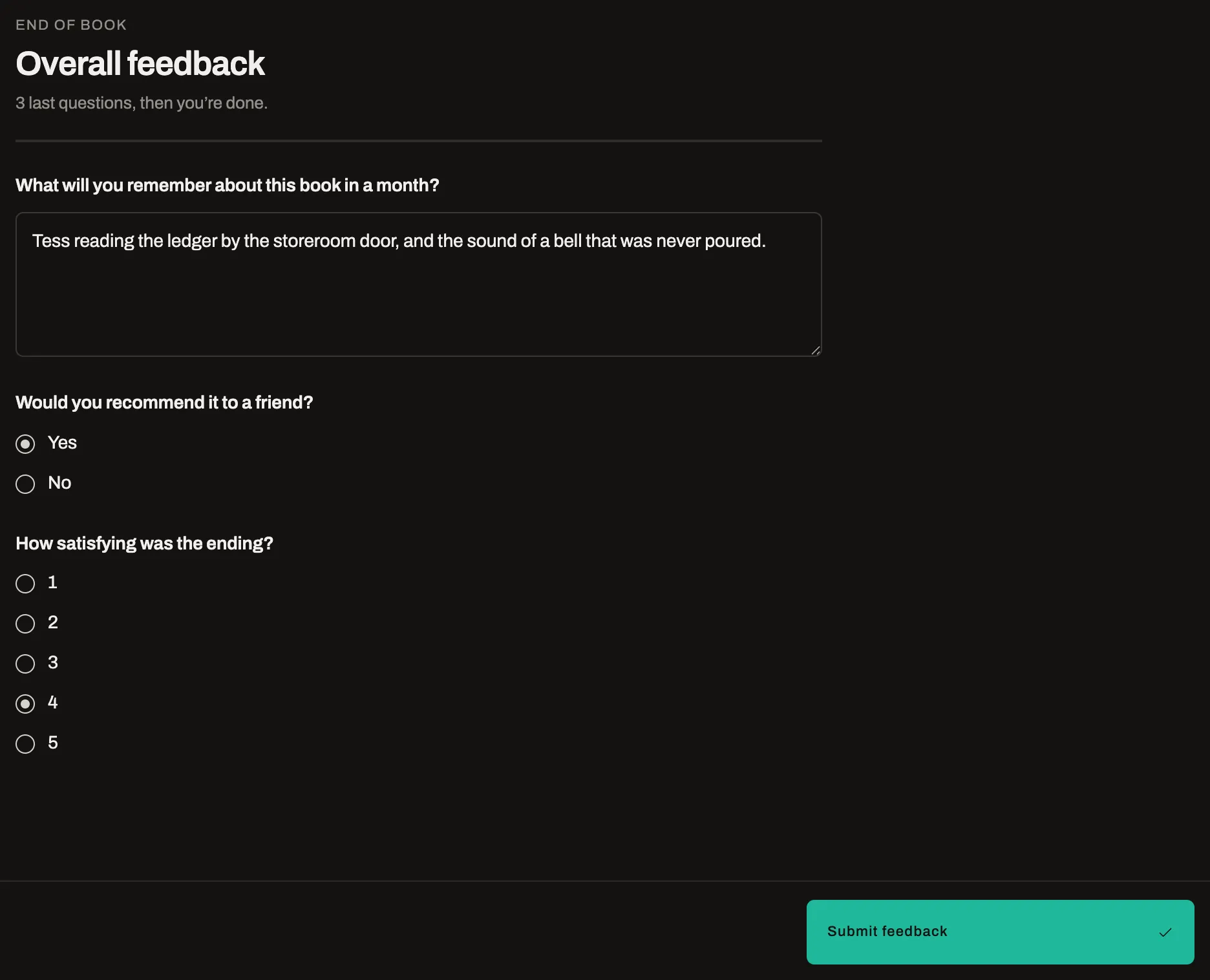
Every question has to be answered before Submit feedback can be pressed. After that the reader is told they have finished the book, and that you can see their answers.
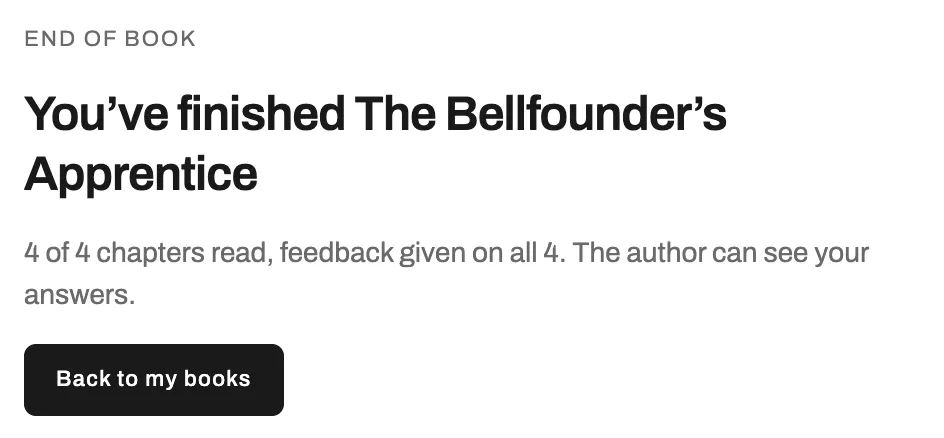
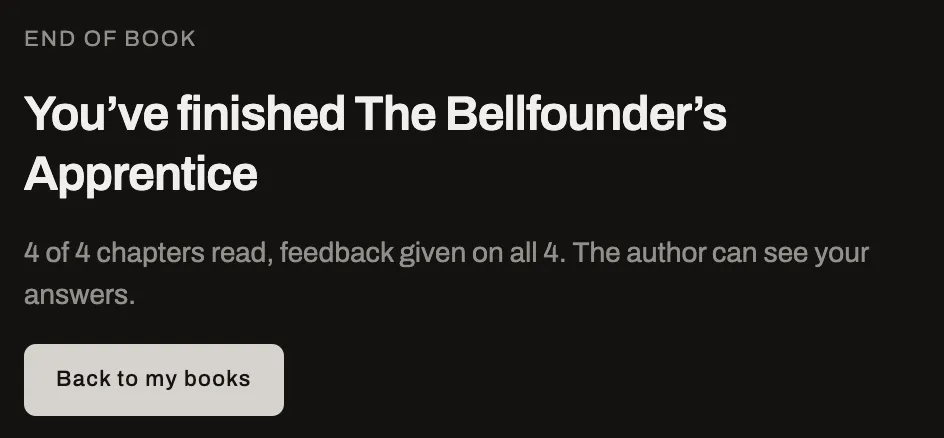
If the book has no end-of-book form, the reader goes straight from the last chapter’s feedback to that last screen.
Read the answers
End-of-book answers are kept with each reader. They are not in a chapter’s Feedback panel.
- On the Beta readers page, choose People.
- Press a reader’s row.
- Press the Overall row, the first in the table. It is marked End of book.
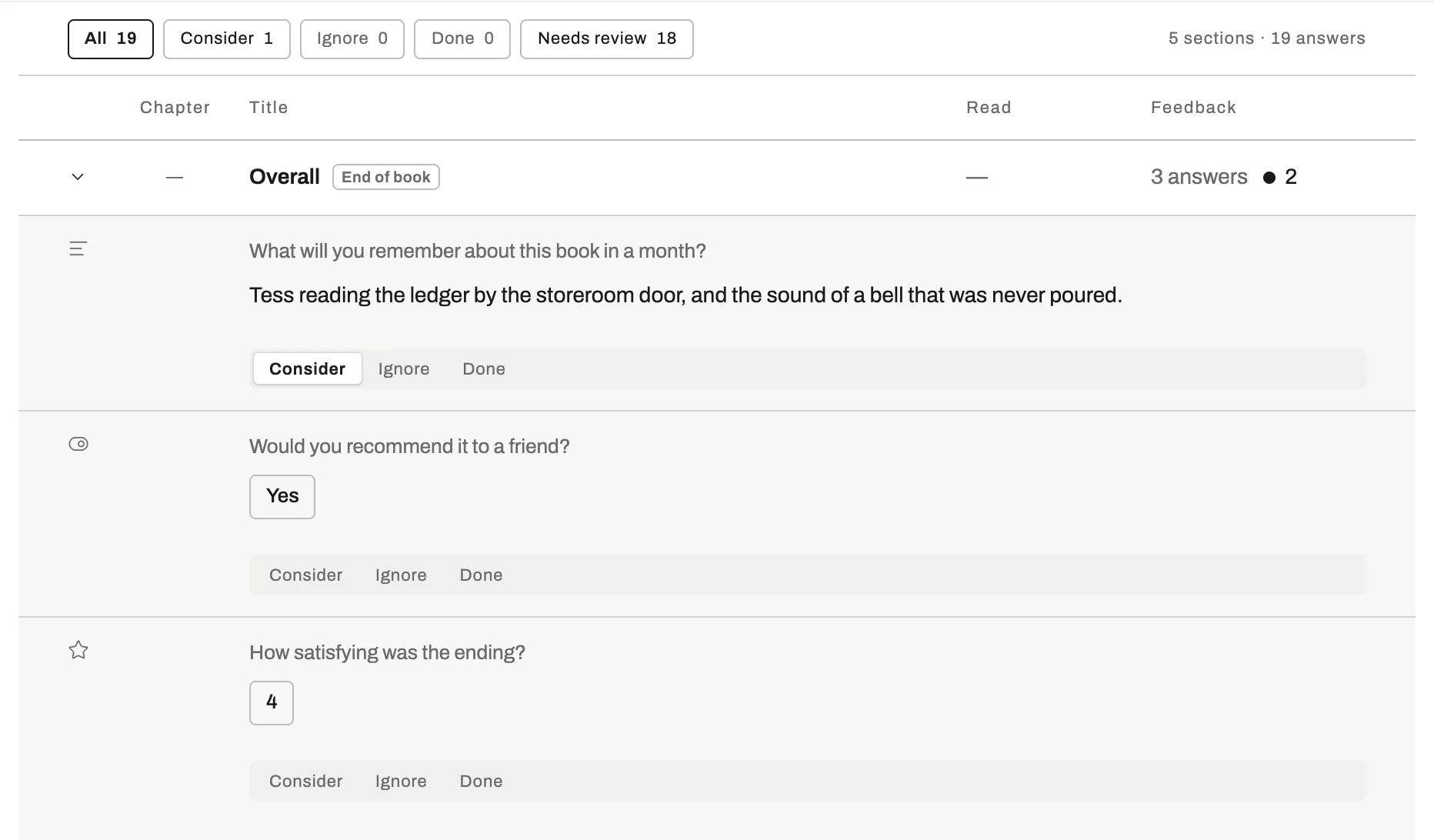
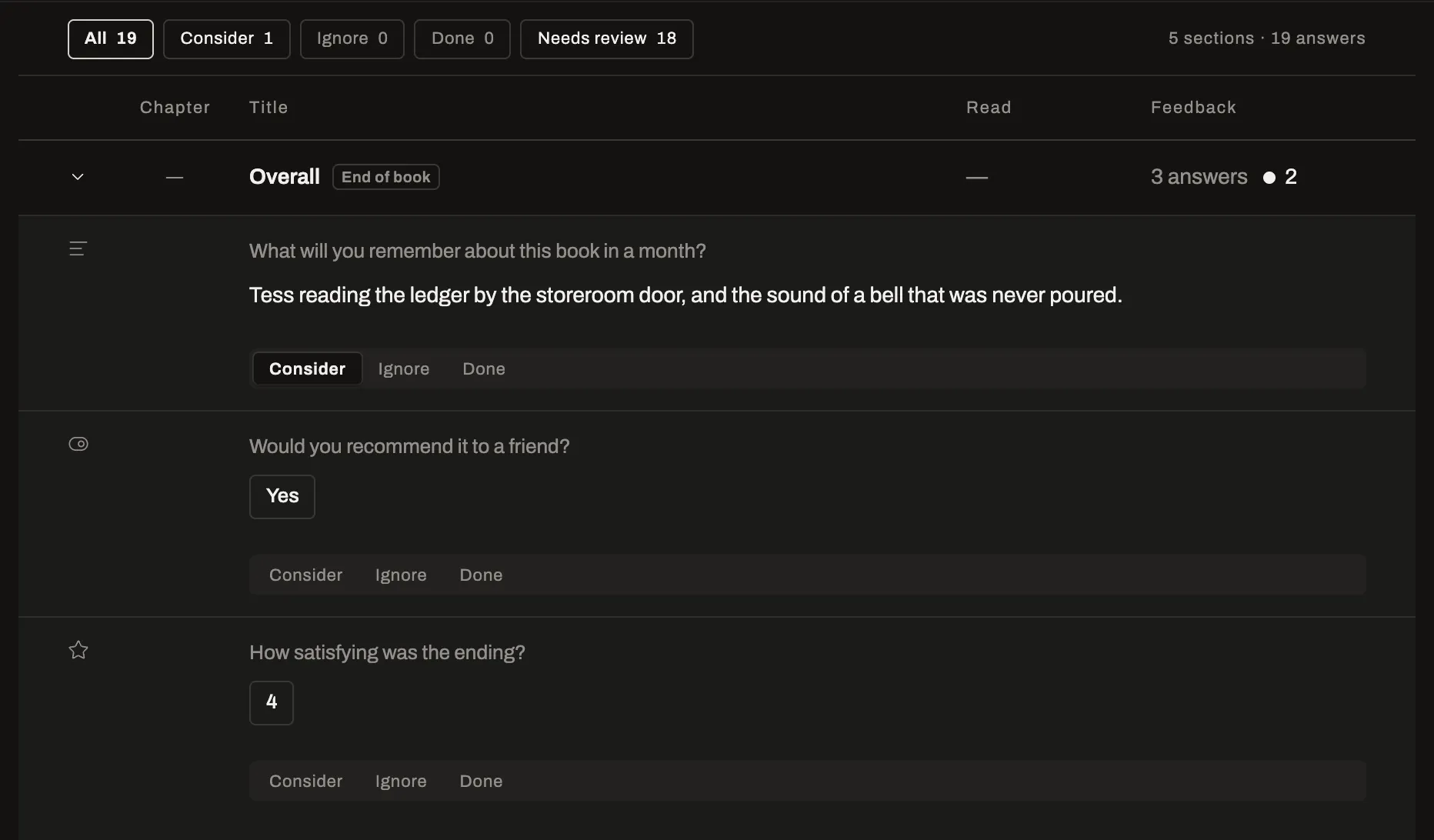
Tag an answer with Consider, Ignore or Done as you do for a chapter’s answers. For a reader who has not finished the book, the row reads None.
The rest of that page is covered in Invite beta readers and read their feedback.
Change or remove the form
- Change it: edit the questions and press Save. Readers who have not reached the end get the form as it stands when they arrive.
- Remove it: press the bin beside every question, then Save. The tab goes back to “No end-of-book questions”, and readers who finish after that are not asked.
Answers already given are kept either way. On a reader’s page, an answer to a question you removed is marked No longer in use.
Related
- Write the feedback form: the questions asked after every chapter, and each control of the form.
- Invite beta readers and read their feedback: invite readers, follow their progress and tag their answers.
- Free and Pro: what Pro adds, beta readers included.